


 Try for Free
 Try for Free
Last updated on 2026-01-09, by
Blim on ViX: How to Watch, Download, and Save Videos Offline
Summary:
This blog will introduce Blim and ViX streaming. You can learn how to watch Blim and ViX on different devices and methods to download content for offline viewing.
If you love Spanish entertainment as much as I do, Blim and ViX are two streaming services you simply can not miss. In 2022, Blim TV officially merged its content library into ViX. That means all your favorite Blim shows are now available on ViX. In this guide, let’s explore everything about ViX streaming. You can learn the pricing and how to watch Blim/ViX on different devices, as well as official and alternative ways to save ViX videos for offline viewing!
OutlineCLOSE
Part 1:What Is Blim and Why is it Now Part of ViX
Launched by Televisa in 2016, Blim TV stood out as a subscription-based video-on-demand service. At that time, Blim mainly targeted audiences in Mexico and Latin America. It offers tons of Spanish-language originals, movies, international titles, telenovelas, reality shows, and kids’ programming. For many of us, it is much like a regional alternative to Netflix, but completely ad-free and built specifically for Spanish-speaking viewers.
In 2022, there’s a major shift. Following the Televisa–Univision consolidation, Blim officially merged into ViX streaming. The goal is to create one unified, global Spanish-language streaming platform. After that, there is no separate Blim app anymore. If you want to watch Blim content, you will need to head straight to ViX. This merger brings clear benefits for viewers like us. We now gain access to a much larger content ecosystem that goes beyond Blim’s original library.
Part 2: What Is ViX? An Overview
Now you have the background knowledge of Blim and its merging with ViX. So what is ViX streaming? ViX is an over-the-top (OTT) streaming service owned by TelevisaUnivision, and it focuses entirely on Spanish-language entertainment. Launched in 2022, ViX brings together content from PrendeTV, the original ViX AVOD service, and Blim TV into one platform. This means we can enjoy movies, TV series, telenovelas, live sports, and news all in one place.
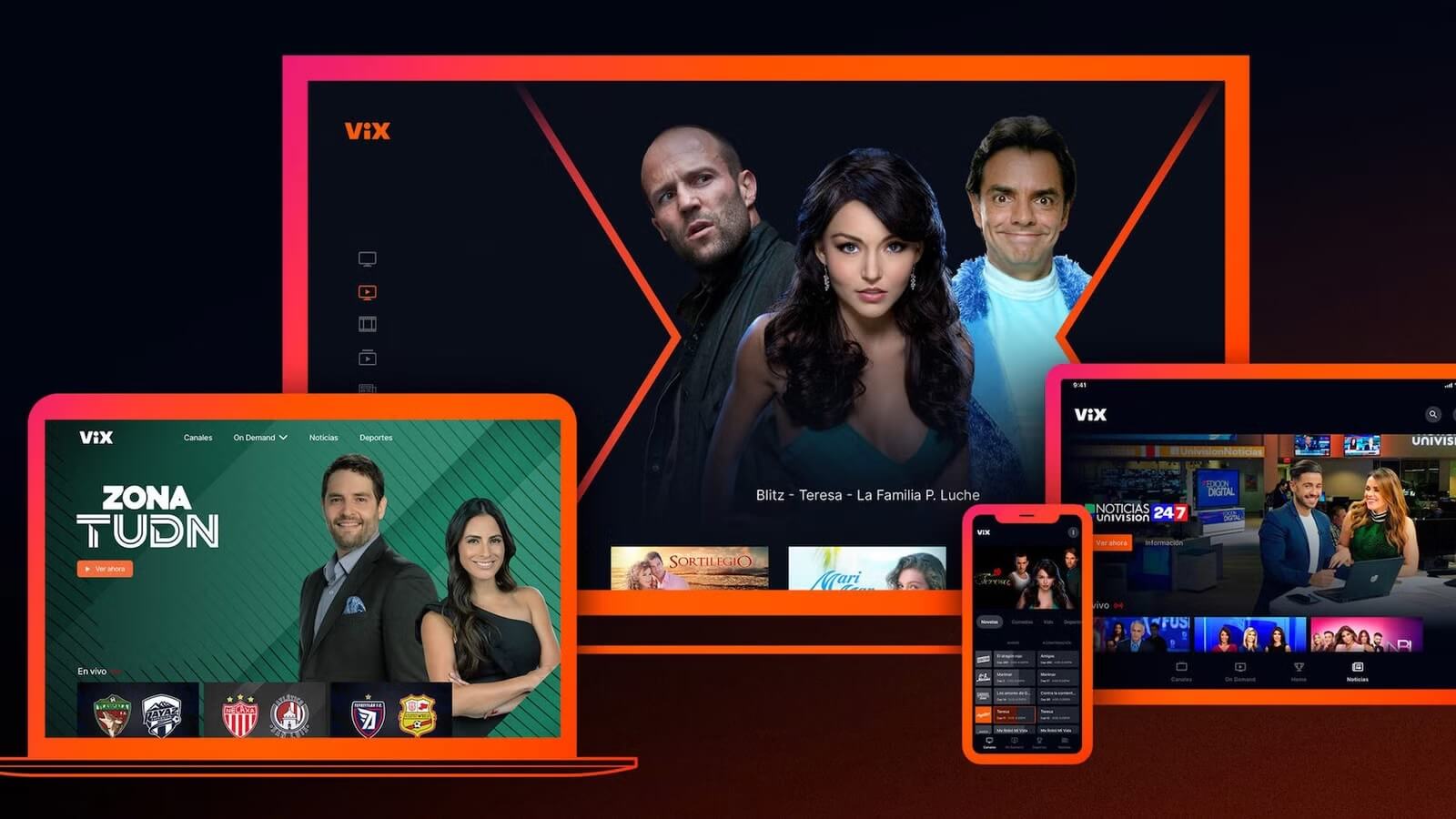
ViX streaming offers a free, ad-supported tier called ViX Gratis, which includes over 100 live channels and a large library of on-demand content. For those of us who want a premium experience, ViX provides paid plans with fewer or no ads, along with exclusive content such as Liga MX matches and UEFA Champions League games.
ViX Plans Preview
ViX offers several plans. You can choose the free tier or ViX premium price plan based on your needs.
| ViX Gratis |
Free |
Yes |
100+ live channels, thousands of hours of on-demand content |
|
ViX Premium with Ads |
$5.99/month |
Limited |
Premium series, movies, and live sports |
|
ViX Premium (Ad-Free) |
$8.99/month |
No |
Unlimited ad-free access to 17,000+ hours of content, including ViX Originals and exclusives |
Supported Devices (Mobile / CTV / Browsers)
ViX is widely compatible. Here are the supported devices to enjoy the ViX streaming.
| Device Type |
Supported Platforms |
|
Mobile |
iOS (iPhone/iPad, iOS 15.0 or later), Android phones and tablets |
|
Connected TV (CTV) |
Android TV, Fire TV, Roku, Apple TV, Samsung Smart TVs (select models), LG TVs, Vizio TVs |
|
Browsers |
PC and Mac via modern web browsers at ViX.com |
Part 3: How to Watch ViX (Blim Content) on Your Devices
With Blim now fully integrated into ViX streaming, we can access an even larger library of Spanish-language content across multiple devices. But what about offline viewing? Can we download Blim or ViX content the same way we do on Netflix and HBO? We’ve tested it and put together all the details. Just follow along!
Supported Devices (Mobile / CTV / Browsers)
As we mentioned earlier, ViX supports a wide range of devices. We can either download the ViX app from the appropriate app store or stream directly through a web browser for instant access.
How to Watch ViX on Your Smart TV?
Watching ViX streaming on a smart TV gives us a true big-screen experience that is even more enjoyable. Here’s how we usually do it:
- Step 1. What we first do is to make sure our TV is supported. You can check the device list introduced above to learn more.
- Step 2. Then we can just search for “ViX” in the TV’s app store and install it on our devices.
- Step 3. Log in with our ViX account or create a new one. Browse Blim-integrated content to start watching in excellent video quality.
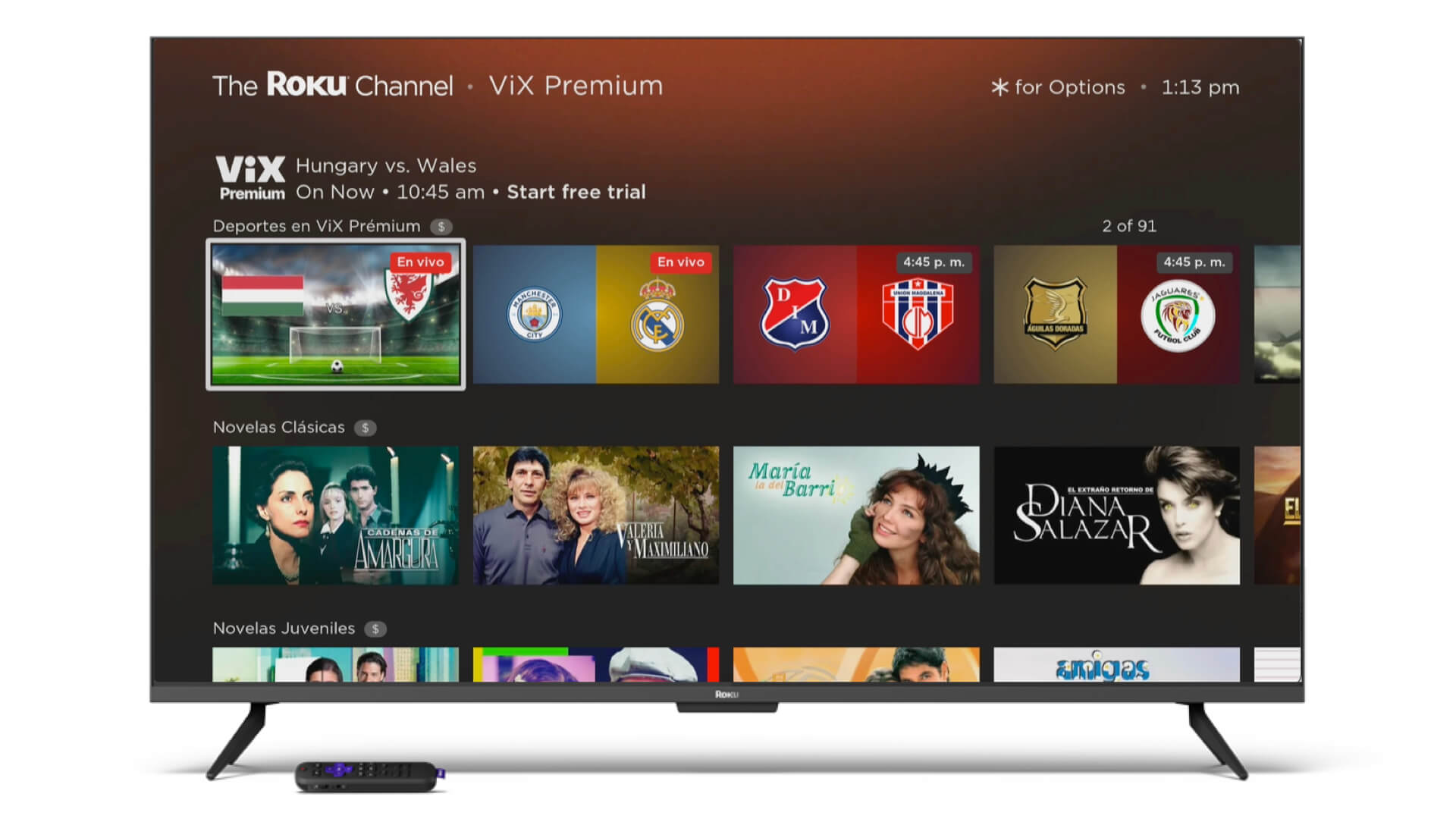
As introduced earlier, we can upgrade to the premium plans for full access. You can just review the above ViX premium price plans and choose one based on your budget. Meanwhile, if the app is not available on our TV, we can cast from our phone using Chromecast or AirPlay as a workaround.
How to Watch ViX on PC?
Want to watch from a laptop or desktop? It’s easy. We can make the ViX streaming work just as smoothly as this:
- Step 1. We go to ViX.com using any modern browser. Now, enter our account details or register for a free or Premium plan.
- Step 2. Search for the Blim titles or explore categories as you like. For the best experience, we recommend you switch to full-screen mode and use a stable internet connection.
Part 4: Official Offline Downloads on ViX
ViX does offer official offline downloads, which we find useful when traveling or dealing with limited internet access. When a title is eligible, we can see a download icon next to the episode or movie. Just click on it to intuitively download it like any streaming platform.
However, this feature is rather limited. One is that the downloads are only available through the ViX mobile apps on iOS and Android, and they require the ViX Premium ad-free plan ($8.99/month). Similarly, we find that the downloaded content expires after 30 days or even sooner once playback starts. And sadly, you can only watch on the device used for downloading.?
So what if we want to download ViX or former Blim content on a PC or Mac?? Unfortunately, there’s no official offline download option for desktop or smart TVs. But that does not mean we are out of options because we have found the simplest way to download Blim and ViX videos on your computer for permanent offline viewing. Just read on!
Part 5. How to Download Blim/ViX Videos for Permanent Offline Viewing
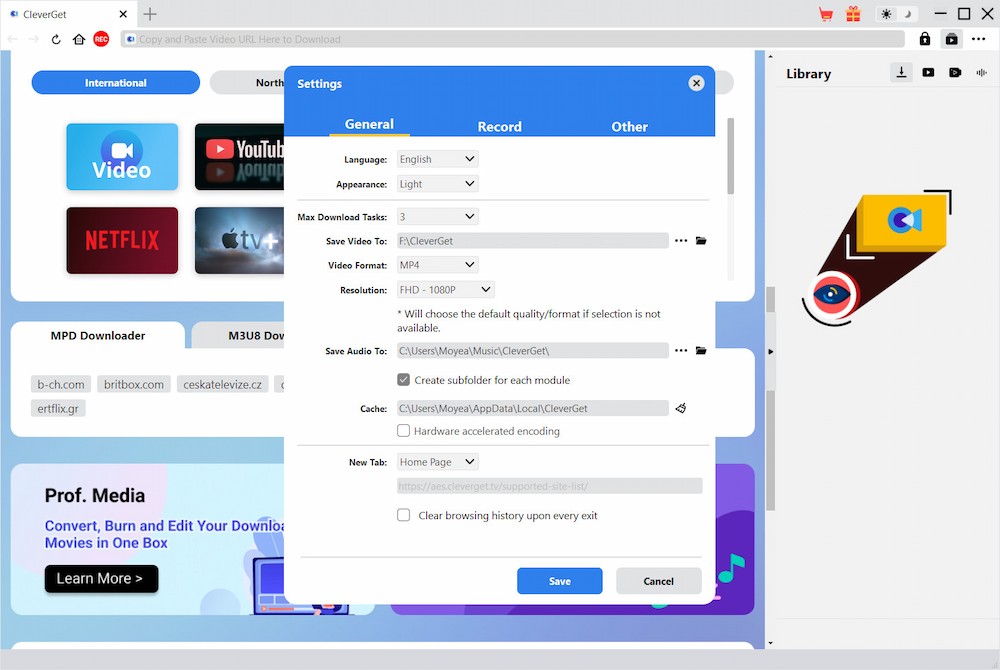
If we want permanent offline access to Blim/ViX streaming content, the only solution is to use third-party tools, and CleverGet ViX Downloader is a practical one! This software allows us to download ViX videos in up to 1080p resolution. Videos can be saved in MP4 or MKV format with complete ad removal(no need to pay for the ViX premium price!)The batch download feature is so intelligent that it can parse and save entire seasons at once!
Simple steps to use CleverGet ViX Downloader:
Step 1. We install CleverGet on Windows or Mac. Launch the program and set the preference from the settings panel.
Step 2. Play the video we want to download. Use the download icon in the bottom right to parse video sources.
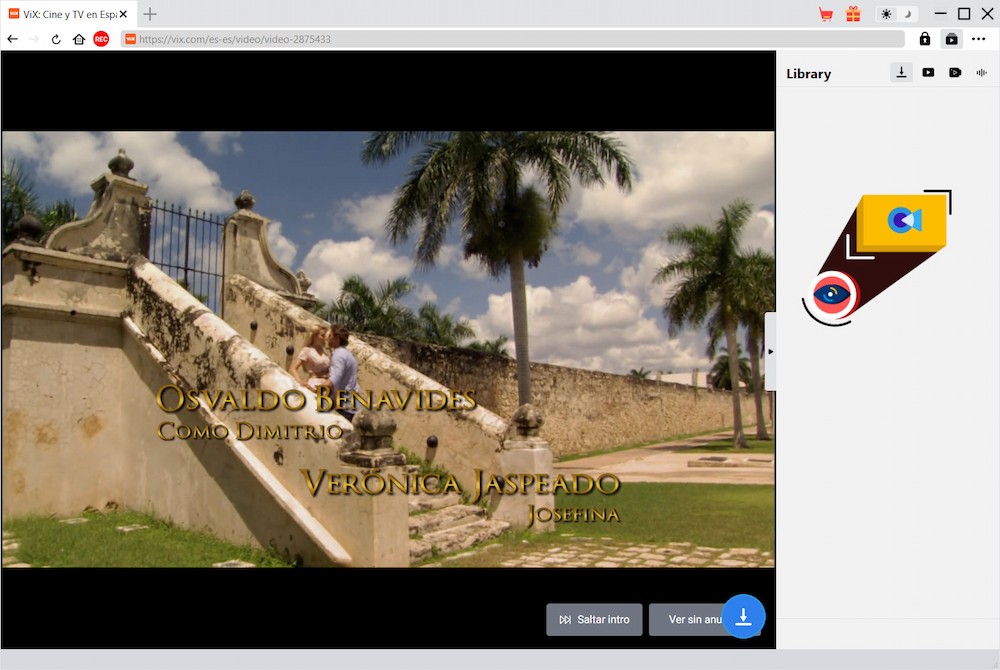
Step 3. After a while, we can see the download sources available.
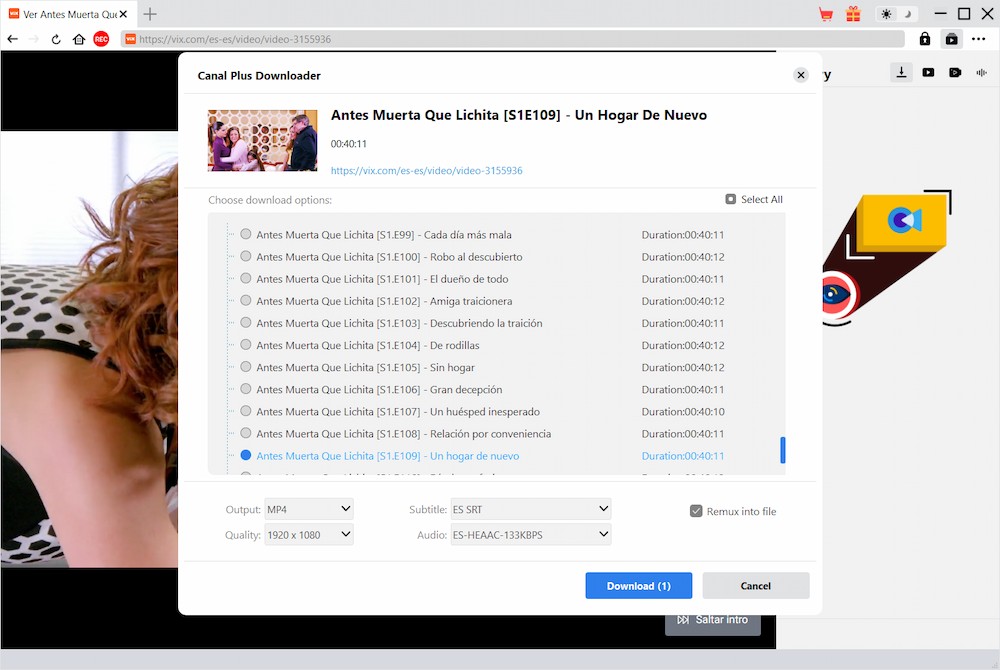
Step 4. Choose any option and download it for offline viewing.

Part 6. FAQs
Downloading ViX Videos on PC?
Finding a way to watch ViX offline at your desk? The service itself says no for computers. Still, something like CleverGet might quietly fill that gap when you’re away from connection.
ViX Premium Pricing?
Fifty-nine cents every month gets you ViX Premium – with commercials included. Skip the breaks by paying eight ninety-nine instead.
What Happened to Blim TV?
Few folks noticed when Blim TV slipped into ViX during 2022. Since then, every show that was once on Blim lives inside ViX instead.
Watch ViX on Smart TV?
Of course. Viewing ViX works through its official app when your smart TV supports it. Otherwise, try streaming via Roku, Fire TV, or Android TV boxes. The platform runs smoothly on these gadgets.
-

Why Amazon Prime Video Downloads Expire – and How to Fix ItPatrick/2026-01-09
-

Blim on ViX: How to Watch, Download, and Save Videos OfflinePatrick/2026-01-09
-

What Is IGTV and How to Use ItSunny/2026-01-05
-

How to Pause YouTube TV Subscription on Phone and PCSunny/2025-12-31
-

How to Screenshot on Mac: Step-by-StepSunny/2025-12-30
-

Can You Record Movies on Prime Video? Full GuideSunny/2025-12-23
-

How to Get Rid of Ads on Disney+Leia/2025-12-22
-

How to Cancel YouTube TV in Minutes (Step-by-Step Guide & Alternatives)Sunny/2025-12-19
-

Why Are My YouTube TV Recordings Missing or Not Showing Up?Sunny/2025-12-18
-

How to Change the Language on Paramount+Leia/2025-12-09
-

How to Download OnlyFans Videos from Messages?Patrick/2024-05-09
-

[2025] What is OnlyFans Media not Loading Issue & How to Fix?Vinho/2024-02-21
-

How to Download OnlyFans Videos on Android/iPhone/PC?Vinho/2024-06-28
-

How to Download Private YouTube Videos Without AccessAugust/2025-02-12
-

How to Download YouTube Members-Only Videos?Cassie/2024-05-08
-

Latest List of the Best Free Movie Websites[2025]Vinho/2024-05-07
-

[2025 Update] How to Download All Media from OnlyFans?Vinho/2024-02-26
-

TK2DL: Features and Uses of this TikTok & Twitter DownloaderLeia/2024-09-05
-

How to Turn Off Age Restriction on YouTube?August/2024-03-04
-

10 Best HDHub4u Alternative Sites for Movie DownloadAugust/2024-03-06
 English
 Deutsch
 日本語
日本語 French
 한국인
한국인 Italiano