


 Try for Free
 Try for Free
Share article:


ScreenRec Review: Is It Truly Free and Watermark-Free?

2026-07-02 ・ Related to: Free Screen Recorder
57 Views
Summary:
This blog covers whether ScreenRec is really free, compares its free and paid features, and introduce an alternative for you.
MenuCLOSE
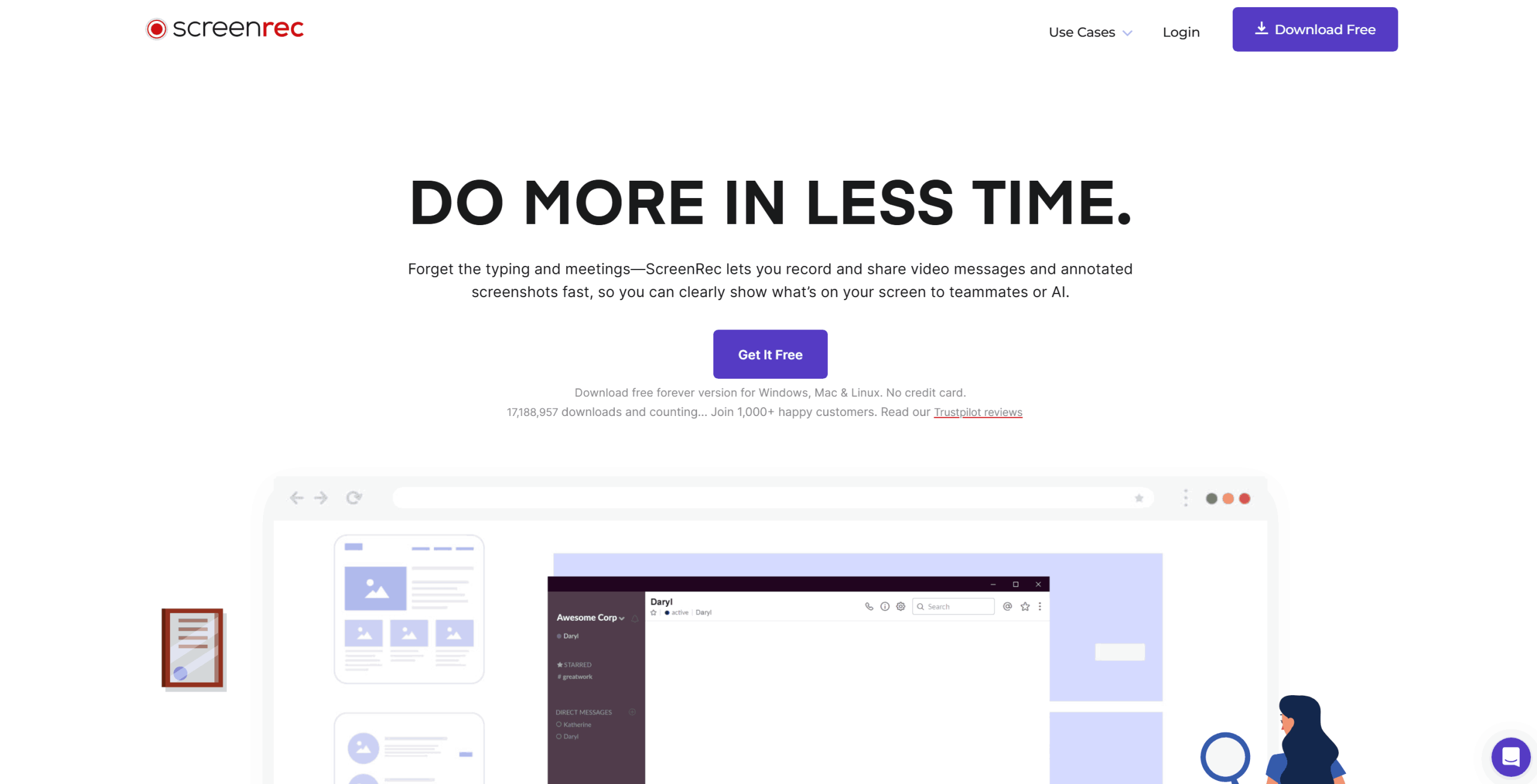
ScreenRec is a lightweight desktop recorder and has quickly become popular among users thanks to its promise of providing a free video-capturing without any watermarks. At a time when most applications offer free video recording but then make you pay extra through hidden watermarks, ScreenRec believes that it can break the trend by allowing users to record for as long as they want without adding any sort of watermarks to their videos. Is this application truly worth what it promises? Let us find out in this detailed ScreenRec review by looking into its video capture capability.
Quick Preview
Features
- No Watermarks: You can freely record your screen, webcam, and microphone without getting any unwanted branding elements.
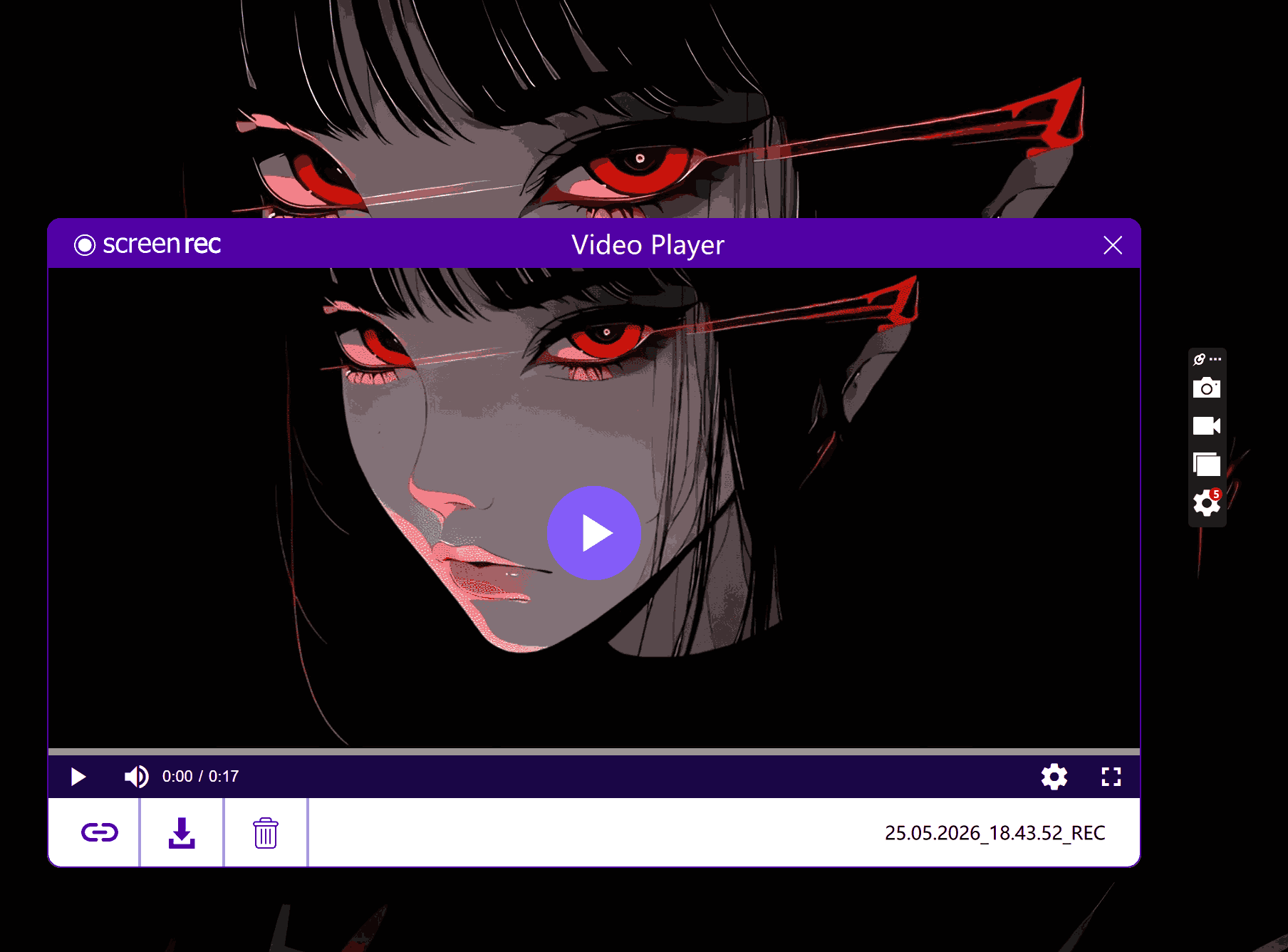
- Cloud Link Generation: It will instantly generate a link for the recorded video right into the clipboard.
- Compact User Interface: Runs with a small sidebar widget, which is clean to see.
- Screenshot Tool: Has an option to take screen captures.
Is ScreenRec Really Free?
Yes, it is a free screen recorder, but with limits. If you are a guest user of ScreenRec, the recording limit is a strict 5 minutes. You can skip this hurdle and upgrade to the “Free Forever” option by creating a free account with your email.
After you have a free account, the 5-minute recording limit disappears, and you can enjoy the advertised watermark-free experience. From my personal testing, I found that ScreenRec has basic recording functions and managed to record my entire/regional screen, along with the webcam and microphone input, without leaving any obnoxious logos in the video. However, the downside to using a free account is the inability to save videos above 720p and the 2GB storage space, which you may quickly run out of. Also, in ScreenRec’s clauses, you cannot use the records in commercial activities.
Free vs Paid: Which Is Right for You?
ScreenRec offers two premium plans, which provide users with:
|
|
Pro Plan |
Premium Plan |
|
Price (billed annually) |
$4/mo |
$49/mo |
|
Cloud Storage |
50GB |
200GB |
|
Max Recording Quality |
1080p Full HD |
Up to 4K Ultra HD |
|
User Seats |
1 user |
5 user seats (with centralized billing) |
|
Support |
Email & chat |
Priority phone, email & chat |
Free version seems like the perfect option at first, but it actually has very annoying drawbacks. If you don’t know which to choose, this chart helps you to make a quick decision to see what you really need (if you need to upgrade):
|
|
Free Version |
Pro Plan |
Premium Plan |
|
Watermark |
√ |
√ |
√ |
|
Unlimited Recording Time |
√(With email account login) |
√ |
√ |
|
Cursor Highlighting |
× |
√ |
√ |
|
Max Quality |
720p |
1080p |
4K |
|
Commercial / Business Use |
× |
√ |
√ |
|
Cloud Storage |
2 GB |
50 GB |
200 GB |
|
User Seats |
1 |
1 |
5 |
What Do Users Say About ScreenRec?
Whereas my personal experiences only reflect my personal experience, an analysis of over 1,200 reviews published on Trustpilot gives an extensive view into how good ScreenRec is. The app has managed to secure a highly rated 4.6 out of 5 stars rating, thanks to its smooth operation and zero-hassle nature of interaction.
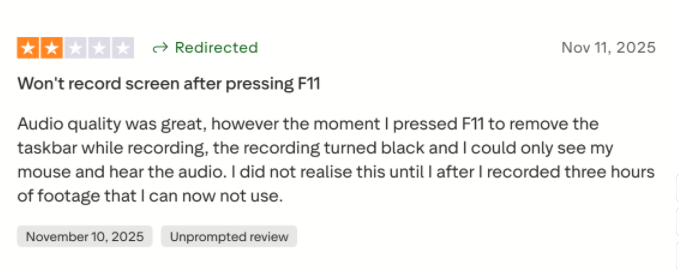
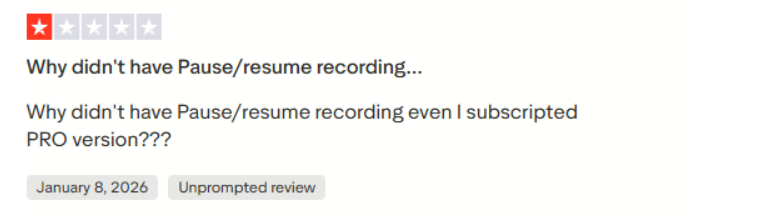
However, recent reviews also confirm that public sentiment about some features of this software is mixed.
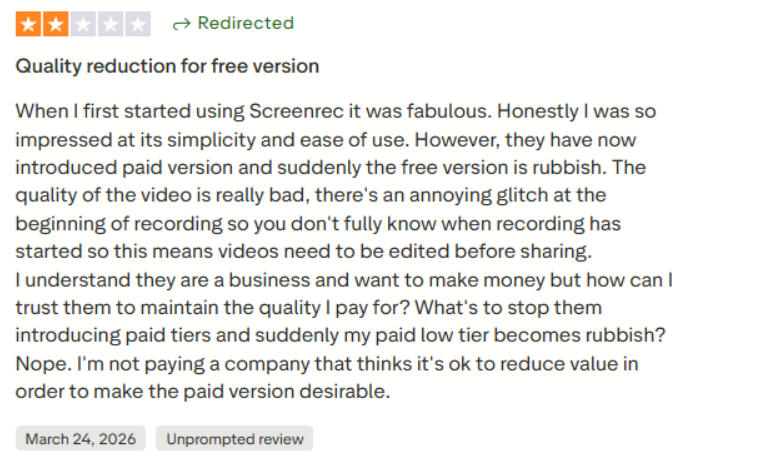
Overall, ScreenRec appears to be a great software tool. If you need to capture an instant mistake on the screen, record a short update for a co-worker, or take screenshots without watermarks, then ScreenRec Free is the right choice for you. You will need to upgrade to one of these packages if you require commercial permissions, crystal clear 1080p or 4K recording quality to make your tutorial videos without redoing them all from scratch.
Best Alternative to ScreenRec
If you are tired of subscribing to kinds of upgraded plans, I have another tool to introduce to you. In my experience of testing different free screen recorders, I discovered that the best totally unlimited free tool currently offered is Leawo Free Screen Recorder.

-
- Free online recorder to record window, browser tab or entire screen online.
- Free screen recorder to record screen in full-screen or custom area at up to 4K to MP4.
- Free webcam recorder to record webcam video.
- Free audio recorder to record audio from microphone or computer to MP3.
- Free screenshot snapper to snap screenshot to JPG.
Contrary to what I experienced in ScreenRec, this program does not impose any limitations on the user’s work. From my Leawo Free Screen Recorder review, it appears that this tool is an advanced set of four tools, including a screen recorder, webcam recorder, sound recorder, and a screenshot tool to take screenshots at once.
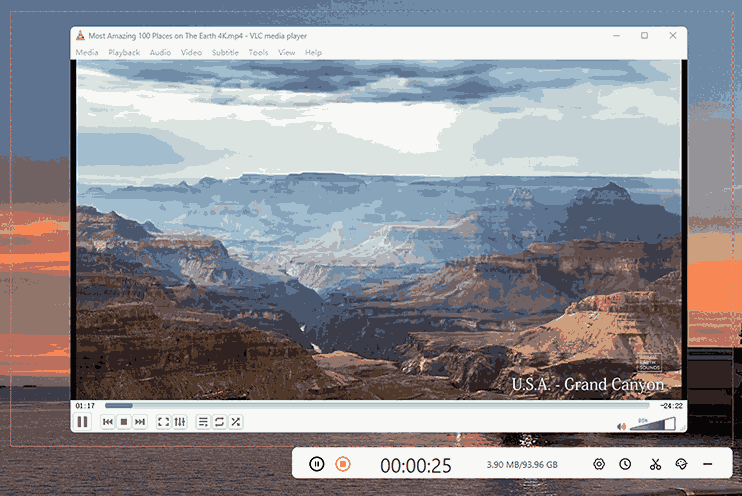
Here is how the two tools stack up side-by-side based on my actual usage:
|
|
ScreenRec (Free Tier) |
Leawo Free Screen Recorder |
|
Price |
Free (Requires account registration) |
100% Free without registration |
|
Watermark |
× |
× |
|
Max Recording Quality |
720p |
Up to 4K Ultra HD |
|
Screenshot Tool |
√(with annotations) |
√(with annotations) |
Final Words
All in all, deciding whether to use ScreenRec or its competitor, like Leawo, depends mostly on your personal needs. If you require sharing them quickly via links to platforms such as Slack or using email, then ScreenRec is perfect.
However, in case you record lengthy tutorials or demos, you should save yourself the agony and go with the software that offers unlimited functionality, like Leawo Free Screen Recorder, which offers freedom of pause and resume, with no quality limits.
FAQs
Is ScreenRec good for beginners?
Yes. It is very easy to use. The interface is simple and sleek without many distractions. A floating sidebar on the right is easily seen, and you can use it without steep learning curves
Is ScreenRec safe to install?
Yes, as long as you download it from the official sources. Just don’t download it from any suspicious sites and use any pirated versions.
Does ScreenRec work offline?
Yes, it can record offline, but there is a catch. If you stay offline for too long, the app will log you out, and you will lose access to HD recording and the unlimited time limit until you connect to the internet again.
Is ScreenRec good for long recordings?
Personally, I think not. While you get unlimited recording time by creating a free account, the free version does not have a pause button. If you make a mistake an hour into your video, you have to start all over again.
Does ScreenRec have editing features?
No, it does not have any built-in tools to edit your videos. If you need to cut out a mistake or polish your footage, you have to use a separate editing program.
Free Screen Recorder

 Try for Free
 Try for Free
 Totally free to use.
Record desktop activities to MP4 files.
Record webcam content to MP4 files.
Record audio from system or microphone to MP3.
Take screenshot with annotation.
 English
 Deutsch
 日本語
日本語 French
 한국인
한국인 Italiano