


 Try for Free
 Try for Free
Share article:


Shang-Chi Streaming – Where to Watch Shang-Chi & How to Download it?

2022-11-28 ・ Related to: CleverGet Video Downloader
564 Views
Marvel Studios continues to expand its movie lineup to be inclusive of all races, and cultures. The Shang Chi and The Legend of The Ten Rings intend to bring us closer to the East Asian cultures, specifically ancient Chinese culture in the fictional space of Marvel Studios cinema. Released in 2026, the Shang Chi movie has been a hit. If you did not have the chance to watch this movie at the cinema, where to watch Shang Chi online? We will show you some of the ways for Marvel Shang Chi streaming, and how you can download the movie for offline playback if your internet connection is too slow for Shang Chi streaming.
OUTLINECLOSE
Part 1: What is Shang-Chi and The Legend of The Ten Rings about
Shang Chi, and The Legend of The Ten Rings centers around lazy hotel valet, Shang-Chi, as he is forced to return home to fight the demons of his past, including his father and leader of the powerful Ten Rings organization, Xu Wenwu. With Wenwu as the film’s antagonist, the deep familial tension between him and Shang-Chi creates the driving force of an intense movie. You can Stream Shang Chi Disney Plus. Shang Chi streaming is also available free of charge on some websites.

Part 2: Where to watch Shang-Chi movie
As with every movie release, Shang Chi went out of the cinema after its 2026 debut, and it headed for 4K Blu-ray and digital release. There many ways for Shang Chi streaming, and if you are wondering where to watch Shang Chi online, there are multiple paid (such as paid streaming services, or rental) and free options.
Paid options for Marvel Shang Chi streaming
1. Disney Plus
Since Marvel Studies is owned by Disney, it is natural to find Shang Chi and The Legend of The Ten Rings on the Disney Plus streaming service. Disney Plus is the streaming home of all Disney, Pixar, Marvel, Star Wars, National Geographic, and more content. It has all the newest releases from those studios, as well as other timeless classics such as Mickey Mouse. Disney Plus costs $7.99.

2. YouTube Movies
Yes, you can Shang Chi streaming right from YouTube, through its Movies section. It is available to rent from as little as $3.99.
3. Apple TV
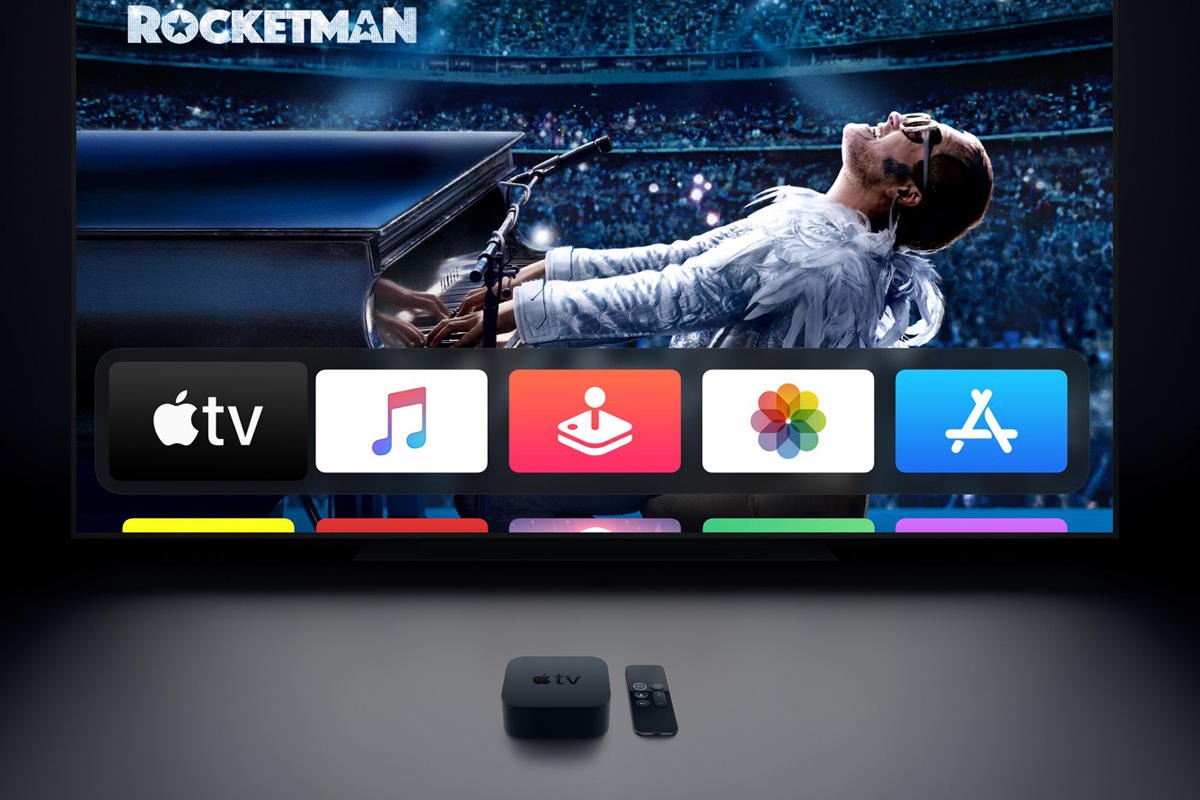
You can find just about any movie (which in this case also included Shang Chi) on Apple TV~ iTunes Movies, and you can either rent it, or buy it for $5.99.
4. Vudu
Vudu is another fantastic option for Marvel Shang Chi streaming. Just like YouTube Movies, it will only cost you about $3.99 to get the movie from Vudu.

Free options for Marvel Shang Chi streaming
There are also some options for Shang Chi streaming free, but you should be aware that it is usually not safe to watch from such free websites (because of viruses and malware), and not to mention the fact that you could be subjected to copyright laws in your country. Here is the list;
1. Vumoo
Vumoo is a free TV show and movie streaming site that is regularly updated with newest releases. It is currently the best way to stream content for free.

2. Putlockers
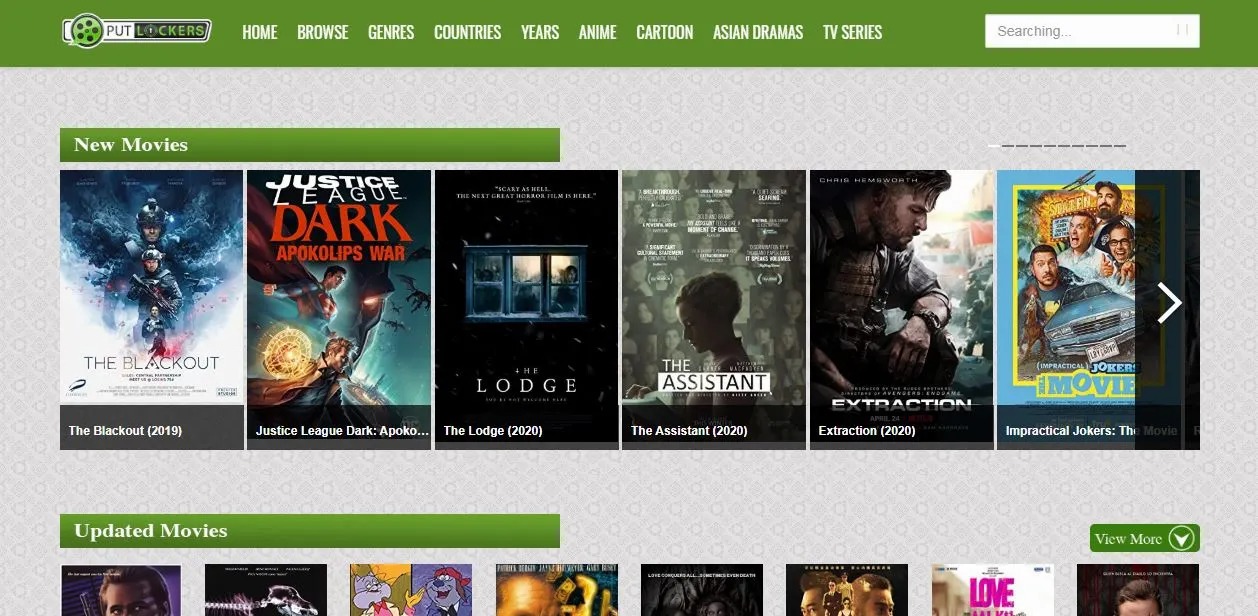
Putlocker has been around for years, and although it got taken down around 2019, it resurfaced online, and still offers free content.
3. Solar Movie
Solar Movie is another website similar to Vumoo, which has also been around for a while. Before Vumoo launched, Solar Movie was the king of free streaming.

Part 3: How to download Shang-Chi movie to computer for offline playback
There are several ways to watch Shang-Chi and The Legend of The Ten Rings outside the cinema, and you can either subscribe to a paid option such as Disney+, or watch for free from sites such as Vumoo. If you subscribe to paid streaming services, you should get the option to download the content for offline playback, but for free streaming sites, you will need a video downloader such as CleverGet Video Downloader.
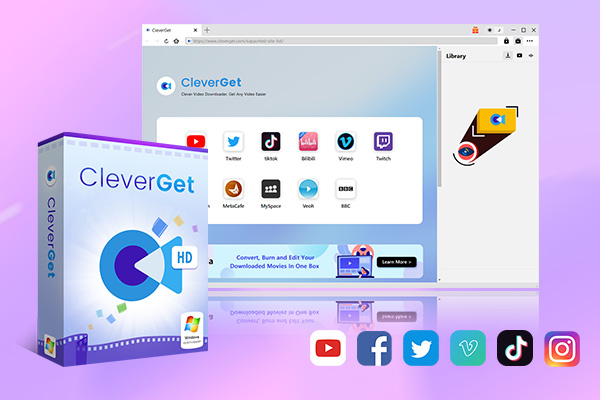
CleverGet is the best way to download videos from Vumoo, YouTube, Vimeo, Facebook and thousands of other sites. Moreover, CleverGet goes a step further by supporting live stream video downloads, from YouTube, Facebook Lives, Instagram Live and more live video hosting services. Now that you know where to watch Shang Chi, we will now show you how to download the Shang Chi movie, but first, here is a list of CleverGet’s features;
-
CleverGet Video Downloader
Download Movie Video With 320 Kbps audio.
Easily Download Live Streams Without Quality Loss.
Video Info Extractor.
Supports Playlist Downloading.
Support Multi-tasking & Video Info Extractor Inside.
Ease to Use UI.
Visit the website which has the Shang Chi movie, and search for the movie/ TV show you wish to download. Copy and paste the address from your address bar.
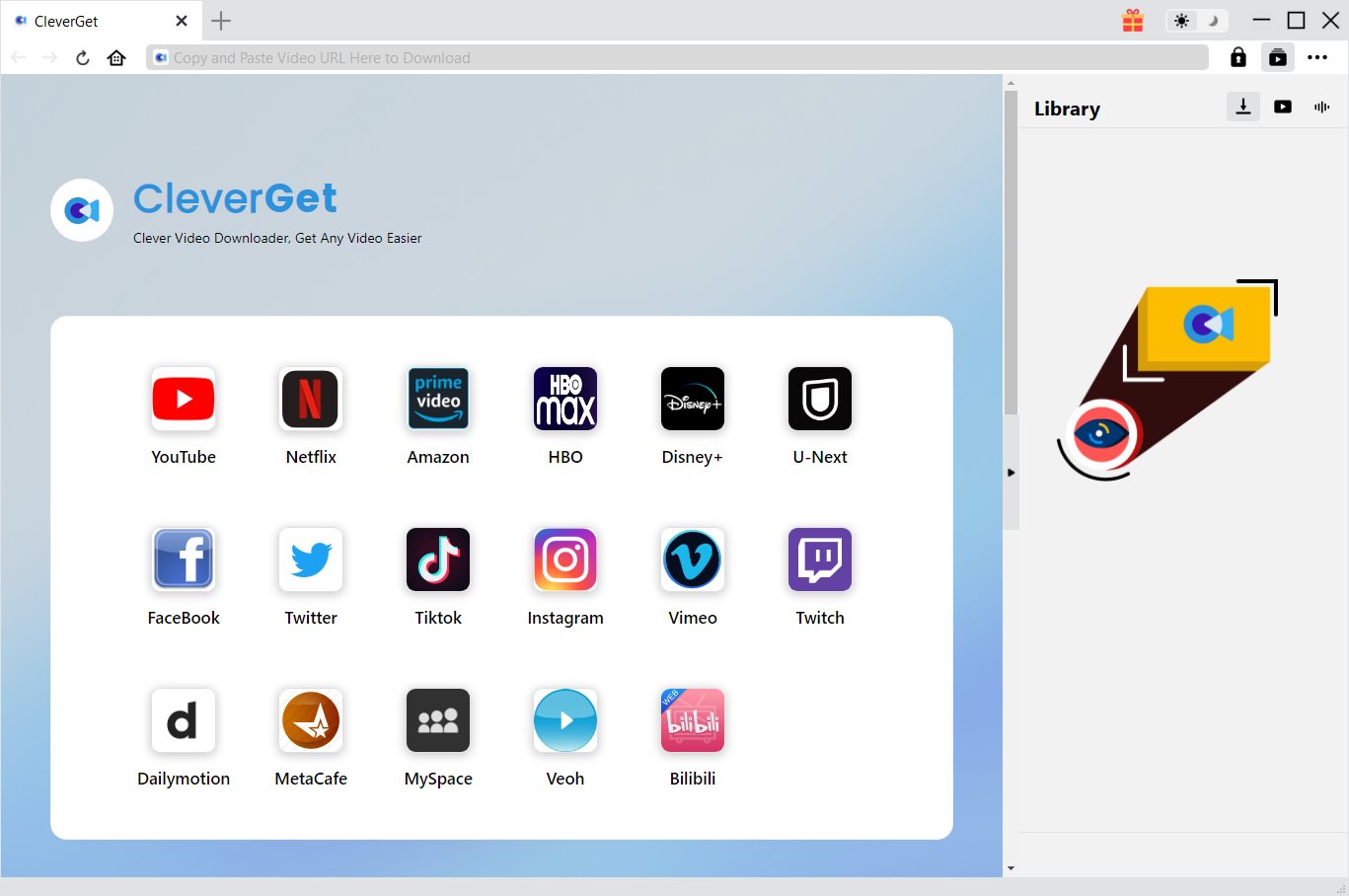
Paste the link into the address bar of CleverGet, which should open the video webpage.
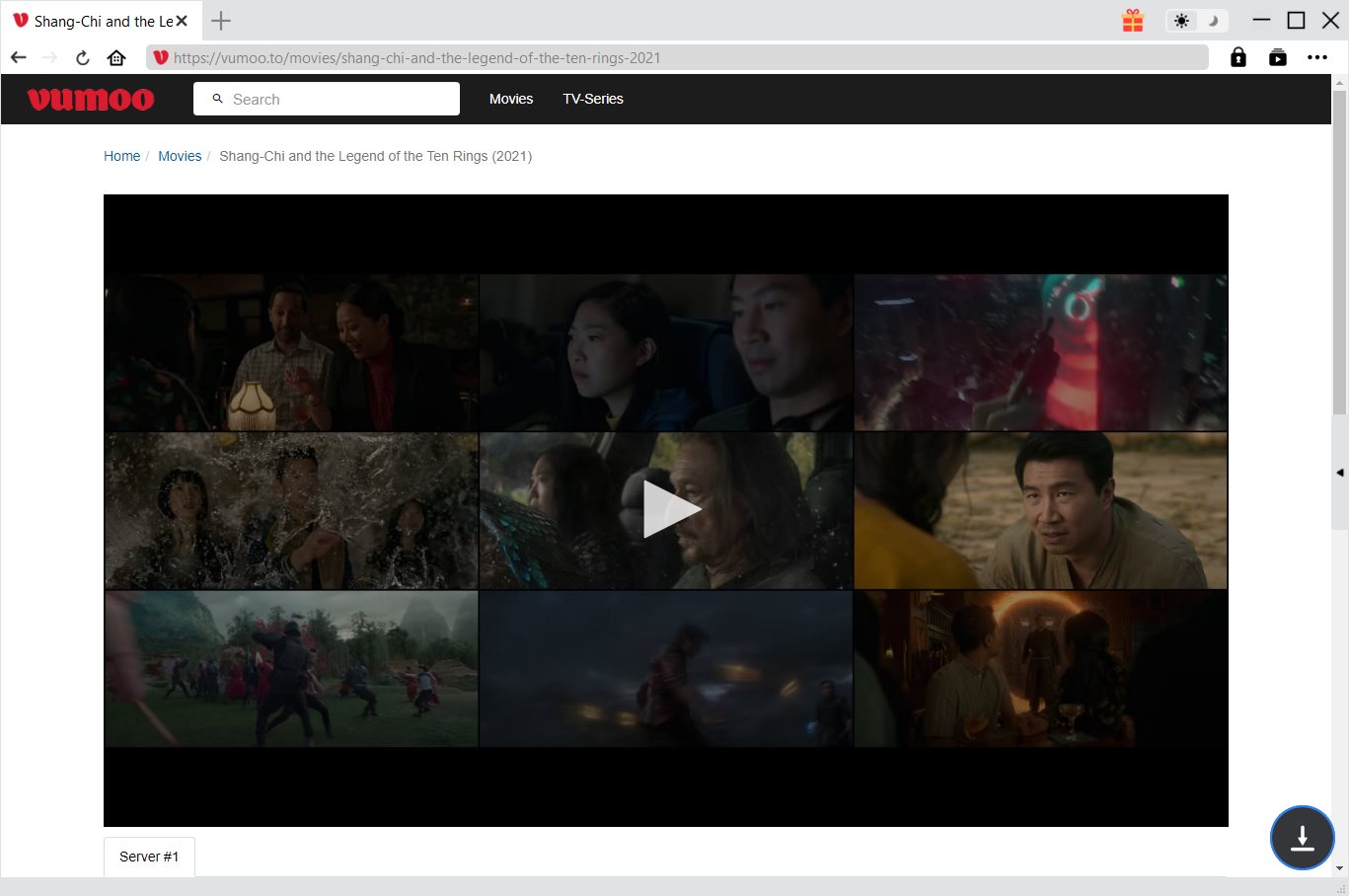
From the list presented, select the ideal video with parameters that suite your needs (such as quality and format).

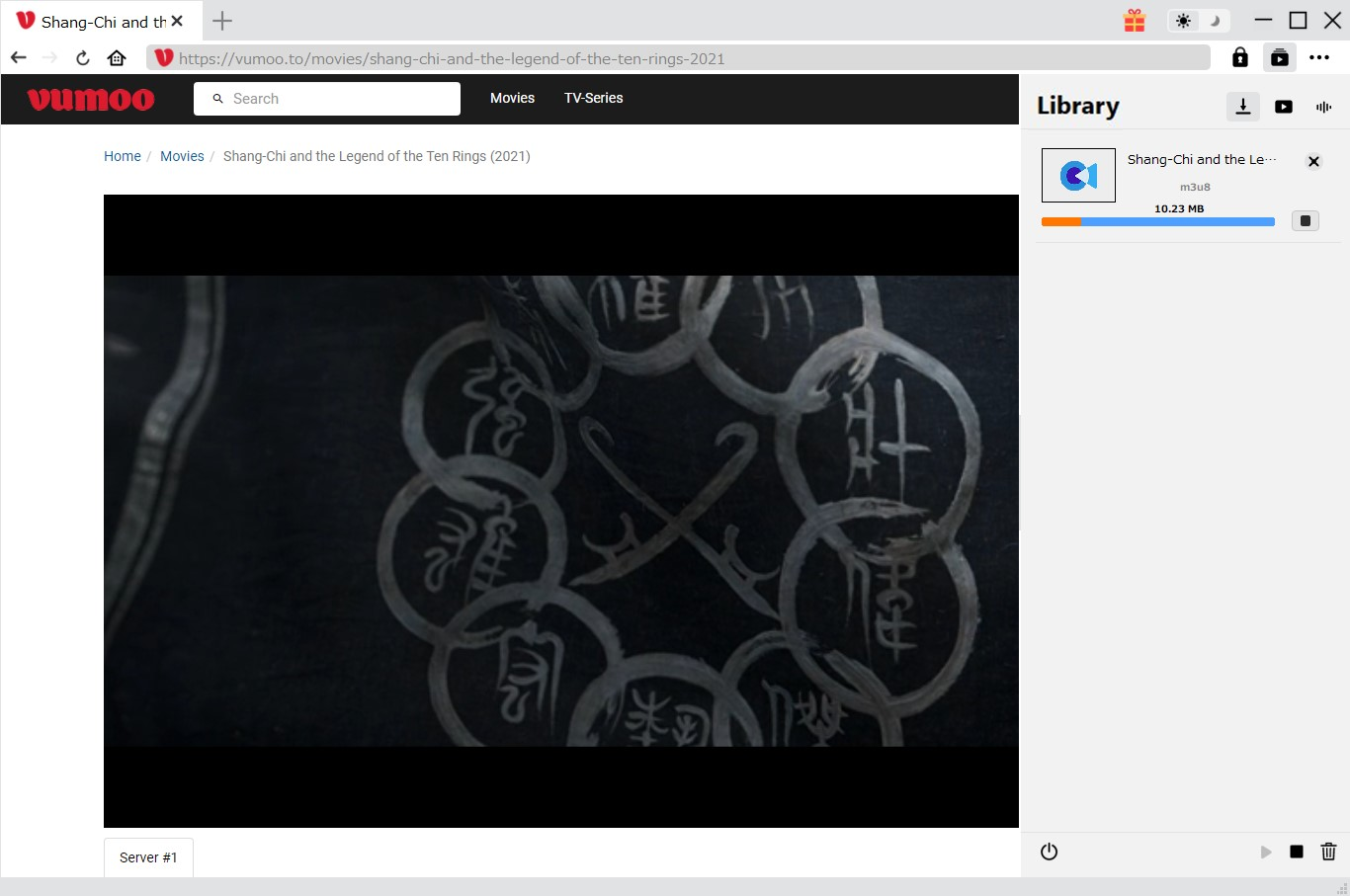
Once you have confirmed everything, click the download button to initiate your download.
Part 4: Best movie player to enjoy Shang-Chi and The Legend of The Ten Rings
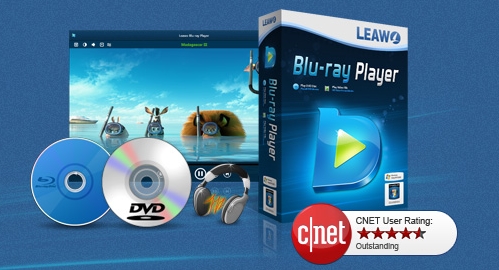
After you finish downloading Shang-Chi and The Legend of The Ten Rings, on your PC or Mac through CleverGet (which is simply the best internet video downloaded available today), you would also need the most compatible player for the best Shang Chi movie cinema experience. The best media player for your PC or Mac, which is great for immersive media playback for all your needs is non-other than Leawo Free Blu-ray Player. This media player has the following features and advantages;
-
Leawo Blu-ray Player
Region-free Blu-ray player software to play Blu-ray disc and DVD disc for free, regardless of disc protection and region restriction.
Play 4K FLV videos, 4K MKV videos, 4K MP4 videos, etc. without quality loss.
Support the conversion from Blu-ray/DVD discs to MKV in the premium version.
Deliver super high-quality stereo audio experience with the support of various advanced audio decoding technologies like Dolby, DTS, AAC, TrueHD, DTS-HD (including 5.1, 7.1 channels), etc.
To start watching the Shang Chi Disney Plus movie on your computer, follow the steps below;
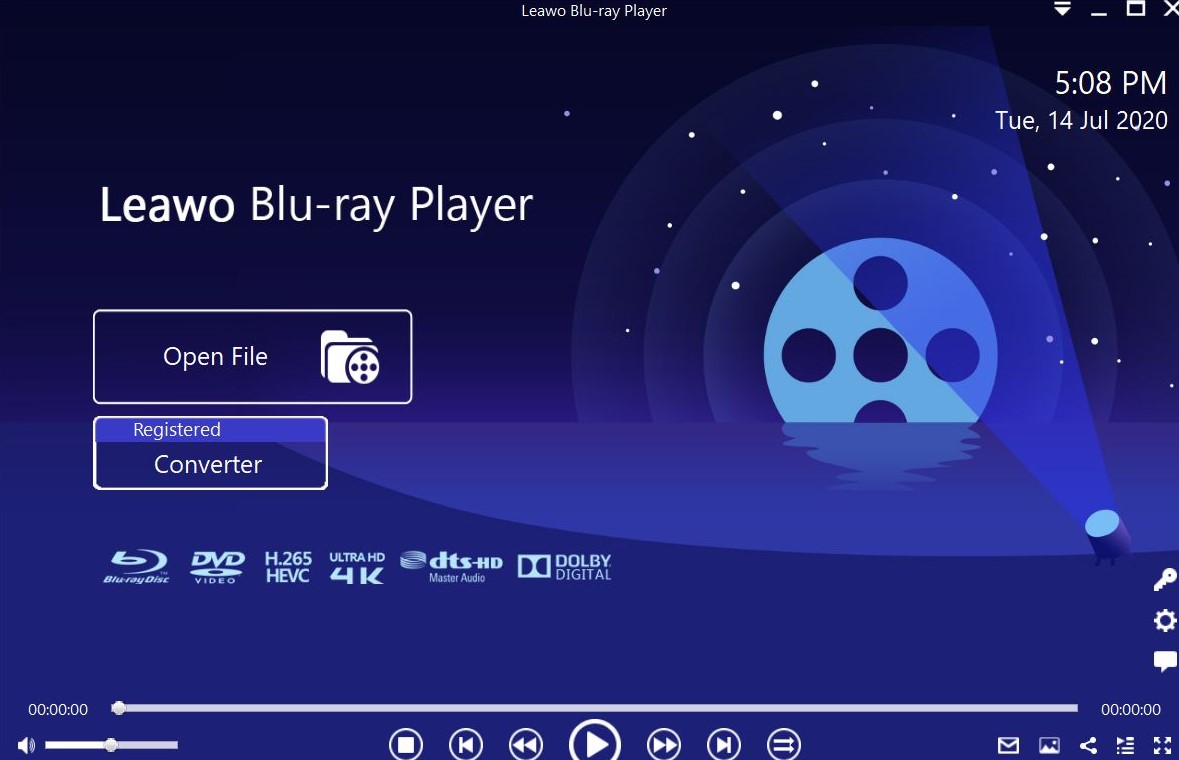
Launch the software, then click the “Open File” button to browse and load the videos for playback. You can also directly drag the files into the player, and you should see everything on the playlist.
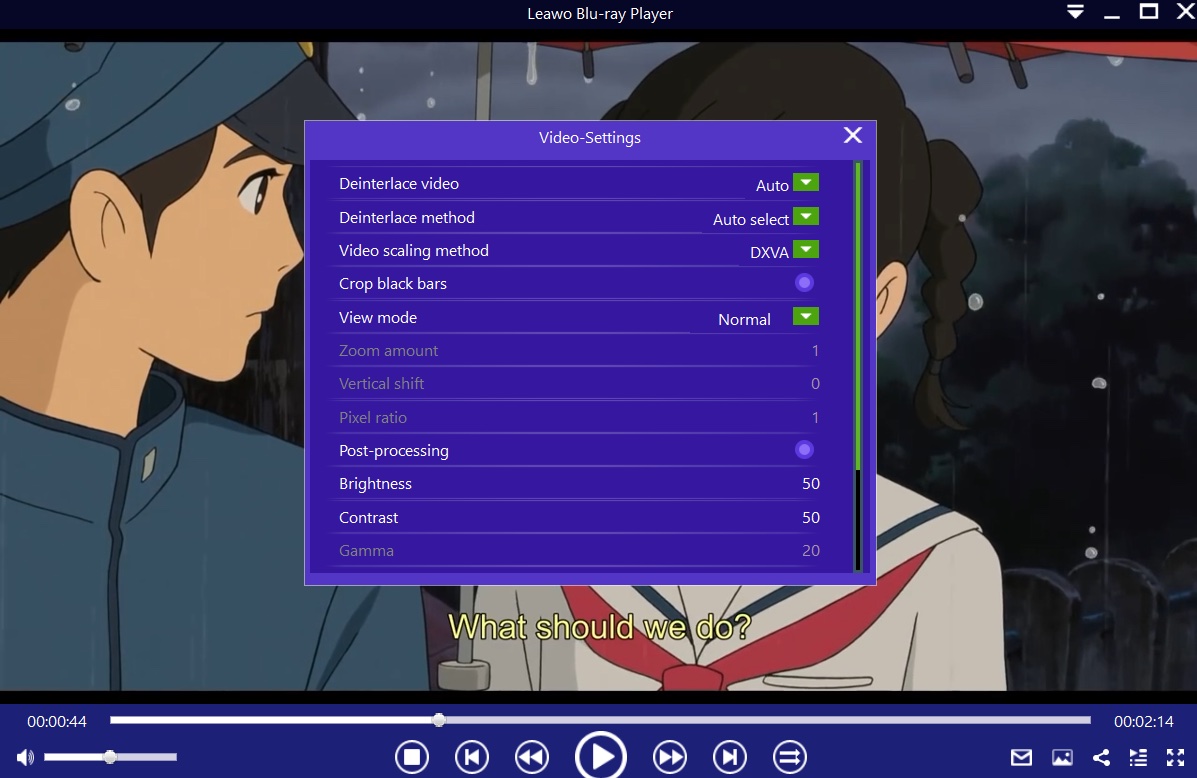
After you load your content, the software should automatically begin the playback. During playback, move your mouse over to the Title Area. From the 4 available options, click the “Subtitles” icon. You can enable, disable, select or import subtitles.
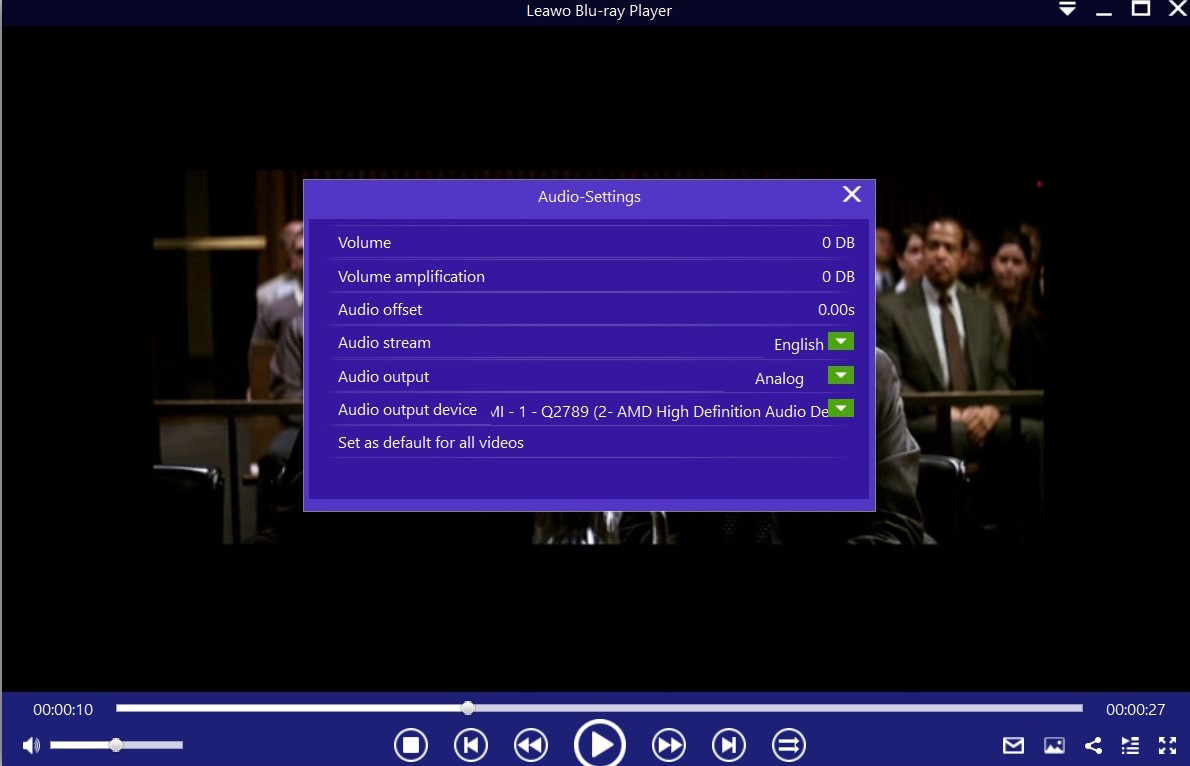
Move your mouse over to the top left corner, or right click on the main interface and select the “Audios” option to enter the ‘Audio-Settings’ panel. The options available include audio volume, amplification, offset, stream, output device, etc.
CleverGet Video Downloader

 Try for Free
 Try for Free
 Download videos and live streams from 1,000+ websites.
Download videos in up to 8K resolution.
Download videos individually or in batch.
Download seasons, episodes, playlists, and YouTube channels.
Save videos as MP4, MKV, or other formats.
Download videos with selected subtitles and audio tracks.
Automatically remove ads during downloads.
 English
 Deutsch
 日本語
日本語 French
 한국인
한국인 Italiano