


 Try for Free
 Try for Free
Share article:


4K Video Downloader Review: Is It Worth Using?

2026-03-13 ・ Related to: CleverGet Video Downloader
78 Views
Summary:
Does 4K Video Downloader remain a good option for today’s internet downloading environment? I think it is useful, but not a great one. You may need something better. Read this article to find out.
If you’ve been looking for a tool to download YouTube clips or even entire playlists, you may have heard of 4K Video Downloader. But is it still a great option in today’s market? In this 4K downloader review, I will discuss its main features, quality, and pricing. Take a look to see if you should choose it or not.
Outline
Key Features of 4K Video Downloader
First, it should be clear that the developers have built a new version of 4K Video Download named 4K Video Downloader Plus. The older 4K Video Downloader is shut down on 1st of February, 2026, and it no longer receives any updates. Hence, in this part, I only introduce the features of 4K Video Downloader Plus.
High-quality downloading: The videos can be downloaded up to 8K on some platforms, for example, TikTok, as the resources are applicable.
Multiple social media platform support: The program supports downloading videos from social media platforms like YouTube, Vimeo, TikTok, SoundCloud, Facebook, Twitch, Bilibili, and more.
Integrated browser: The program has an integrated browser that allows users to search and find the video they want to download without the need to use an additional browser.
Subscribe to YouTube channels in the apps: This is the most interesting feature of the program. With the program, users can subscribe to their favorite YouTube channels and receive the new videos once they are published.
Extract subtitles: You can extract the YouTube videos as separated SRT file, or you can embed the subtitles in the videos.
Private content access: You can download private YouTube videos, age-restricted content, and you have "Watch Later" playlists that are otherwise inaccessible.
Pricing Plans of 4K Video Downloader
Although 4K Video Downloader offers a limited free version, it has ads and restricted using times. To unlock the full features, check out the licensing fee below:
| Plan |
Price |
License Duration |
Key Features |
|
Lite |
$15 / year |
1 Year |
Unlimited single video/playlist downloads, 3 simultaneous tasks. |
|
Personal |
$25 |
Lifetime |
Same as Lite but for 3 devices. No annual fees. |
|
Pro |
$60 (Often $45) |
Lifetime |
7 simultaneous tasks, in-app YouTube Subscriptions, High-Quality Audio, and URLs Import/Export. |
|
Bundle |
$65 |
Lifetime |
Access to all 4K Downloader applications, like 4K YouTube to MP3 Pro, 4K Image Compressor Pro, and more. |
Performance and Download Speed
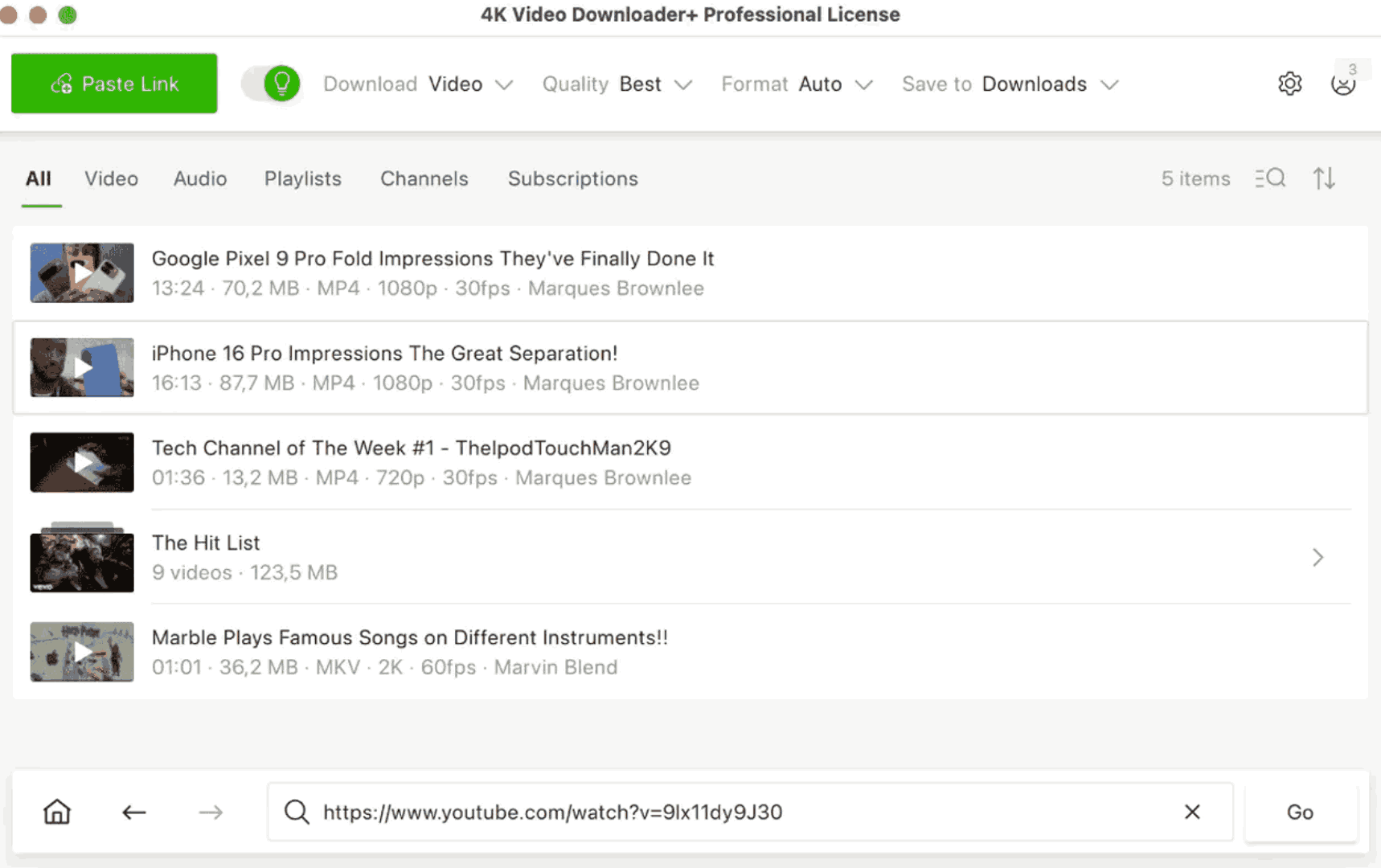
My experience starting with 4K Video Downloader Plus is a bit of scepticism because its official page is really like a scam site, with all the buttons and links. But after downloading it, I feel safe to use it. The interface is simple, and the usage is easy: Just copy and paste the video URL. However, the performance is kind of disappointing. The default resolution is always 1080P, and I sometimes cannot even download 4K/8K video at all, which is not what they call on the official page. Also, the latency problem exists when dealing with YouTube’s frequent algorithm updates. Every time YouTube tweaks its backend, 4K Video Downloader seems to enter a broken state for a long time, so that I cannot use it at all.
Additionally, though the new version appears rather hollow in comparison with other downloaders. It does not come with a full Chromium core and therefore cannot handle multi-factor authentication (2FA) or sophisticated login processes required by streaming sites like Netflix, Disney+, etc. While the high-quality videos it does complete at 1080p are certainly of high quality, the "parsing hangs" and the overall technology of the built-in browser give it a rather outdated feel. If a user wants a tool that stays ahead of site updates and handles sophisticated logins without a hitch, the stability simply isn’t there yet. But as for the download speed, it is not slow, not too fast, though, compared with others.
Pros and Cons of 4K Video Downloader
After carefully considering the official against real performance and the software’s current status, here’s a balanced summary of the pros and cons of 4K Video Downloader Plus based on my experience and others’ feedback.
Pros:
The interface is simple enough and clean to make the whole user process easy.
For advanced users, it offers a smart mode to provide preset parameters.
It has an Android version of the app for use on a phone.
It has a free version to let you experience the software in advance.
Cons:
Limited features with no built-in editor to edit the video.
It is unstable and has frequent software crashes.
The price is less cost-effective for the features.
The websites supported are less.
Is 4K Video Downloader Safe?
Generally speaking, 4K Video Downloader is a safe software since the application is notarized by Apple and digitally signed, which means this application itself has no malware or viruses. However, some antivirus software often flags it as a potentially unwanted program because decrypting protections and downloading videos seems a grey area of law, and the installer often includes bundled third-party offers.
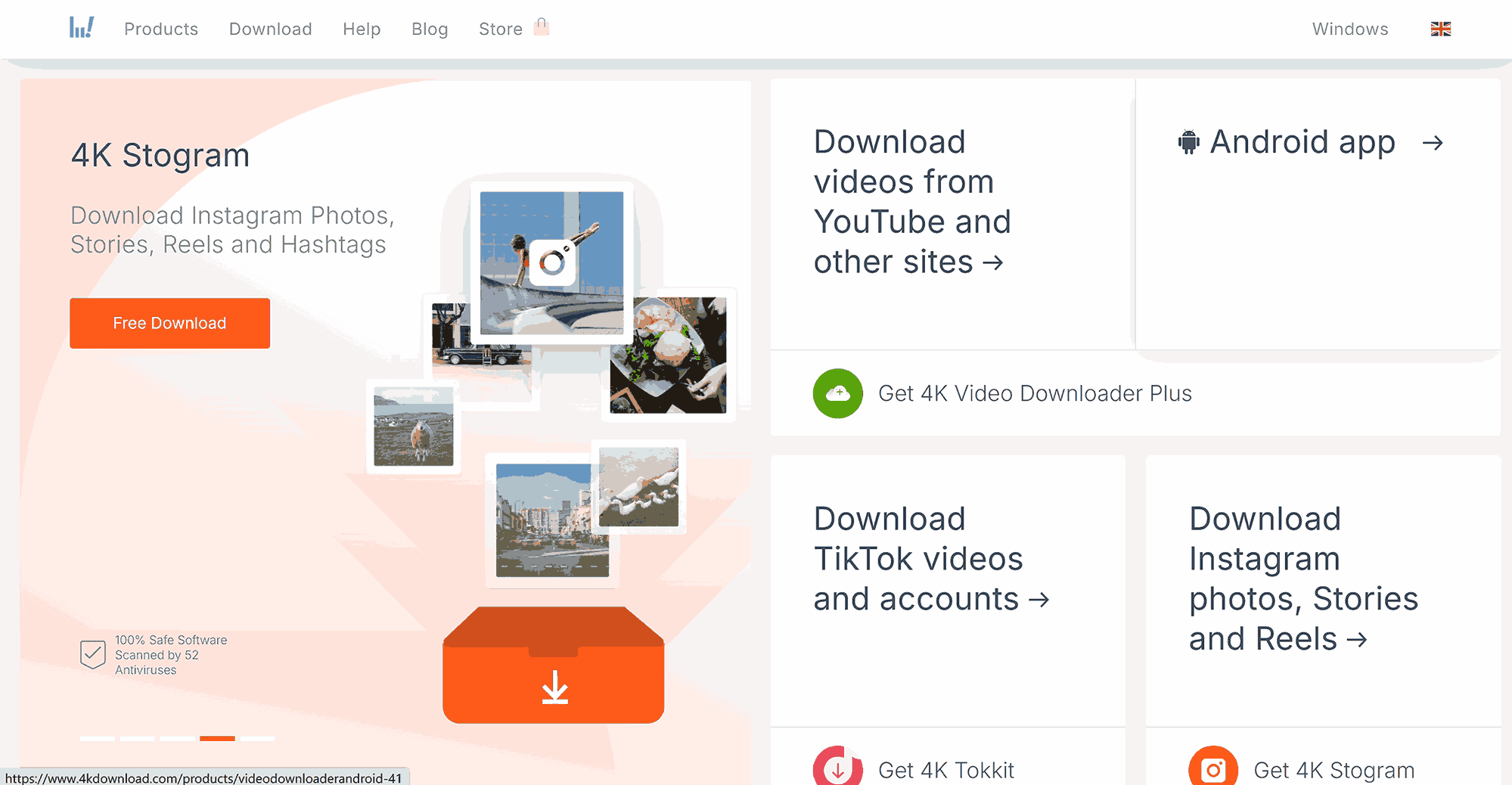
The main risk is not from the application itself, but the environment, I can say. As noted in my testing, the official website is too much of a scam site, with cluttered buttons and links that make it easy for users to download software that they don’t really need. The site is also easily pirated, so people cannot tell the real from the fake. Plus, in forums like Reddit, many users seeking Pro Cracks or Free Licenses face a significant risk that they may download cracked versions with viruses. So, do not download any software from the unofficial website under any circumstances.
Best Alternative to 4K Video Downloader
Although 4K Video Downloader Plus is not a bad tool for social media content downloading, it quickly runs into a brick wall when you want to download something from premium streaming services. It is, by design, intended for public platforms like YouTube and TikTok, and it seems incapable of handling DRM from premium services like Netflix, Disney+, Paramount+, etc. If you want to watch an offline movie from the biggest streaming giants, the average performance of 4K Video Downloader will frustrate you.
-
- Download up to 8K video and 320 kbps audio without quality loss.
- Download online videos, playlist, live streams, etc. from 1000+ websites.
- Download online video to MP4/MKV/WEBM or other available popular formats.
- Batch download online videos and remove ads for ad-free offline viewing.
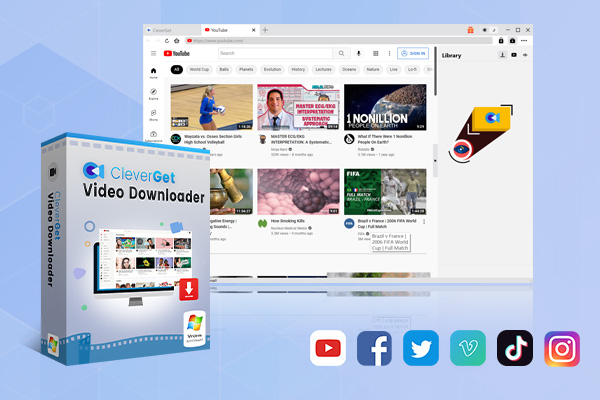
Instead, for a true experience, I strongly recommend trying CleverGet Video Downloader. The real strength of CleverGet lies in its specialized modules. Instead of a one-size-fits-all approach that often fails, it offers dedicated tools like the CleverGet Disney Plus Downloader and CleverGet Paramount Plus Downloader. The performances of CleverGet, as it claims, you can download up to 8K video from social media like YouTube and TikTok if the original video is applicable, and you can download up to 720p from Disney+ and 1080p from Paramount+, etc., in MP4/MKV formats with ads being removed. There are modules like Netflix downloader, Amazon Prime downloader, keep updated so you can always feel relieved to download your favorite movies offline without the "parsing failed" errors that plague 4K Video Downloader.
To give you a clear, side-by-side view of how these two tools stack up, I’ve put together a comparison chart for you to make a better decision.
|
Feature |
4K Video Downloader Plus |
CleverGet Video Downloader |
|
Primary Focus |
Social Media (YouTube, TikTok) |
Premium Streaming & All-in-One |
|
Max Resolution |
1080p (Native 4K/8K often fails) |
Up to 8K UHD (Real 4K for Streaming) |
|
DRM Support |
Basic (Cannot download encrypted premium sites) |
Advanced (Netflix, Disney+, etc.) |
|
Supported Sites |
~17 Major Social Sites |
1000+ Sites including Paid Services |
|
Browser Tech |
Basic internal shell (Poor 2FA) |
Full Chromium Engine (Stable Login) |
|
Update Speed |
Average |
Fast (Dedicated modules for each site) |
|
Subtitles |
SRT extraction / Hardcode |
SRT/SUP extraction & Multi-language |
|
Built-in Editor |
No |
Yes |
|
Pricing |
$25 – $60 (Lifetime) |
Module-based (Flexible pricing) |
Conclusion
All in all, 4K Video Downloader is an easy-to-use tool for downloading content from social media platforms. Although there are noticeable limitations regarding 4K stability, it is an obvious helper for daily use, if you focus on sites like YouTube and TikTok. However, if you need a more powerful, higher-end tool for your offline movie-watching experience, CleverGet is what you need.
CleverGet Video Downloader

 Try for Free
 Try for Free
 Download videos and live streams from 1,000+ websites.
Download videos in up to 8K resolution.
Download videos individually or in batch.
Download seasons, episodes, playlists, and YouTube channels.
Save videos as MP4, MKV, or other formats.
Download videos with selected subtitles and audio tracks.
Automatically remove ads during downloads.
 English
 Deutsch
 日本語
日本語 French
 한국인
한국인 Italiano