


 Try for Free
 Try for Free
Share article:


[Latest Update] Best iFunny Video Downloader App/Software/Online Tool

2022-05-07 ・ Related to: CleverGet Video Downloader
739 Views
With tons of funniest memes and videos, iFunny is where you can find the daily dose of fun. The humor-based website allows users to create and share funny images, videos, and animated GIFs with the community. So what if you want to share a funny video with your friends? Can you save the video with an iFunny video downloader? If you have the same question, this article will introduce the best iFunny video downloaders for all operating systems. Just read on.
Outline
Part 1: What is iFunny?
Launched in 2011, iFunny is one of the most popular social media platforms and the funniest website on earth. With iFunny, you can find tons of funny memes in the form of images, videos, and animated GIFs, which are created and submitted by its community members. All the viral memes that circulated on the internet originated here, and iFunny is the biggest community for memes lovers.

iFunny contains a wide catalog of memes, including celebrities, movies, TV shows, and so forth. You can discover funny memes easily on the front page, where you see “Featured” content selected by many people. If you have an account(aged 17+ recommended), you can view, comment and even create memes of your own. You can share memes, videos, and images with a link just like normal social media, but you can’t download videos because iFunny doesn’t allow you to do so.
So how to download iFunny videos successfully? You can always use an iFunny video downloader to save your favorite content. Today you can find tons of iFunny video downloaders if you just Google it, so which one is the best to use? Just make sure to continue reading.
Part 2: iFunny Video Downloader for Mac/Windows
If you want to download iFunny videos from your desktop, here are the 2 best iFunny video downloaders you should check out.
8K iFunny Video Downloader – CleverGet Video Downloader
CleverGet Video Downloader is a professional iFunny video downloader that can successfully help you save iFunny videos. With CleverGet, you can choose the output resolution from a wide range from 480p, 720p, 1080p, 4K, and up to 8K UHD with 320 Kbps audio quality. Supporting all formats, CleverGet allows you to save iFunny videos into MP4, MKV, and many more. It’s the best iFunny video downloader if you want to download iFunny videos without losing quality.
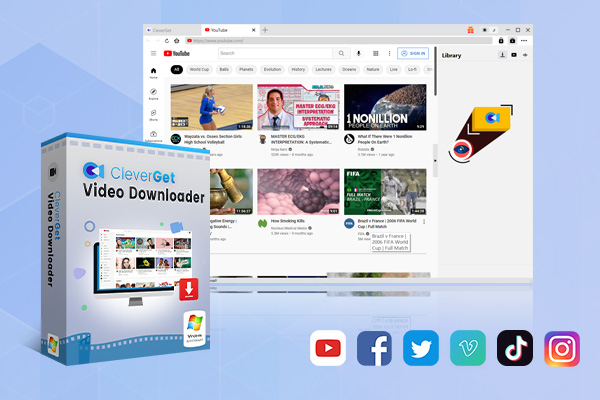
-
CleverGet 8K Downloader
- Download Video & Music from 1000+ Sites
- Download Live Stream Videos from YouTube Live and Others
- Up to 8K UHD Video Downloading with 320 kbps Audio Quality
- Smarter Downloading Settings
- 1-Click to Play Downloaded Videos
- Provide Precise Video Info
Apart from Reddit, CleverGet supports 1000+ websites, including YouTube, Twitter, Vimeo, Netflix, and many more. With CleverGet, you can not only save YouTube videos to MP4 but also download YouTube to audio quickly and easily. In addition, CleverGet can help you save your favorite TV shows and movies for offline playback. Just check out the best 123 movie alternatives and try it yourself.
With CleverGet, you can convert live stream M3U8 links to MP4, which is a brilliant advantage that you don’t enjoy with the most downloader. You can also just paste the link directly to download live streaming videos. The downloader simply can download everything, making it the best choice to download online videos.
Pros:
- 4K/8K iFunny video downloader
- Multiple output formats and video quality
- Bulk and fast download
- Download live streaming videos
Cons:
- Not available on mobile devices
Fastest iFunny Video Downloader – Leawo Video Downloader
Supporting 1000+ websites, including Hulu, YouTube, Netflix, and more, Leawo Video Downloader is another great choice to download videos from iFunny. It’s extremely easy to download iFunny videos with it because all you need is just a single link. With Leawo Video Downloader, there is no need to wait around because it’s 6X faster than most downloaders on the market.
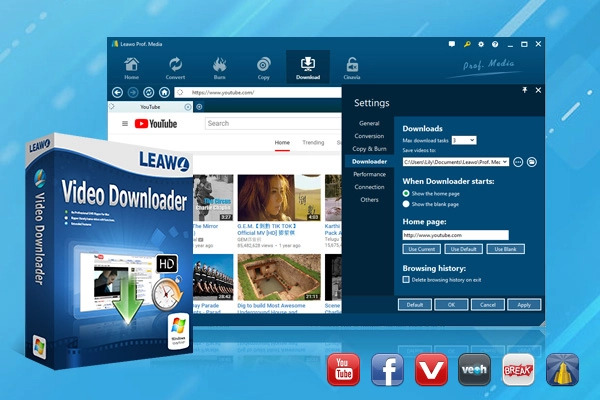
Leawo Video Downloader allows you to batch download iFunny videos with ease. Simply input all the iFunny video links to the downloader and you are good to go. If you have loads of iFunny videos to download, then Leawo Video Downloader is precisely what you need. The downloader is also great for downloading TV series and movies for offline access, you can easily save trendy Korean dramas from free sites with it.
Pros:
- Fast and batch download
- Options of output formats and resolution
- Download live streaming videos
Cons:
- Desktop software only
Part 3: iFunny Video Downloader Online
Now you might be wondering: is it possible to download iFunny videos online? The answer is positive. You can use online iFunny video downloaders, which are web tools without installing software. Want to learn more? Check out the options down below.
Experts Tool
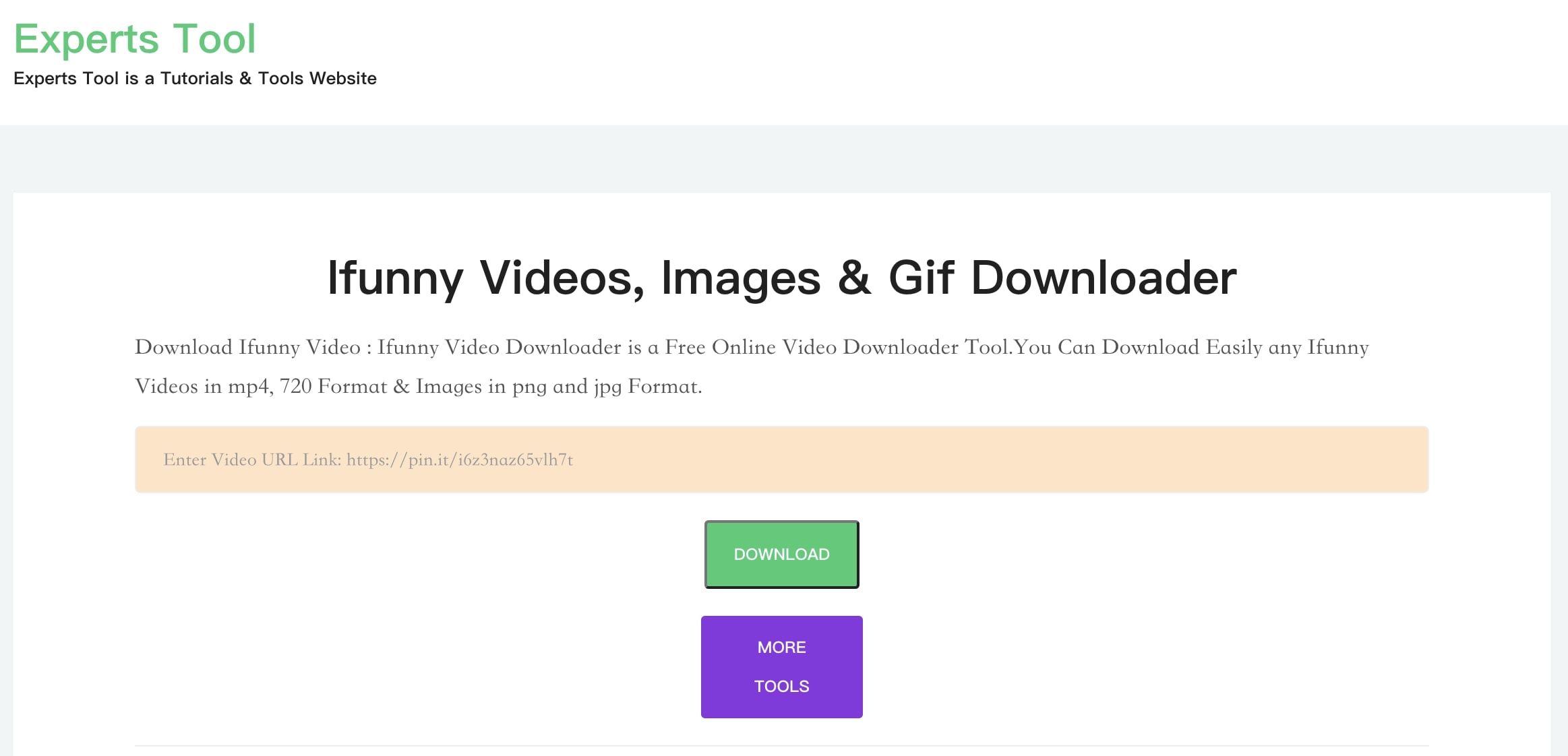
Experts Tool is a simple online iFunny video downloader that lets you save your favorite iFunny content easily. With Experts Tool, you can save any iFunny videos in MP4 formats. In addition, the downloader also lets you save iFunny images in PNG/JPG formats. Similar to most online tools, Experts Tools is easy to use. Simply insert the iFunny video link and you are all set.
Pros:
- Free service
- No software installation
- Easy to use
Cons:
- No control over output video quality
- No batch download
- Unstable download speed
TubeOffline
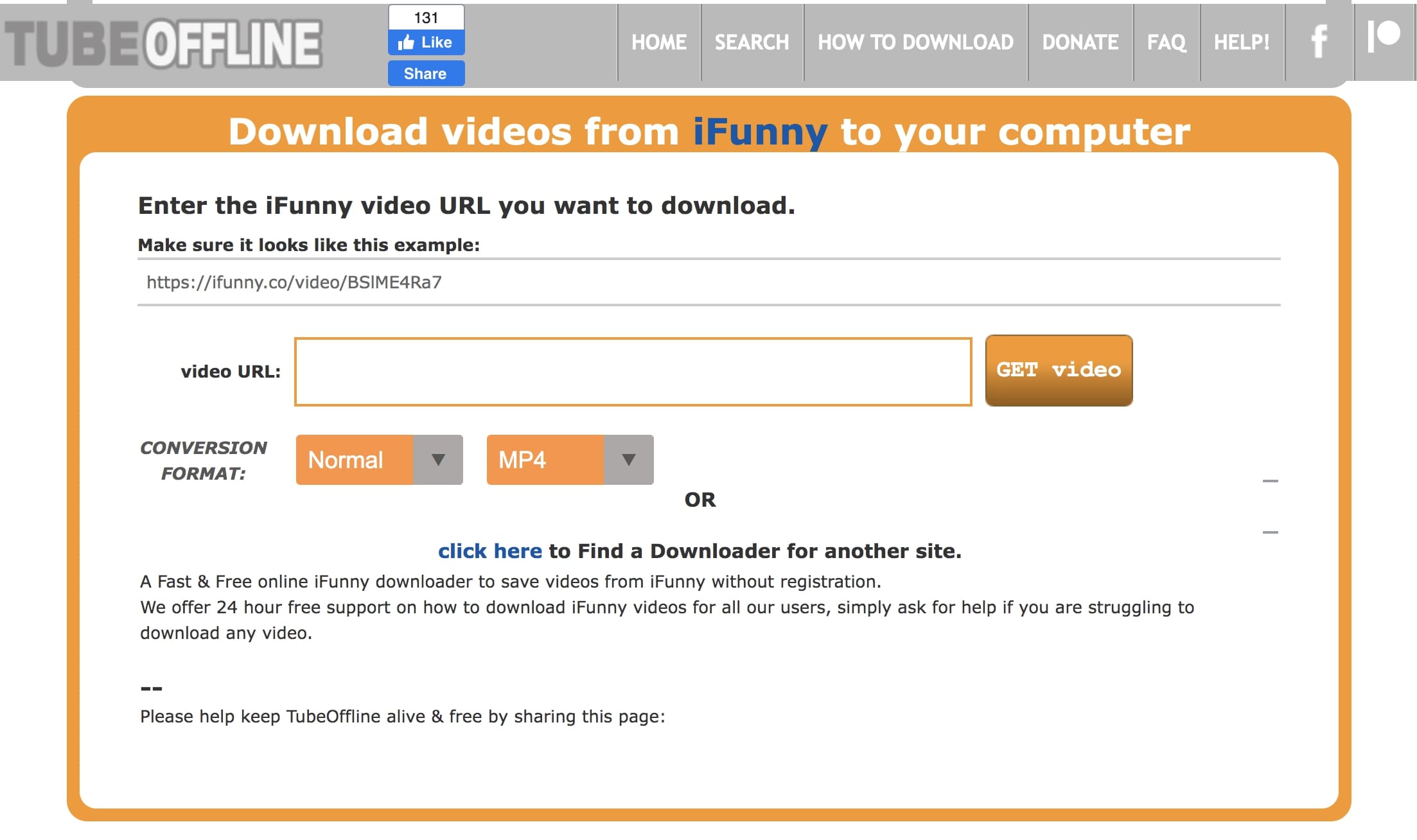
TubeOffline is a free online iFunny video downloader that can download iFunny videos for free. With TubeOffline, you can successfully save iFunny videos to MP4, MP3, FLV, AVI, and WMV. The downloader allows you to locate any video via the search feature and you can also download videos from websites like YouTube, BiliBili, Instagram, Mgoon, YifyTV, and so on.
Pros:
- Supports multiple formats
- Supports all major websites
Cons:
- No batch download
- No video quality assurance
- Slow download speed
Expert PHP
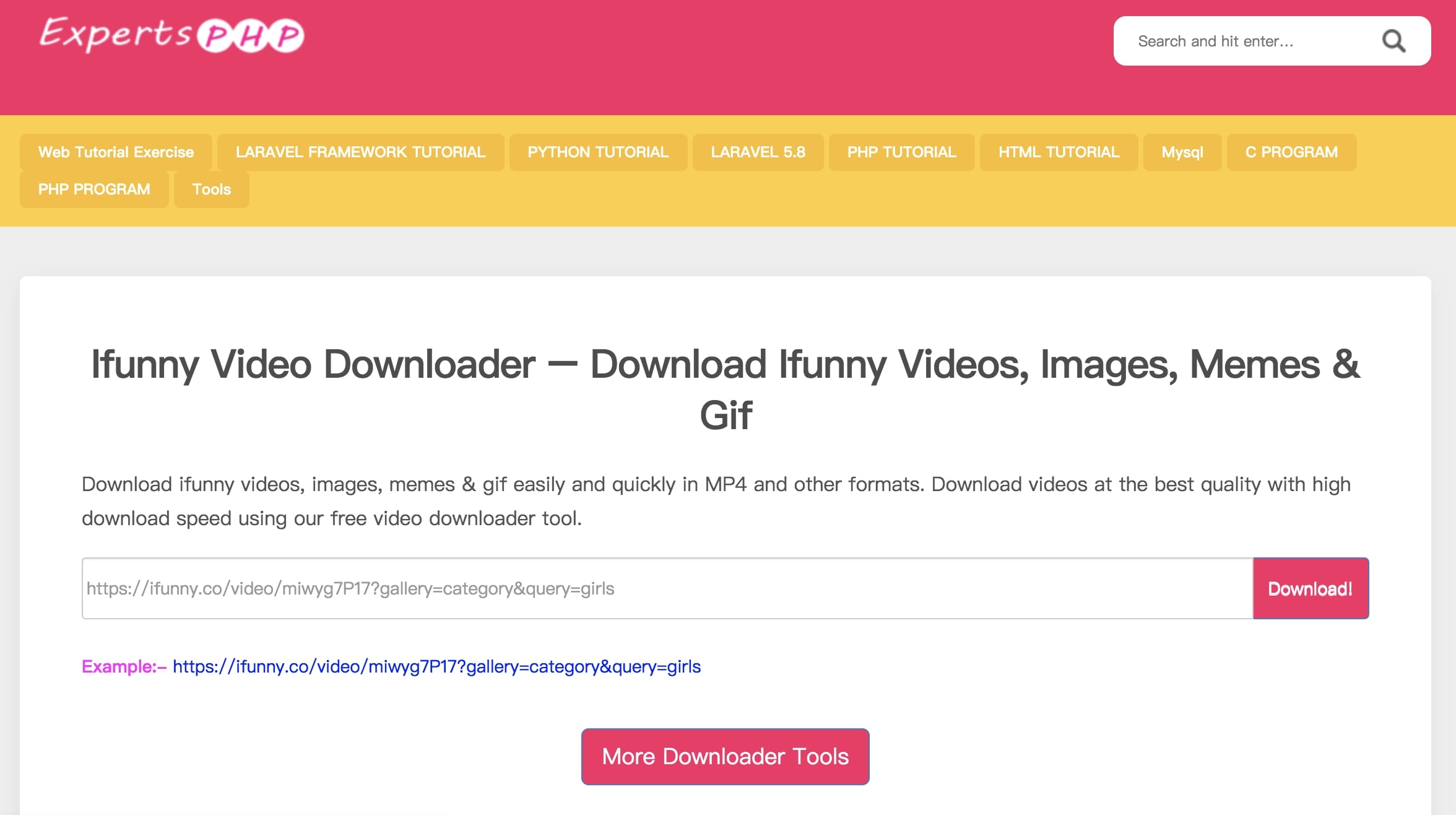
ExpertPHP is a handy online iFunny video downloader that can help you download iFunny videos, images, memes, and GIFs in MP4 or other formats with ease. With Expert PHP, You can download iFunny with high quality and fast download speed. The downloader also supports all major websites such as Facebook, Tiktok, LinkedIn, Likee, Twitter, Instagram, and more.
Pros:
- Supports many video websites
- Fast download
- Free and easy tool
Cons:
- No batch download
- No options for output formats and resolution
FreeDownloadVideo
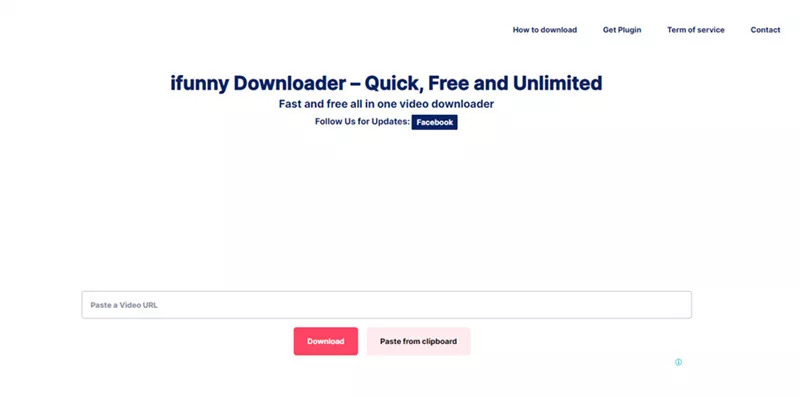
Offering unlimited downloads, FreeDownloadVideo is an all-in-one video downloader that allows you to download videos from multiple websites, including YouTube, iFunny, Instagram, and more. The iFunny video downloader can help you save videos in MP4 format or convert videos to MP3 format. You can also edit the videos and audio with its online tool.
Pros:
- Easy download
- Free to use
- Unlimited downloads
- Background download
Cons:
- Low output quality
- No bulk download
- Supports MP4 output format only
Part 4: iFunny Video Downloader App for iPhone/Android
Today you can also easily save iFunny videos to your phone with an iFunny video downloader app. Here are the 3 best iFunny video downloader apps that work on iPhone and Android.
Video Downloader (Android)
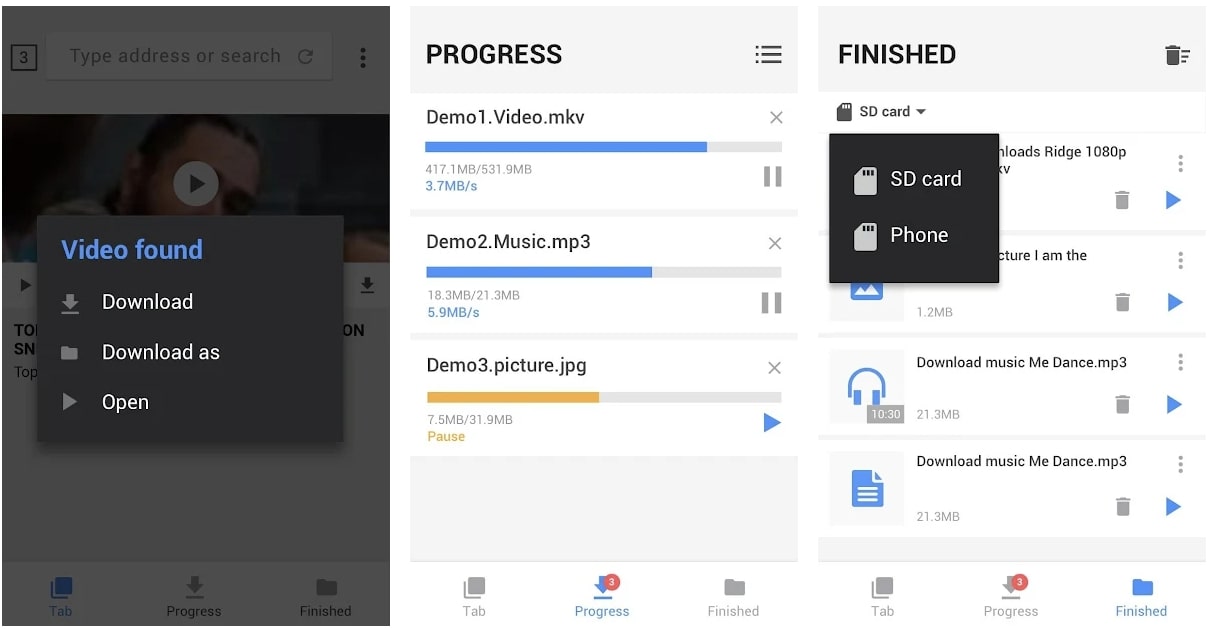
Supporting multiple formats like mp4, m4v, MOV, Avi, WMV, etc., Video Downloader is not only an iFunny video downloader app but also a great tool to download videos from Vimeo, Instagram, Twitter, etc. The app is intuitive to use, simply paste the iFunny video link to the app and you are ready to go. In addition, the download manager allows you to pause and resume downloads, batch downloads, and download in the background.
Pros:
- Powerful download manager
- Supports all major formats
- Search feature
- Preview downloads with the built-in player
Cons:
- Ads are running
- Unstable download speed
Instagram(iOS)
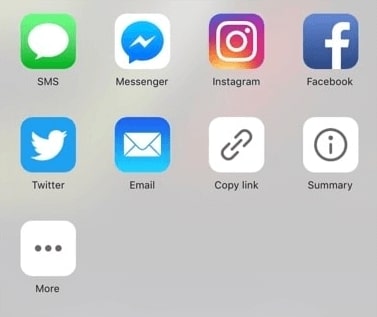
Surprisingly, the Instagram app turns out to be a useful iFunny video downloader. The trick works on iOS devices only, which can successfully help you download iFunny videos to the camera roll. All you need to do is to share the iFunny video on Instagram but you don’t have to share the video. Just cancel the operation and the video will be automatically saved to your photo album.
Pros:
- Easy download
- 100% free
Cons:
- No video quality control
- No formats selection
- No batch downloads
- Not working on Android
All Video Downloader(Android)
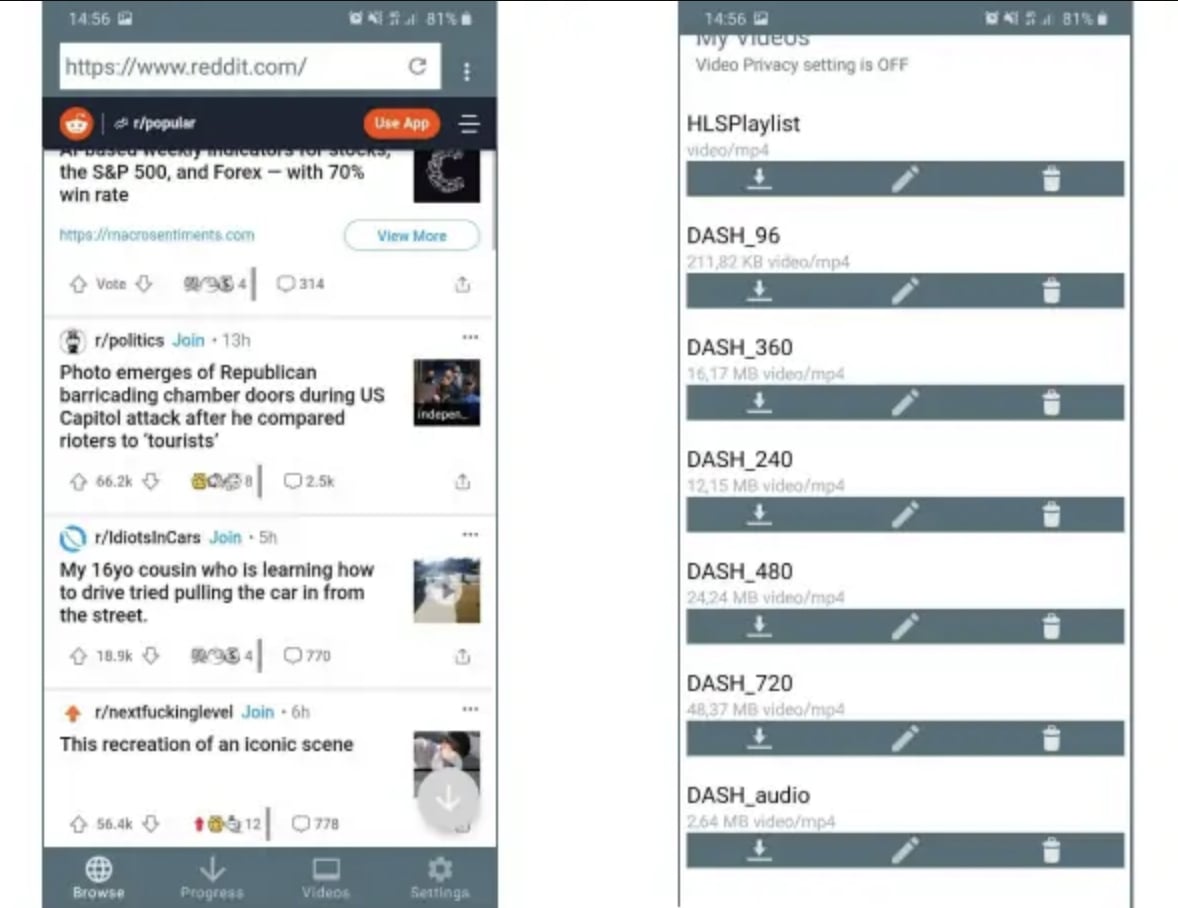
All Video Downloader is another practical iFunny video downloader app for Android. Supporting websites like iFunny, Reddit, YouTube, Vimeo, and more, All Video Downloader can help you save online videos with fast speed. The in-app search feature allows you to locate videos easily. You can view download progress, resume, and pause downloads as you want.
Pros:
- Free service
- Download progress bar
- Quality downloads
- Search/auto-detect feature of videos for download
Cons:
- Ads are running
- Interface with poor design
Video Saver Pro+ (iOS)
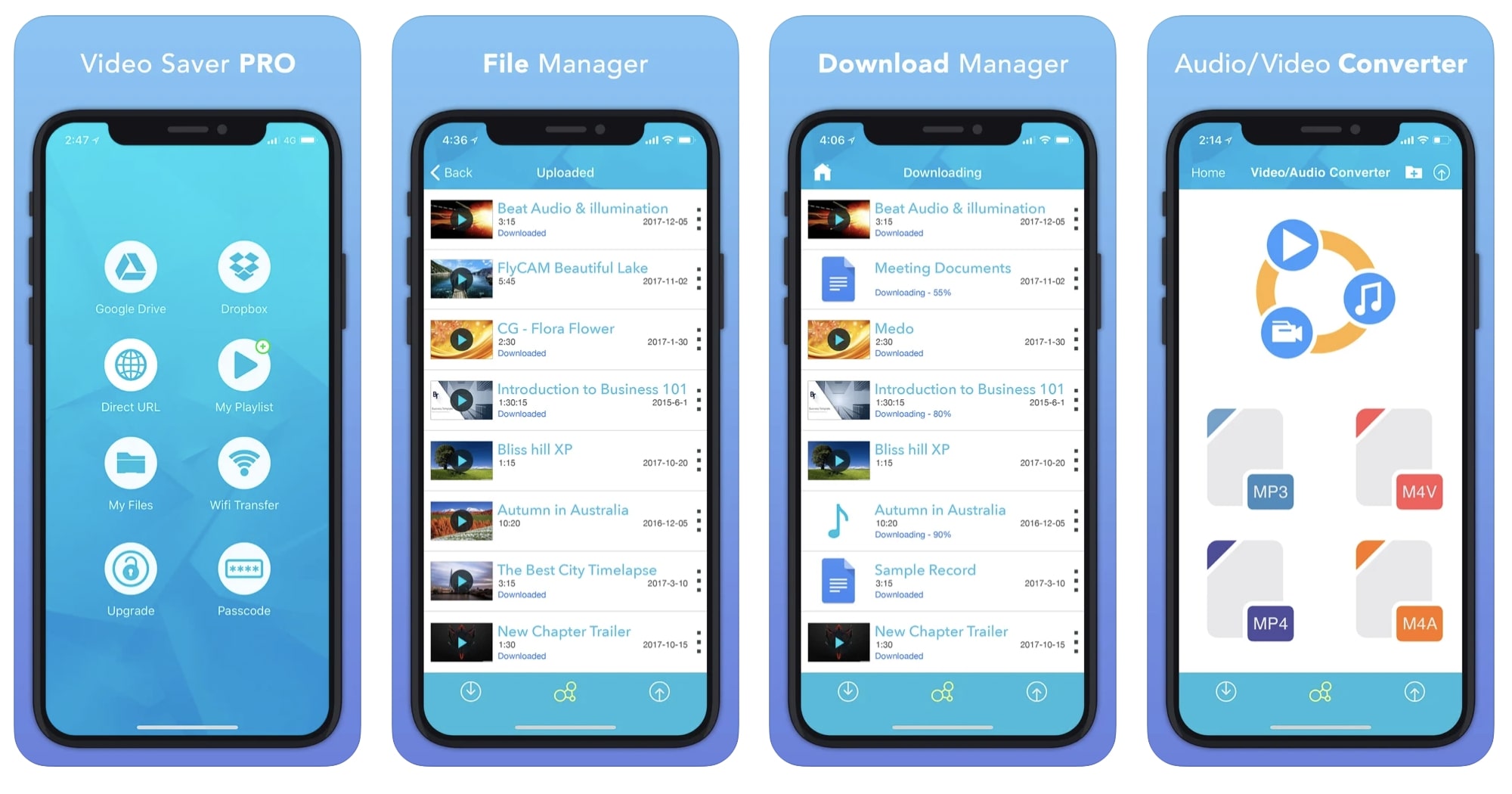
Video Saver Pro+ is a powerful iFunny video downloader that can help you save iFunny content for free. With a clean UI, the downloader is easy to use. You can download iFunny videos with a single link. The downloader supports multiple video sources, for instance, YouTube, Reddit, Instagram, Google Drive, Dropbox, and more. The built-in player allows you to preview videos before downloading them.
Pros:
- Simple and nice interface
- Free to use
- Batch download
Cons:
- Ads are running
- Not supporting certain formats
Wrap up
Now you’ve learned about the best iFunny video downloaders for all operating systems, just pick one as you see fit. If you just want to download iFunny videos a few times, you may go with free online iFunny video downloaders. They are free and allow you to save iFunny videos quickly and easily. On the other hand, iFunny video downloader software and apps are more professional, providing powerful features that address all your needs. Want to save multiple iFunny videos with the best quality? Try software like CleverGet and Leawo Video Downloader. You’ll surely be satisfied with the excellent service!
CleverGet Video Downloader

 Try for Free
 Try for Free
 Download videos and live streams from 1,000+ websites.
Download videos in up to 8K resolution.
Download videos individually or in batch.
Download seasons, episodes, playlists, and YouTube channels.
Save videos as MP4, MKV, or other formats.
Download videos with selected subtitles and audio tracks.
Automatically remove ads during downloads.
 English
 Deutsch
 日本語
日本語 French
 한국인
한국인 Italiano