


 Try for Free
 Try for Free
Share article:


Paramount Plus Error Code 111: Causes, Fixes

2026-03-13 ・ Related to: CleverGet Paramount Plus Downloader
33 Views
Summary:
You might run into some errors, like the Paramount Plus error code 111, no matter what platform you use. Luckily, these mistakes are simple to fix, and you don’t need anyone else’s help to keep using your services.
Outline
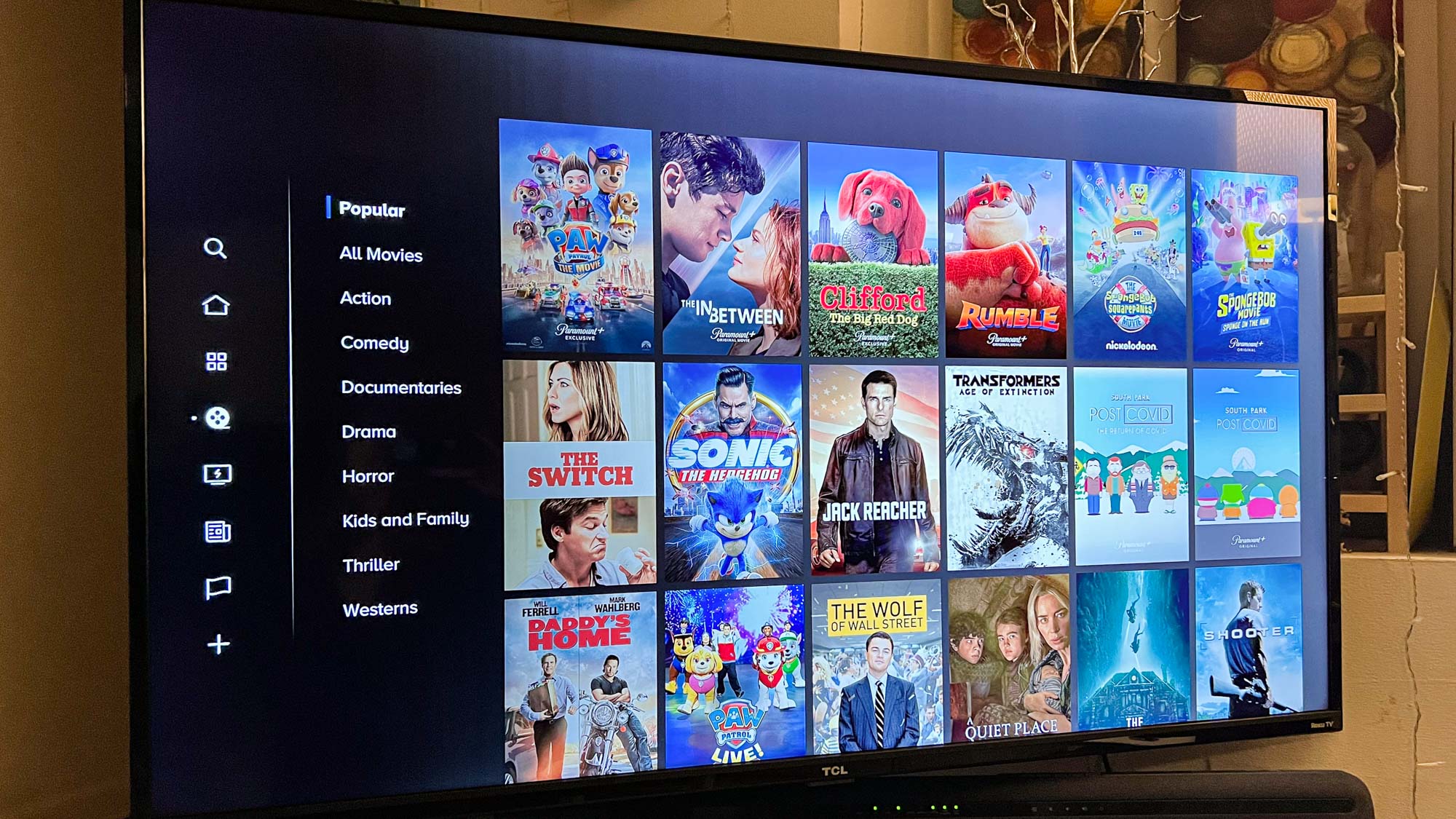
An American paid video service, Paramount+ is owned by Paramount Global. The web, Android, iOS, Apple TV, Google TV, Fire TV, and even gaming consoles like the Xbox and PlayStation can all be used to access Paramount Plus, just like any other streaming service.
If you like to watch movies or download shows on Paramount Plus, but have had issues that have stopped you from streaming, like Paramount Plus error code 111, this is the guide for you. Read on to find out how to fix the particular error code!
What Is Paramount Plus Error Code 111?
The Paramount Plus Error Code 111 is a playback error that usually happens on web browsers and means that browser data is damaged, which is usually the result of a bad shutdown. It causes content to not load, a black screen, or video to freeze.
Main Causes of Paramount Plus Error Code 111
This error could happen for a number of reasons. The first reason is that the device on which you are using Paramount Plus may have turned off because the power went out.
Another reason could be that Paramount Plus has a lot of corrupted cache and data. It’s also possible that your internet connection is broken.
The error code in question can sometimes also be caused by third-party add-ons that you have installed on your browser. Don’t worry. There are several things you can do to fix the problem, which I will show you.
Fixes for Paramount Plus Error Code 111
Here are 4 methods that I find useful to fix Error Code 111 on Paramount Plus. See if they can help.
Method 1. Remove Third-Party Extensions
When you first start to look for a solution to a problem, you should check the third-party add-ons that you have installed on your browser. We use third-party add-ons all the time because they add different features to our browsers. But in some situations, they can also cause different problems on some platforms.
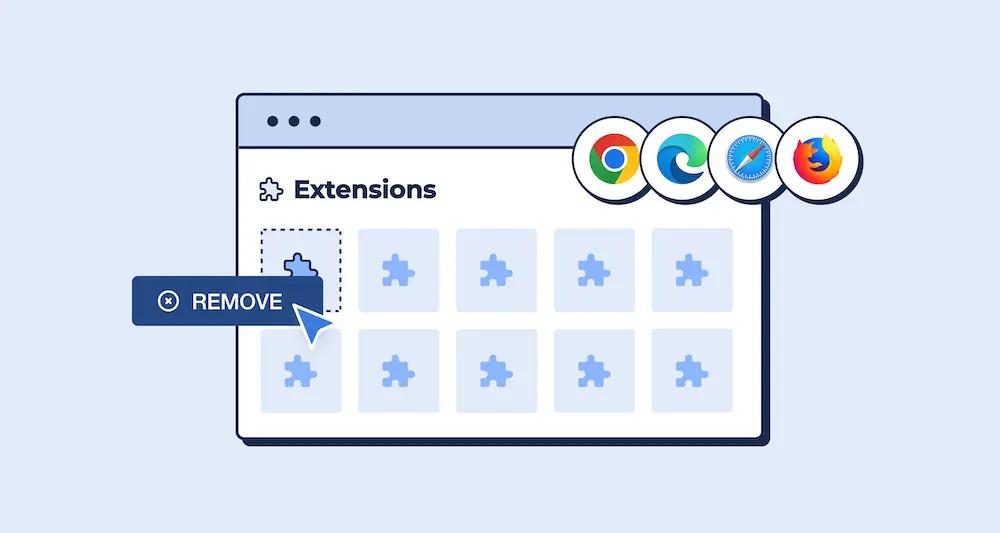
It says in the error message that you need to turn off any third-party ad blockers on your browser in order for the website to work. The problem could also be caused by other third-party add-ons on your browser. If you open the website in "private" mode, you can see if any third-party add-ons are to blame.
All third-party extensions are turned off by default in private window or incognito mode unless you manually turn them on. That’s a clear sign that your browser add-ons are to blame if the problem goes away in a private window. To find the bad extension and get rid of it from your browser, you can start turning them off one by one.
Method 2. Clean Your Browser’s Cookies and Cache
It’s possible that the error code on Paramount Plus is caused by your browser’s cache. The browser cache is important because it lets websites speed up their pages by storing loaded assets locally in your browser, among other things.
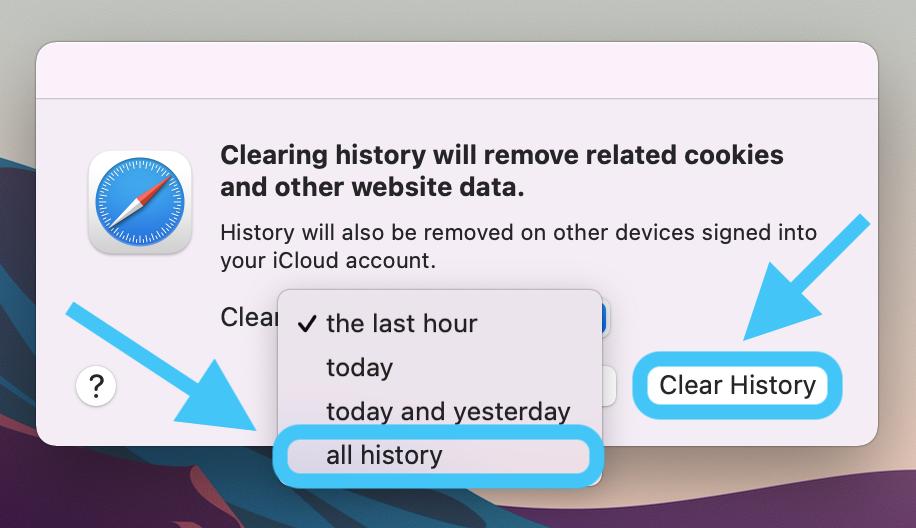
In addition, every website saves cookies on yours for a variety of reasons, such as keeping track of the user’s session and other activities on the website. You may have different problems when the browser cache or the cookies that are stored don’t work right.
You will need to clear your browser’s cache and cookies in this case. To do this, just follow the steps below that are specific to your browser.
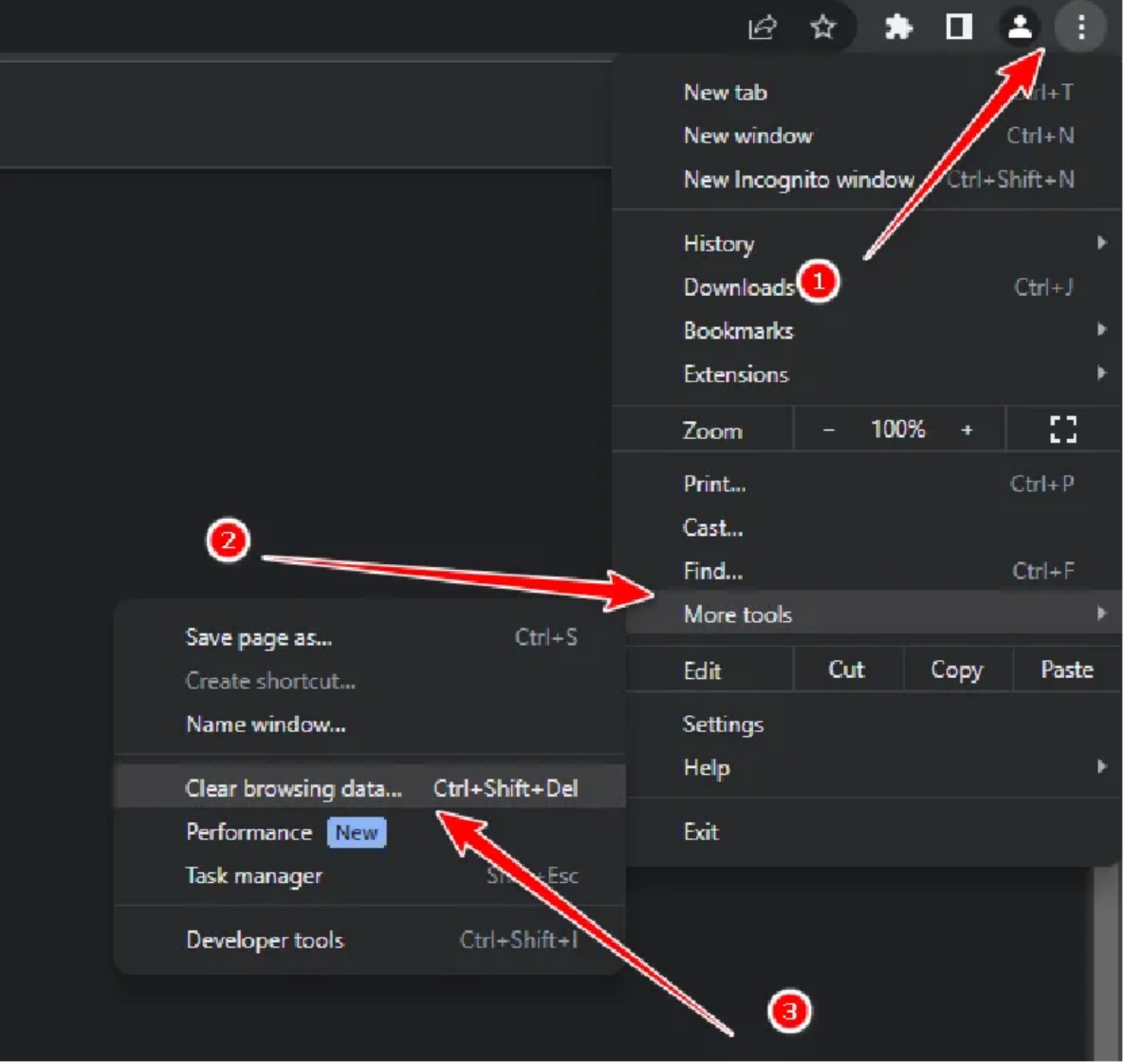
Google Chrome
Step1: To begin, click the "More" button in the upper right corner.
Step2: To clear your browsing history, use the drop-down menu to select "More tools."
Step3: Then, tap “Clear browsing data”.
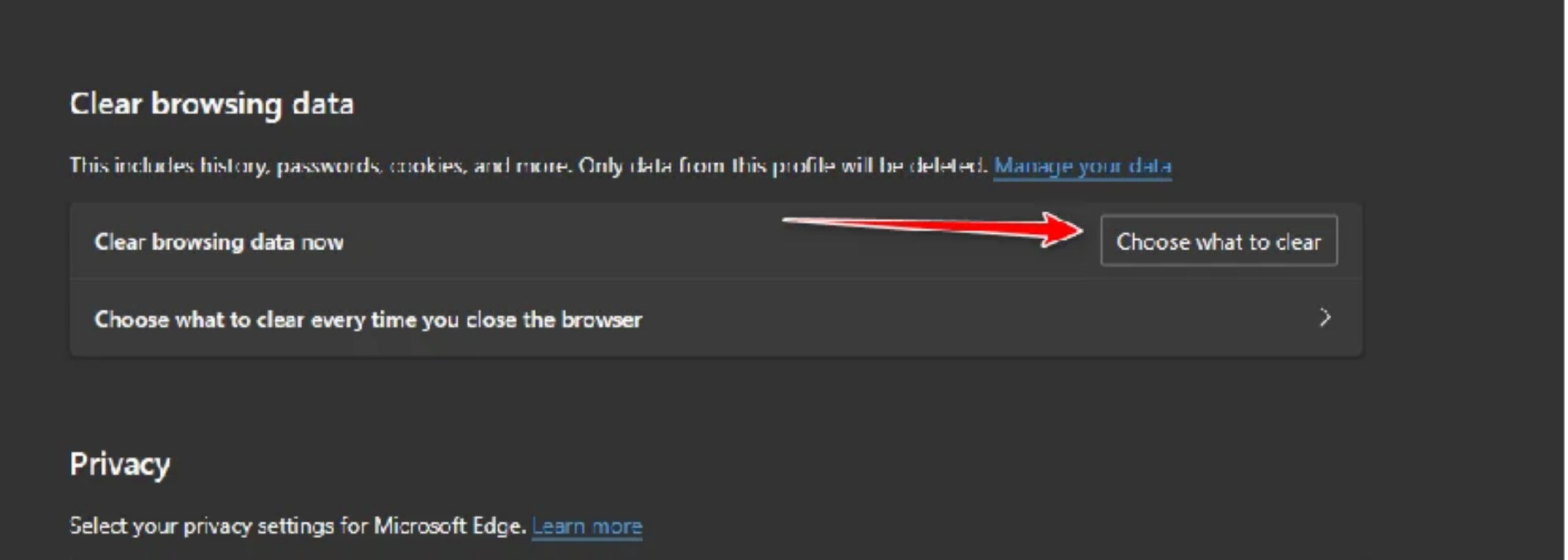
Microsoft Edge
Step1: To begin, click the "More" button in the upper right corner. Press the Settings button on the menu.
Step2: Go to Privacy, Search, and Services on the Settings screen. There, click on the "Choose what to clear" button next to "Clear browsing data now." Pick "All time" from the list of time ranges.
Step3: Then, check the boxes next to Site permissions, Cookies and other site data, and Cache images and files. To clear the browser’s cache, click the "Clear now" button.
Method 3. Restart Router
The Paramount Plus 111 error code can sometimes be caused by a problem with your network connection. This can happen if your request isn’t getting to the Paramount servers correctly or if you lose packets along the way.
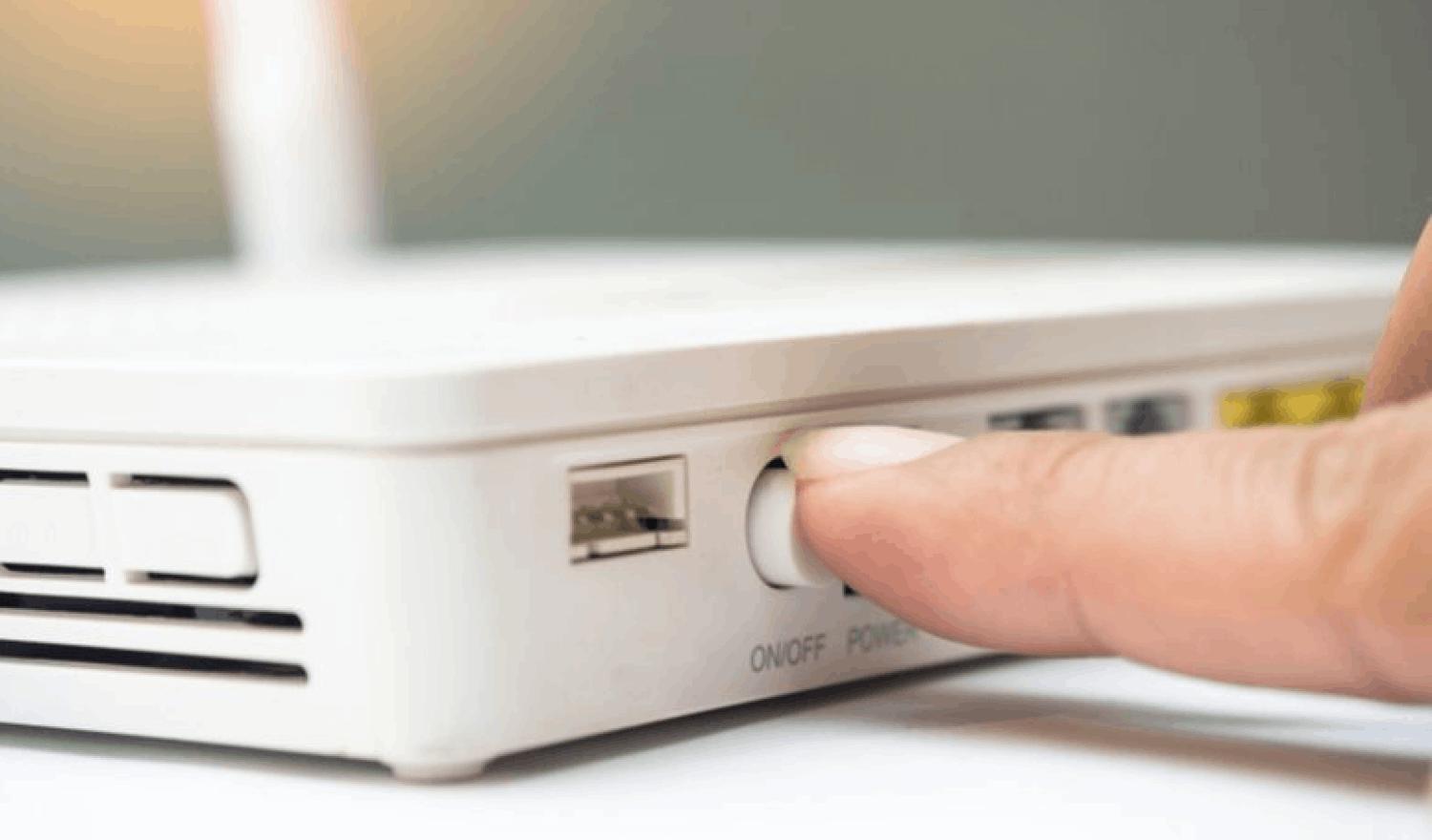
In this case, you will need to restart your router to see if that fixes the problem. The cache on your router, which holds information about your connection to your internet service provider (ISP), will be cleared when you restart it. Also, a new connection to the ISP servers can often help fix these kinds of problems.
Just press the Power button on the back of your router to turn it back on. To turn it off and on again, do this twice. Check to see if the problem still exists after you have restored your internet connection.
Method 4. Try a Different Connection
If your current network connection isn’t working right, you can’t reach the Paramount servers. In this case, you can connect to a different network or your cell phone’s data to see if that fixes the problem. If it does, you will have to use the other network for now for your Paramount needs.
How to Prevent Paramount Plus Error Code 111 in the Future
1. Disable Ad Blockers and Extensions
It is common for ad blockers, tracking protection, and virtual private networks (VPNs) to prevent video content from loading until they are disabled.
2. Clear Your Browser’s Data
You can clear your browser’s cache and cookies to get rid of corrupted files and stop them from getting in the way of your streaming experience.
3. Use Incognito Mode
This is an easy approach to find out if browser extensions are causing the problem. A private or incognito window will work.
4. Use A Reliable Paramount Plus Downloader
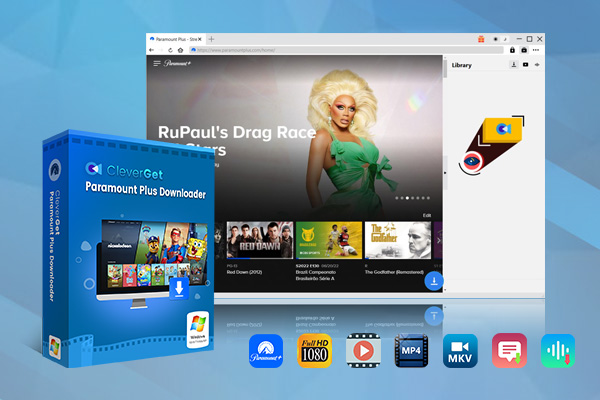
If you ask for my advice, CleverGet Paramount Plus Downloader is the best Paramount downloader I’ve ever used. The tool can help you save Paramount Plus movies, TV shows, and other on-demand videos. Then, you can play them as 1080P MP4 or MKV files on any media player or device!
With CleverGet Paramount Plus Downloader, you can watch the Paramount+ videos you download on any device for as long as you want. Then you don’t need to worry about how to fix Error Code 111 on Paramount Plus when you are eager to watch your favorite show.
-
CleverGet Paramount Plus Downloader
CleverGet Paramount Plus Downloader could download Paramount Plus movies and shows to 1080P MP4/MKV files with selected subtitles and audio tracks in batch.
- Reserve Multi-Language Audio Track & Subtitles.
- Remux Subtitles to Video.
Conclusion
Now you have learned the causes and fixes of Error Code 111 on Paramount Plus, you can enjoy your streaming better! If the methods above fail to resolve your problem, always feel free to contact the official support and see what may be the other reasons.
If you prefer a more stable streaming experience, and want to download Paramount+ without any limits, you can give CleverGet Paramount Plus Downloader a try. Happy streaming!
CleverGet Paramount Plus Downloader

 Try for Free
 Try for Free
 Download Paramount Plus movies, TV shows, sports, and other on-demand videos;
Download videos in MP4/MKV;
Download multiple episodes or seasons of TV series in batch;
Download subtitles and audio tracks;
Pack subtitles into output video or save subtitles as SRT/SUP file;
Automatically remove ads during downloads.
 English
 Deutsch
 日本語
日本語 French
 한국인
한국인 Italiano