


 Try for Free
 Try for Free
Share article:


Audials One Review: Features, Pros, Cons & Verdict

2026-01-20 ・ Related to: CleverGet Recorder
43 Views
Summary:
This Audials review will give you a comprehensive overview of Audials One, delving into its key features, advantages, and potential drawbacks. If you find Audials One doesn’t meet your media processing needs, I’ll also provide additional alternatives to Audials One.
Outline
Nowadays, whether we’re listening to music, binge-watching shows, or following podcasts, we mostly rely on various streaming platforms. If we want to download our favorite content and organize it into a personal collection, we’re either restricted by the platform’s offline permissions or forced to switch back and forth between multiple tools for recording, downloading, converting, and managing. This process is both time-consuming and tedious. That is, until I discovered Audials One. Audials One is a powerful multimedia recording software with outstanding output quality. It combines media recording, downloading, management, and conversion into one seamless solution. Audials One perfectly aligns with my media file processing needs. Therefore, I dedicated some time to thoroughly explore its features. Below, I’ll detail what kind of tool Audials One is, its main functions, its advantages, and its potential shortcomings.
What Is Audials One?
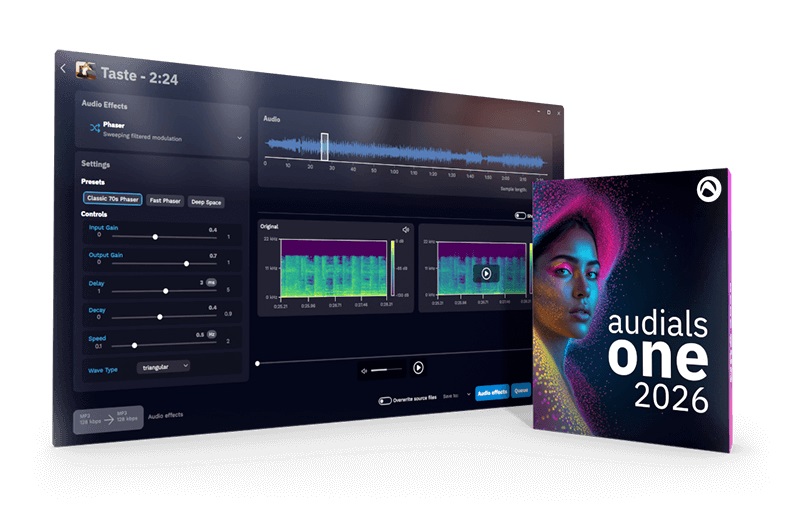
Audials One is a comprehensive multimedia recording software. Its core function is to help users consolidate and manage various media content in one place. Whether it’s music, movies, or TV shows from streaming platforms, or live streams and podcasts from streaming services, it provides users with recording, downloading, and conversion services. Audials One positions itself as an “All in One” media processing tool for users, meeting diverse needs for audio and video content.
Key Features & Capabilities of Audials One
During my use, I found that Audials One’s functionality covers several key aspects of media processing, specifically:
1. Broad Recording Capabilities
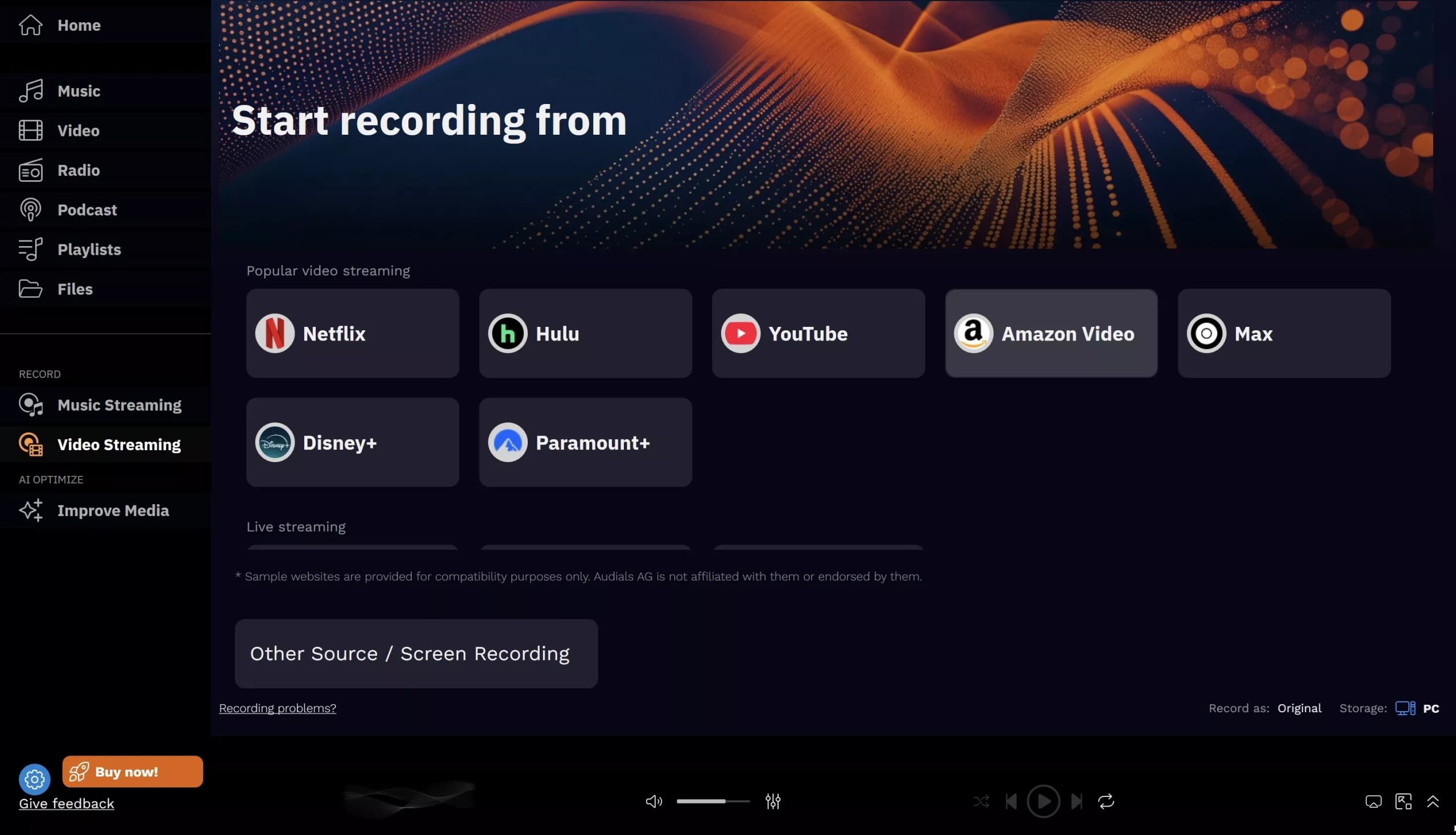
Audials One supports recording content from major streaming platforms such as Spotify, Netflix, and Hulu. Audials One can record music, movies, TV series, and more.
2. Convenient Downloading
Audials One can download individual audio and video files from platforms like YouTube and Vimeo. Additionally, Audials One can batch download music albums and playlists. Therefore, with the help of Audials One, you can quickly build your personal media library.
3. Flexible Conversion
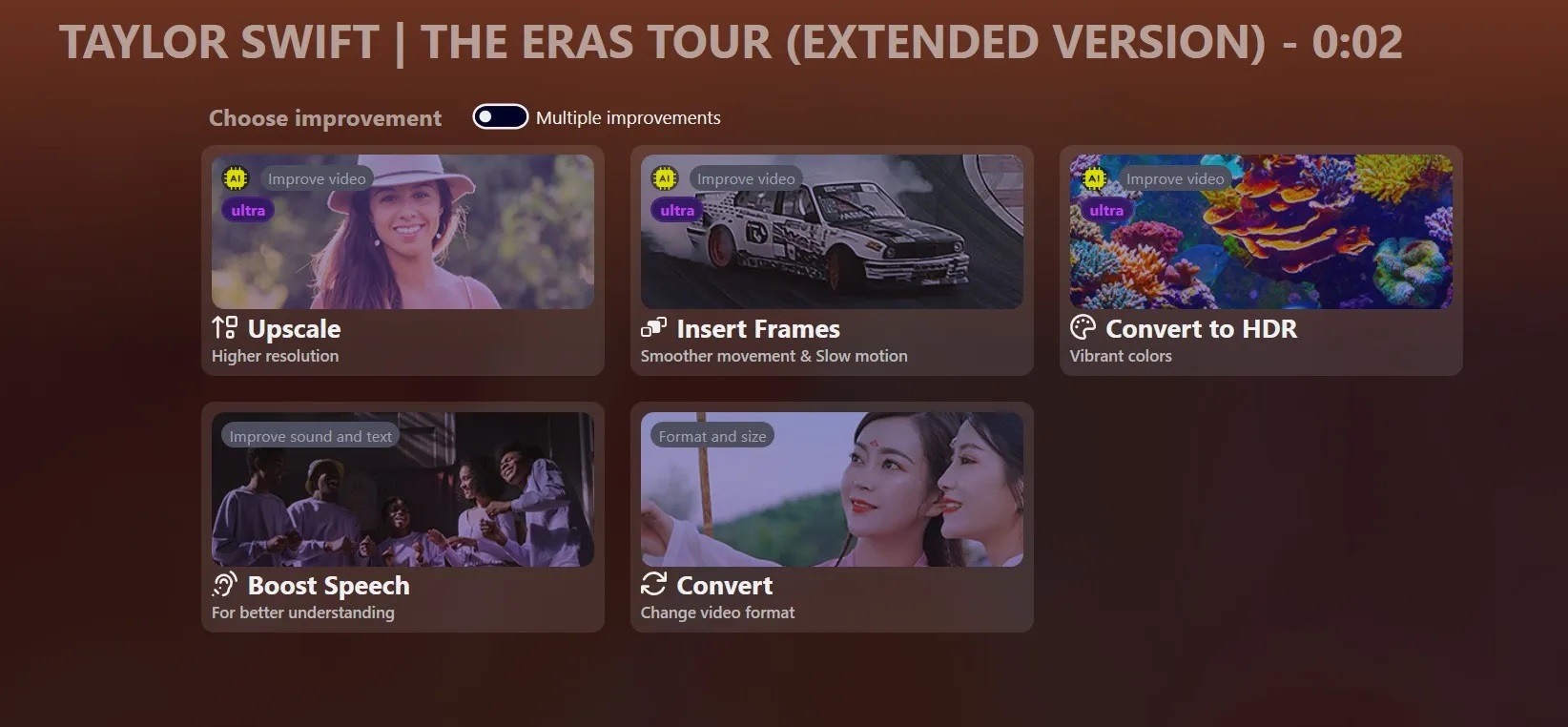
Audials One is compatible with multiple audio and video formats. Therefore, Audials One can help users convert audio and video files to different formats for playback on different devices. Furthermore, Audials One can adjust the bitrate and resolution according to different playback devices.
4. Efficient Management
The Audials One application has a built-in media player and media library. Therefore, you can use it to easily organize audio and video content, create playlists, and make media file management more organized.
5. Podcast-Specific Features
Audials One features a dedicated podcast section within its application. This allows you to search, subscribe to, and download your favorite podcasts. The application also supports offline podcast listening.
6. Cross-device streaming
Audials One can stream media content to TVs, home theaters, mobile devices, and other networked devices, enriching your entertainment experience.
7. Personalization
When recording audio and video with Audials One, you can customize parameters such as bitrate and format. Additionally, you can customize the Audials One software interface to your liking.
Pros — What Audials One Does Well
After actual use, I compared Audials One with other recording software. I believe Audials One has the following outstanding advantages:
1. Comprehensive Functionality
Audials One integrates recording, downloading, converting, and managing media files. It eliminates the need to switch between multiple software programs to process media files, significantly improving efficiency.
2. Excellent Output Quality
Audials One uses advanced technology to ensure high-quality output files when recording audio and video. Furthermore, Audials One maintains high-quality output when converting audio and video files. Therefore, Audials One provides a superior audio-visual experience.
3. User-Friendly Interface
Although Audials One has many functions, its application layout is clear and navigation is convenient. Even if you are a first-time user, you can quickly master its operation. Therefore, Audials One is suitable for users of different skill levels.
4. Automatic Ad Removal
When recording audio and video, Audials One can accurately detect and remove advertisements from the recorded content. Therefore, Audials One prevents you from being disturbed while watching videos or listening to audio offline, giving you a better experience.
Cons — Potential Drawbacks
Of course, despite Audials One’s comprehensive and powerful features, I’ve also noticed several shortcomings during use:
1. High Price
Audials One’s service is subscription-based, and the subscription fee is not low. An annual subscription costs $59.92. Prices also vary by region. This is not very friendly to users with limited budgets.
2. Significant Resource Consumption
Audials One software is relatively resource-intensive. If you are using Audials One while running other applications, your computer may easily lag. Worse still, Audials One performs even worse on lower-spec devices.
3. Limited Compatibility
Audials One’s application is primarily designed for Windows systems. Therefore, Audials One does not support Mac or Linux systems. Thus, non-Windows users cannot use Audials One.
4. No Free Trial
Audials One does not offer a free trial version. Therefore, users cannot fully test all features before subscribing to Audials One, which carries a certain purchase risk.
Real-World Performance & User Feedback
In my experience, Audials One runs smoothly. It successfully records and converts audio and video, meeting most of my daily media processing needs.
Feedback from other users shows many similar positive experiences. They praise Audials One’s ease of use, high-quality output, and comprehensive functionality. However, some users have reported issues, such as compatibility problems and audio/video desynchronization during long recording sessions. This negative feedback suggests that the software still has room for improvement in stability and compatibility.

Audials One Alternative
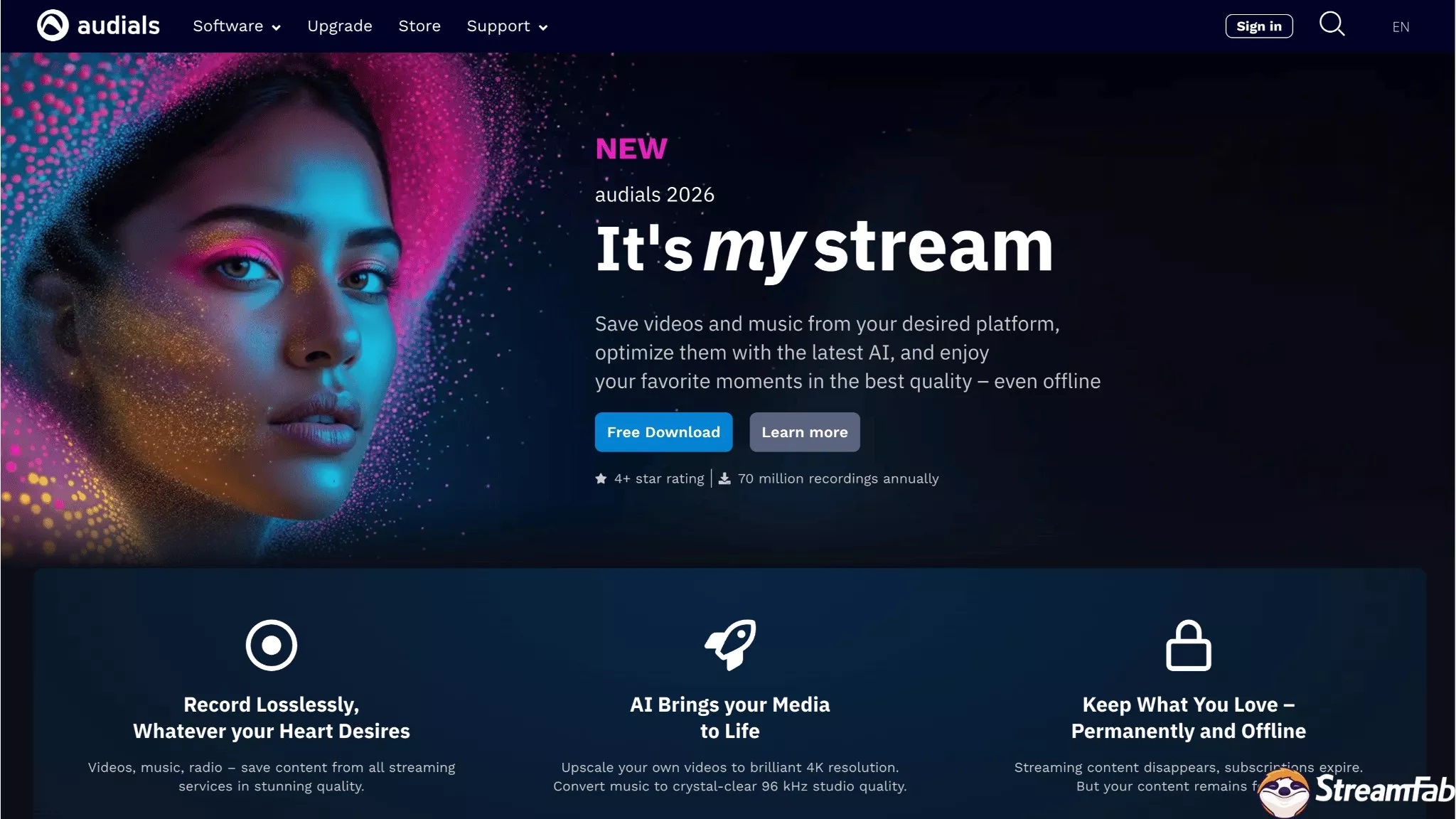
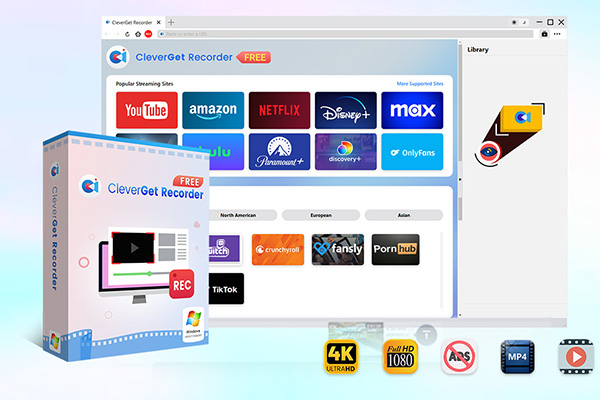
Because of some shortcomings of Audials One, I was looking for an alternative. That’s when I discovered CleverGet Recorder. After using it, I highly recommend it. CleverGet Recorder is one of the best free screen recorders of 2026. Although completely free, CleverGet Recorder boasts powerful features. It supports recording various online videos, including DRM-encrypted videos. Whether it’s on-demand content or live streaming, CleverGet Recorder captures it easily. More importantly, CleverGet Recorder outputs high quality, up to 4K resolution and 60FPS, while maintaining the original image quality. Therefore, I often use CleverGet Recorder to record Disney Plus videos. Furthermore, videos recorded by CleverGet Recorder can be saved in MP4/MKV format, compatible with most media players and devices. In short, CleverGet Recorder is convenient and efficient to use, making it a great alternative to Audials One.
-
Free streaming video recorder to record online on-demand video and live streaming video without quality loss and cost.
- 100% free to use.
- Record movies, TV shows, game streams, lectures, live concerts, etc.
- Record up to 4K video with 60FPS in MP4 or MKV.
- Schedule recording upon preset recording length.
- No watermark, no time limit, and ad-skipping (beta).
Conclusion
This review of Audials One 2026 provides you with all the details about Audials One. I believe you now have a thorough understanding of Audials One. If you find Audials One meets your needs, feel free to use it to help you record, convert, and manage media files. If you find the Audials One subscription price too expensive and are looking for an alternative, CleverGet Recorder is your best choice.
CleverGet Recorder

 Try for Free
 Try for Free
 Download Up to 8K Videos, Live Stream and even paid streaming videos in batch or individually from 1000+ websites like YouTube, Facebook, Twitter, Twitch.tv, Max, Netflix, Amazon, Disney+, Hulu, Apple TV+, Paramount+, Discovery+, etc. Record online video at up to 4K resolution and 5X recording speed from various streaming services to MP4/MKV files without ads.
 English
 Deutsch
 日本語
日本語 French
 한국인
한국인 Italiano