


 Try for Free
 Try for Free
Share article:


How to Download Vudu Movies for Offline Viewing?

2026-03-06 ・ Related to: CleverGet Recorder
63 Views
Vudu, now rebranded as Fandango at Home, quietly removed the download option in its PC app, leaving many PC users unable to watch their purchased collections offline. The official mobile app still supports downloads for bought titles, but only on iOS and Android devices. After experiencing this myself, I found a workaround to download movie from Vudu for offline viewing on my computer. This article will walk you through both methods, so you can download Vudu movies and enjoy them whenever you want, without an internet connection.
OutlineCLOSE
Part 1: What Is Vudu/Fandango at Home?
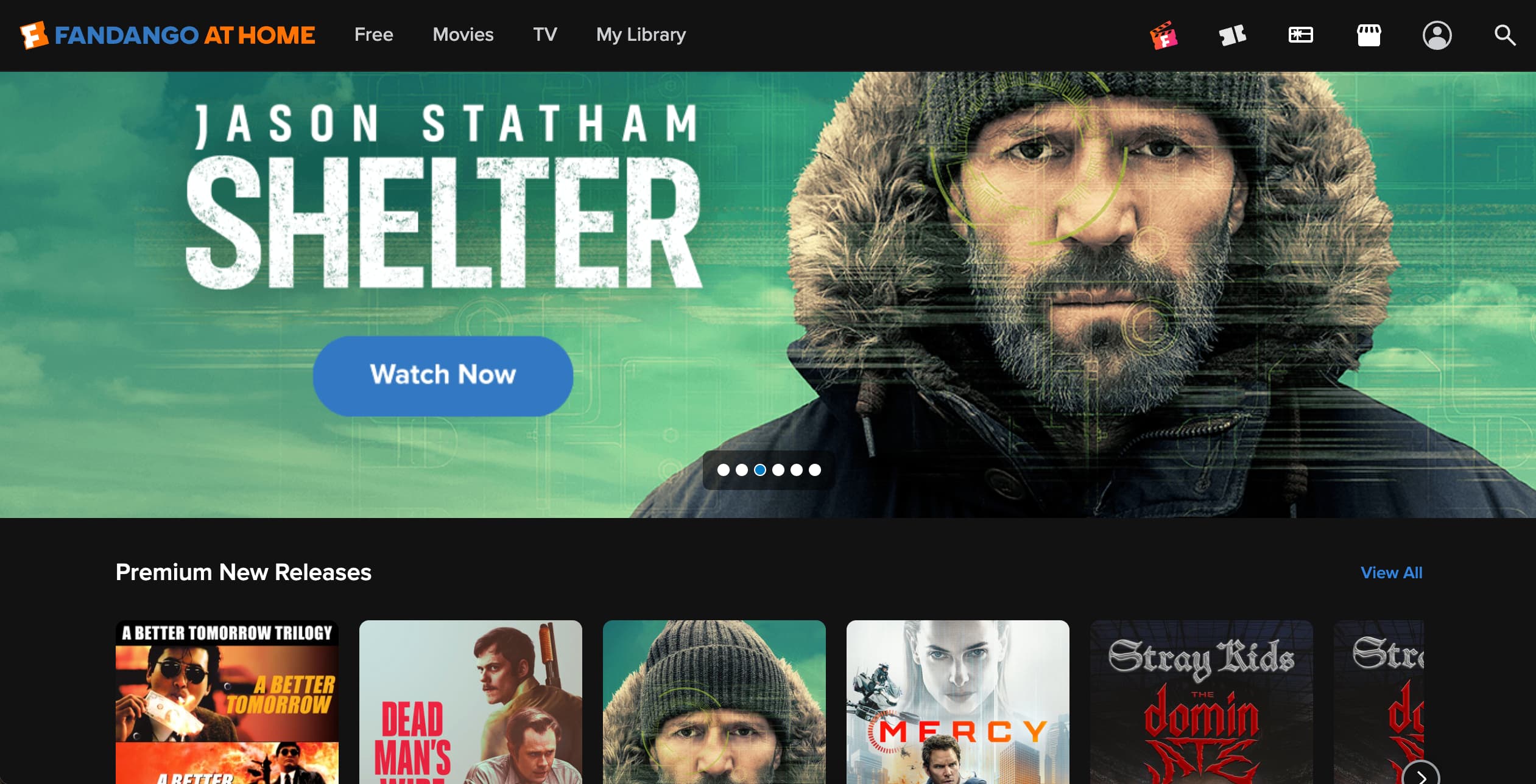
You may have noticed that your Vudu app icon has changed to Fandango at Home. Vudu officially rebranded as Fandango at Home in 2024, and that’s when its Windows PC app disabled the download feature. Your purchased titles are still in your library and accessible for streaming, but you can’t save them on your computer for offline viewing anymore. The Windows PC app is now just a web wrapper. Users who made many purchases on this service, including myself, can’t help but ask: Can you download movies from Vudu to watch offline still?
Part 2: Can You Download Vudu Videos Officially?
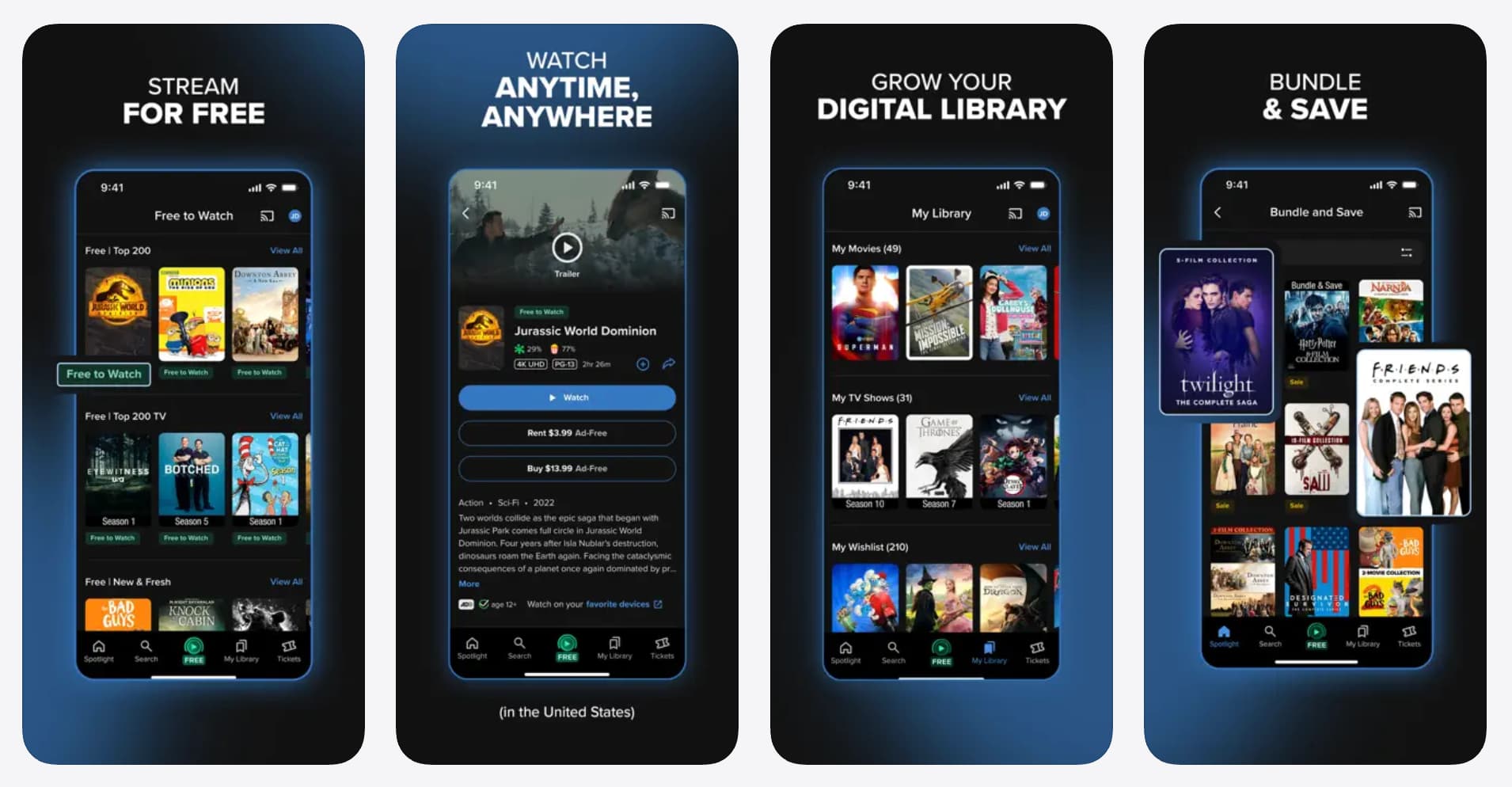
According to Fandango at Home, yes, but only through the mobile app on iOS and Android. Purchased and rented titles that support offline viewing can be downloaded directly within the Fandango at Home app. Here is how to do it:
Step 1: Install Fandango at Home app
Install the Fandango at Home app from the Apple App Store or Google Play Store on your mobile device. Once done, launch it and sign in with your account.
Step 2: Purchase a Vudu video
Browse and select a video you’d like to watch offline, and tap on its title. Tap the Buy or Rent button, and select a preferred video quality (if applicable).
Step 3: Download the Vudu video
Once you have finished the purchase, you will be presented with several options. Select Download and Watch Later and the download process begins.
To download titles you already purchased, navigate to My Library and tap on the title. On the detail page, tap the Download icon.
Step 4: Watch the downloaded content
You can track the download progress and watch the downloaded video in the My Downloads filter. If your device does not have enough space, the download may fail. The downloaded videos can be played only within the app. You can’t move them to other devices either. Here comes the tricky part: to watch the downloaded video, the device has to stay connected.
I spotted this problem on my flight once. To this date, this bug hasn’t been fixed. At this point, I wouldn’t bother using the app if it weren’t my precious movie collection on Vudu.
Part 3: Can You Keep Downloaded Vudu Movies Forever?
Unfortunately, no. Even if you buy a movie on Vudu, you only own the digital license to play it. You don’t actually own the file. The downloads will become inaccessible if your device stays offline for over 30 days. So even if you have videos saved on your device, remember to connect it to the internet from time to time to keep them accessible. Additionally, if Vudu’s licensing agreements with your downloaded titles expire, the videos on your device will become inaccessible. Several of my downloaded videos in the Fandango at Home app became inaccessible without notice.
-
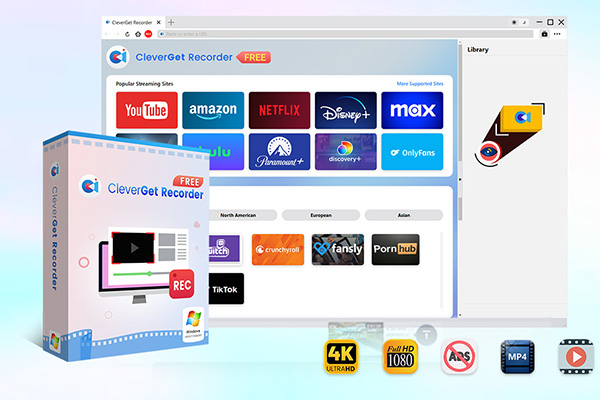
- 100% free streaming video recorder.
- Record both online on-demand and live streaming videos.
- Record up to 4K 60 FPS video to MP4 or MKV.
- Schedule recording on preset recording length.
- No watermark, no time limit, and ad-skipping (beta).
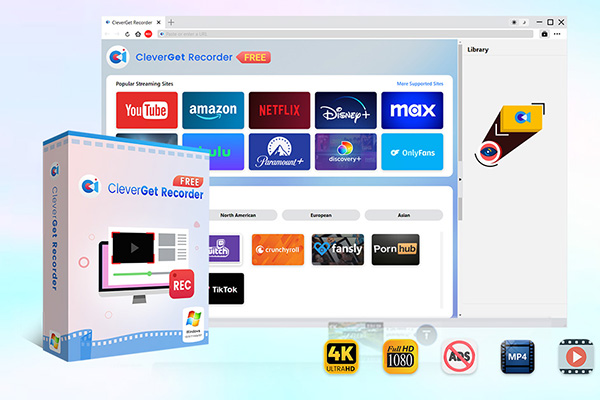
To solve all the annoying issues with this app permanently, I found a workaround. It is a free streaming video recorder called CleverGet Recorder. What I love most about the tool is that it can record movies on Vudu with the annoying ads skipped. With this recorder, I can now watch my Vudu collections on my computer without an internet connection. I won’t have to keep track of my playback progress anymore.
Here’s how I keep Vudu movies on my laptop and phone for offline viewing using this tool.
Step 1: Install CleverGet Recorder
I downloaded and installed CleverGet Recorder from its official site for my Windows PC. It offered Mac versions as well.
Step 2: Play Vudu video within the Recorder
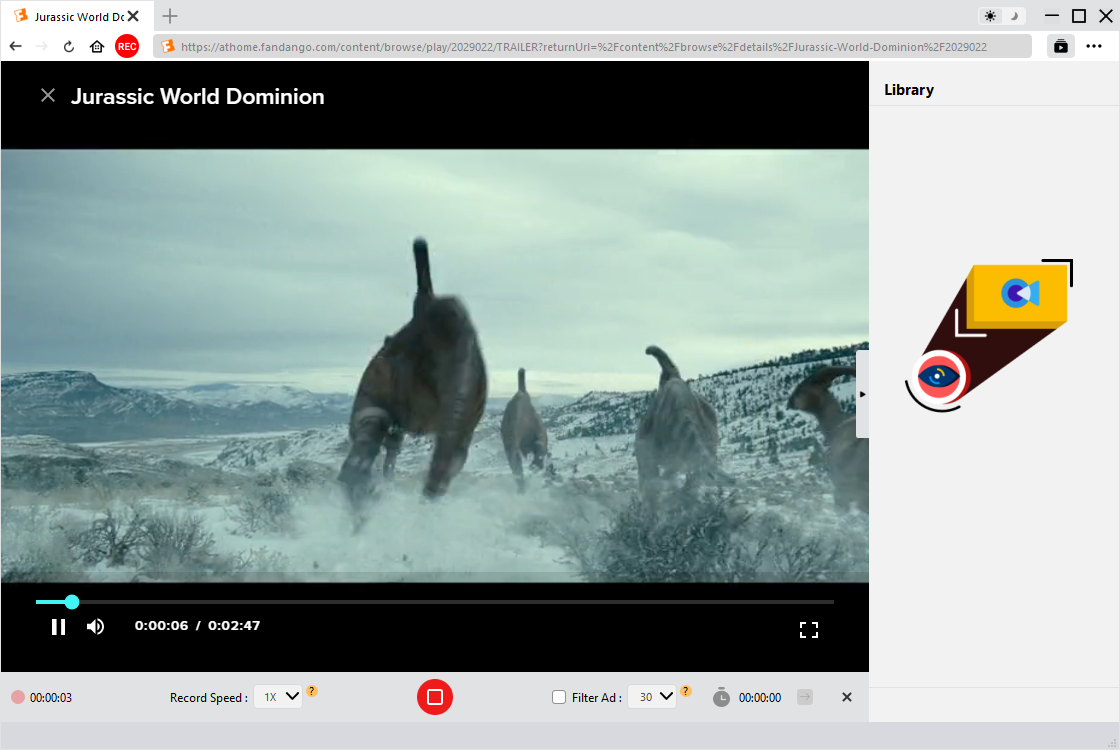
After launching CleverGet Recorder, I went to the playback page of the Vudu video in its built-in web browser.
Step 3: Record Vudu video
In the top left corner of the browser, there was a REC icon. I clicked on the icon, and a toolbar showed up below, where I could set up the record speed and turn on the ad filter. Once done, I clicked the REC button to start the recording.
Step 4: Watch the recorded Vudo video
The recording could be accessed through the Library section. The file was saved in MP4 format. I could play it on my laptop directly or transfer it to my phone for playback.
|
Feature |
Official App |
CleverGet Recorder |
|
Supported platform |
iOS/Android devices |
Windows, macOS |
|
Internet connection |
Required for playback |
Not required |
|
File transferability |
DRM-locked to the downloading device |
Transferrable to any device |
|
File ownership |
Temporary, in-app only |
Permanent local MP4/MKV |
|
File expiry |
Yes, 30 days |
No |
|
Supported device |
1 for rentals; 5 for purchases |
No limit |
|
Storage limit |
Limited by phone capacity |
No limit |
|
Viewing experience |
Limited to phone or tablet screen |
Full screen on laptop or desktop |
Conclusion
Can you download movies from Vudu after rebranding? Officially, yes, but only on mobile, and it comes with limitations, let alone its bugs. If you want true offline access to Vudu videos, the official app no longer covers that. Third-party tools like CleverGet Recorder fill the gap. It works more smoothly and stably, and lets you save titles to your desktop, laptop, or portable device and watch them without an Internet connection.
CleverGet Recorder

 Try for Free
 Try for Free
 Record on-demand videos for free;
Record live streams for free;
Record DRM-protected streaming content;
Support up to 4K resolution;
Record videos as MP4/MKV files;
Allow scheduled recording;
Skip ads during recording.
 English
 Deutsch
 日本語
日本語 French
 한국인
한국인 Italiano