


 Try for Free
 Try for Free
Share article:


ScreenPal Review: Is It the Right Screen Recorder for You?

2026-03-12 ・ Related to: Screen Recorder
38 Views
Summary:
Is Screenpal really suitable for you? Don’t miss this review. This review will give you a comprehensive understanding of ScreenPal.
MenuCLOSE
In the field of screen recording and video editing software, ScreenPal has always held a position. With continuous upgrades, ScreenPal has evolved from merely a screen recording tool into a comprehensive video communication platform that integrates AI technology, cloud hosting, and deep interaction functions. This ScreenPal review will combine its core functions, pricing plans, advantages and disadvantages to provide you with a detailed explanation of whether this tool is worth your continued use or consideration for purchase. Additionally, alternative solutions will be provided.
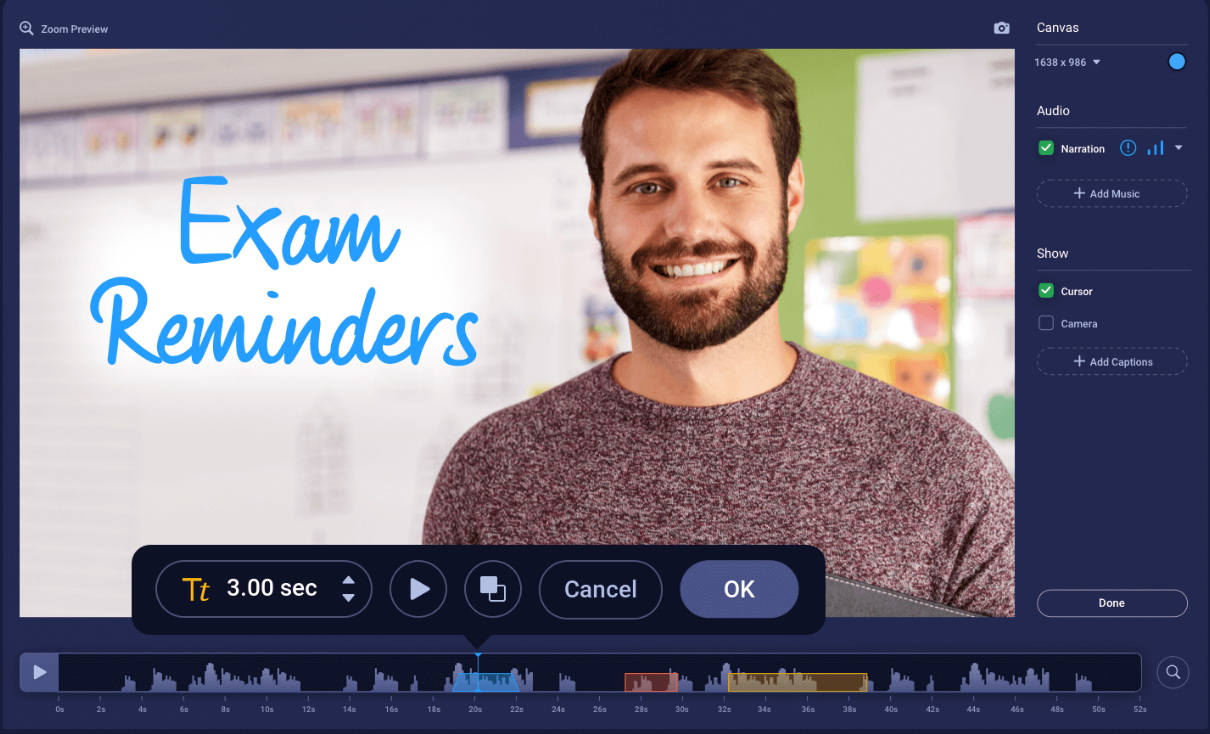
Part 1: What Is ScreenPal?
So, what is ScreenPal? It is a screen recording and video editing software that is compatible with Windows, Mac, iOS, Android and Chrome. It is designed to help users easily create, edit and share screen content. It was originally named Screencast-O-Matic, and later it was renamed and additional AI-driven tools and cloud-hosted services were added. Its advantage lies in simplifying the complex video production process.
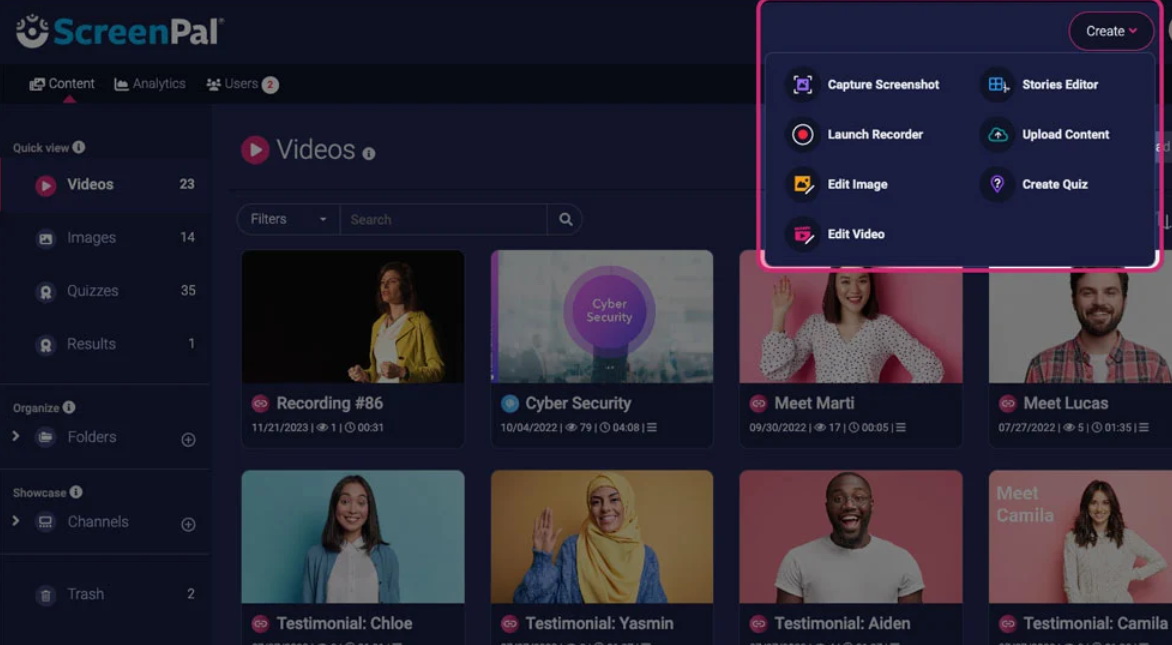
Part 2: Key Features of ScreenPal
1. Recording Options
ScreenPal offers a variety of screen recording options: full screen, selected area, and window recording. You can also record the webcam footage simultaneously. This is perfect for creating presentation slideshows, demonstration videos, or reaction videos for social media.
2. Built-in Video Editing Tools
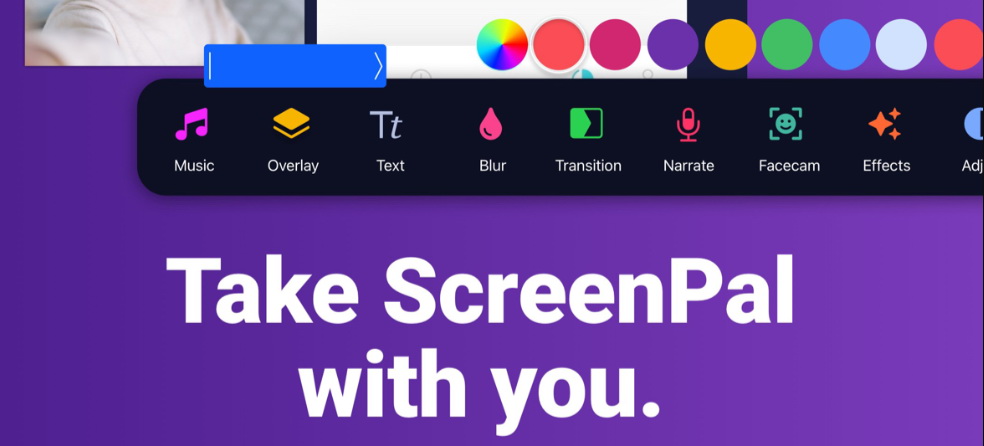
The video editor built into ScreenPal includes all the basic video editing tools, such as text effects, filters, transition effects and background music presets. You can zoom in and draw on the recorded frames to make real-time annotations during the recording process, without the need to install a separate video editing tool.
3. AI Tools
This mainly introduces two new AI tools. The first one is the Al text-to-video generator, which enables users to simply input a basic idea and let ScreenPal automatically generate the script, as well as match relevant royalty-free materials and Al narration. The second is intelligent translation, where AI can automatically translate the video into over 100 languages and generate subtitles in the corresponding language, even AI voiceovers. Of course, ScreenPal also provides some basic AI tools, such as the AI video background remover and AI voice-to-text subtitles.
4. Video Sharing
To facilitate quick sharing, ScreenPal includes a cloud platform to store your recorded content. You can share it via links, embedding codes, etc. It also supports users to share the recorded videos to popular online platforms such as Facebook, Twitter, YouTube, Google Drive, Vimeo, and Dropbox. Wait. You can also publish your recorded content online. ScreenPal can host your files.
Part 3: ScreenPal Pricing and Plans
In addition to the free trial version, ScreenPal also offers different packages, which vary in price and features, and are suitable for different users. If you are interested in purchasing one of its packages, you can take a look at the table I have listed below, which can help you clearly understand which package is suitable for you.
|
Plan |
Price |
Features |
|
Free Plan |
Free |
15 minutes recording, simple editing features |
|
Solo Deluxe |
$4/month |
Remove recording limits, full video editing features… |
|
Solo Max |
$10/month |
AI features included |
|
Team Business |
$8-10/person/month |
AI features included |
Tips: Educational users can enjoy discount!
Part 4: Pros and Cons of ScreenPal
Although ScreenPal has powerful features and its unique advantages, it inevitably also has some drawbacks. Therefore, in order for you to clearly understand whether you need its advantages and can accept its disadvantages, I will list its pros and cons.
Pros:
- The learning curve is not steep; whether recording or editing, the interface is very intuitive.
- Added AI text-to-video and translation features.
- Supports multiple platforms including Windows, macOS, Linux, iOS, Android, and Chromebook.
- Relatively affordable.
- Cloud storage and link sharing.
- Free version without watermark.
Cons:
- Limited features in free plan.
- Editing tools are basic and lack professional features like advanced color grading.
- May experience lag on older or lower-spec systems.
- Limited audio control options.
Part 5: A Free Alternative to ScreenPal
Based on my above evaluation, if you feel that ScreenPal is not suitable for you and want to find a tool to replace it, I recommend using Leawo Free Screen Recorder. From my personal experience, I think it can largely make up for some of ScreenPal’s limitations. Because it is a completely free screen recording tool, and even though it is free, there are no restrictions on recording duration. Not to mention, it also has multiple recording modes, 4K ultra HD quality, simultaneous recording of system audio and microphone, independent volume adjustment, picture-in-picture mode, real-time annotation, scheduled recording, no watermark, and various other powerful features. You can definitely give it a try since you don’t have to pay anything anyway.

-
4-in-1 screen recorder suite to record gameplay, tutorial, training video, lecture, reaction video, webninar video, etc.
- Free online recorder to record window, browser tab or entire screen online.
- Free screen recorder to record screen in full-screen or custom area at up to 4K to MP4.
- Free webcam recorder to record webcam video.
- Free audio recorder to record audio from microphone or computer to MP3.
- Free screenshot snapper to snap screenshot to JPG.
Part 6: Final Verdict
So is ScreenPal really suitable for you? In my opinion, if you have certain characteristics, then ScreenPal is a great choice for you:
-Don’t have high demands for video post-production, after all, ScreenPal’s editing functions are relatively basic.
-Need to handle team tasks, ScreenPal’s team plan is not only inexpensive but also includes collaboration tools, team management, advanced integration, and ownership transfer features.
Need to quickly create tutorial videos and online courses, the recording process of ScreenPal is very simple.
-Only need to record short videos, ScreenPal’s free plan is very cost-effective for those who don’t record long videos.
In short, if after reading this you feel that ScreenPal is not suitable for you, then consider other free screen recorders, such as the one I recommend, Leawo Free Screen Recorder.
Screen Recorder

 Try for Free
 Try for Free
 Supports recording from 1000+ platforms and sites
Records videos in up to 4K Ultra HD resolution
Exports recordings to widely compatible MP4 or MKV formats
Includes an optional ad filter to skip Ads
Saves video information such as title, duration, source automatically
Preset recording duration and automatically stop recording
Supports hardware GPU acceleration
 English
 Deutsch
 日本語
日本語 French
 한국인
한국인 Italiano