





Download TikTok Videos in Built-in browser
The built-in browser makes it extremely easy to log into TikTok.com, play and download TikTok videos in a few simple clicks.
While TikTok provides a download feature to let you directly download TikTok video on the TikTok app and website for offline watching, there are several limitations: you could only download TikTok videos that are allowed for downloading, all TikTok video downloads are watermarked, etc. With CleverGet TikTok Downloader, these limitations no longer exist. As a professional 3rd-party TikTok video downloader, CleverGet TikTok Downloader enables you to download TikTok video to MP4/MKV files at up to 1080P, or save TikTok audio to MP3/M4A files without quality loss. Different from TikTok download feature, CleverGet TikTok Downloader will remove all watermarks during TikTok video download process, and download all TikTok videos regardless of creator settings and TikTok restrictions upon download.
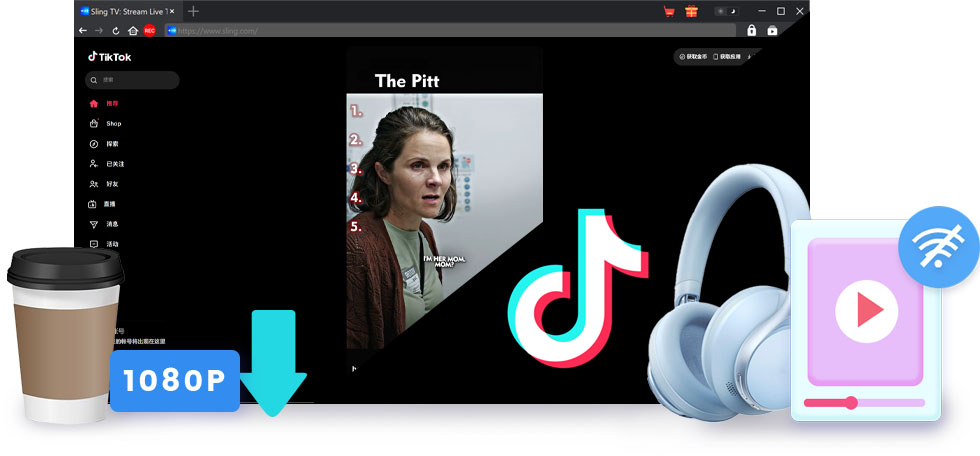
As professional TikTok video downloader, CleverGet TikTok Downloader could download TikTok videos without quality loss. It could download TikTok videos at up to 1080P resolution with AAC 2.0 Stereo sound. Watch TikTok videos offline with original quality.
With CleverGet TikTok Downloader, you could watch TikTok videos offline without watermark, since it could automatically detect and remove all watermarks during TikTok video downloading process.
With CleverGet TikTok Downloader, you could watch TikTok videos offline on almost all media players and devices, since it could download and convert TikTok to MP4/MKV files. You get standalone MP4/MKV files, which are accepted by most players and devices.
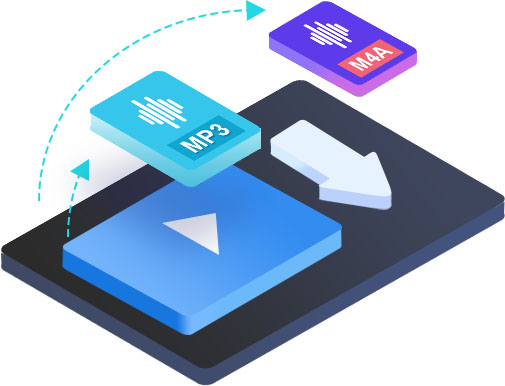
For downloading TikTok audio, CleverGet TikTok Downloader enables you to download TikTok to MP3/M4A files. This helps you easily get wonderful TikTok songs offline, and freely listen to TikTok songs and background music offline on various audio players.

Download TikTok Videos in Built-in browser
The built-in browser makes it extremely easy to log into TikTok.com, play and download TikTok videos in a few simple clicks.

Batch Download TikTok Videos
Support to detect and download all or selected videos from the same TikTok account for batch download.

Faster Download with GPU Acceleration
Support GPU hardware accelerations like NVIDIA CUDA, AMD APP, Intel Quick Sync, etc. to download TikTok videos by up to 6X times.

Detect and Save Precise Media Info
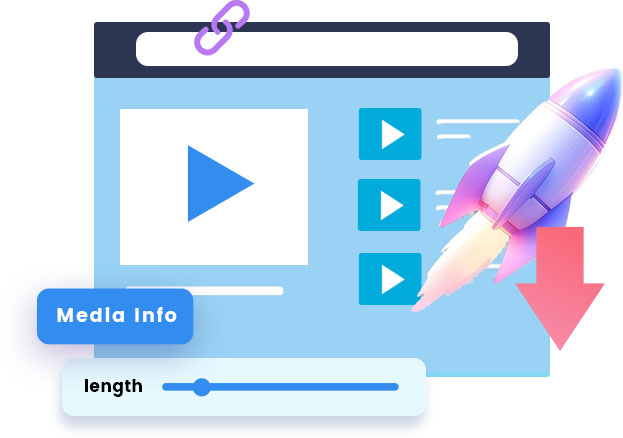
For convenient offline media management, automatically detect and preserve metadata tags like title, size, format, length, etc.
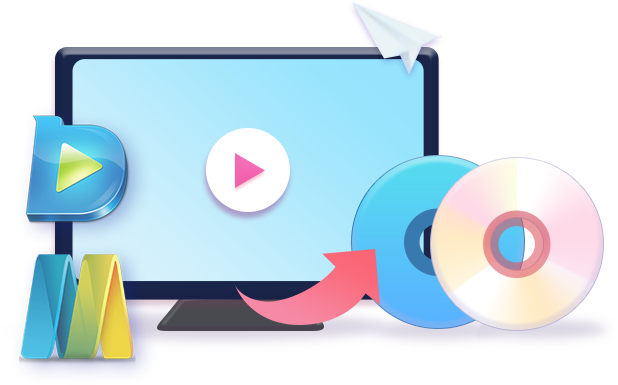
CleverGet TikTok Downloader is far more than a simple TikTok video downloader. It also provides multiple after-download solutions upon TikTok video downloads. You could directly open the file folder of TikTok video downloads, play downloaded TikTok video via default media player or Leawo Free Blu-ray Player, convert/edit/burn TikTok video downloads via Leawo Prof. Media, restart all failed or interrupted TikTok video download tasks in one click, remove all download history, open TikTok video page, etc.
STEP 1
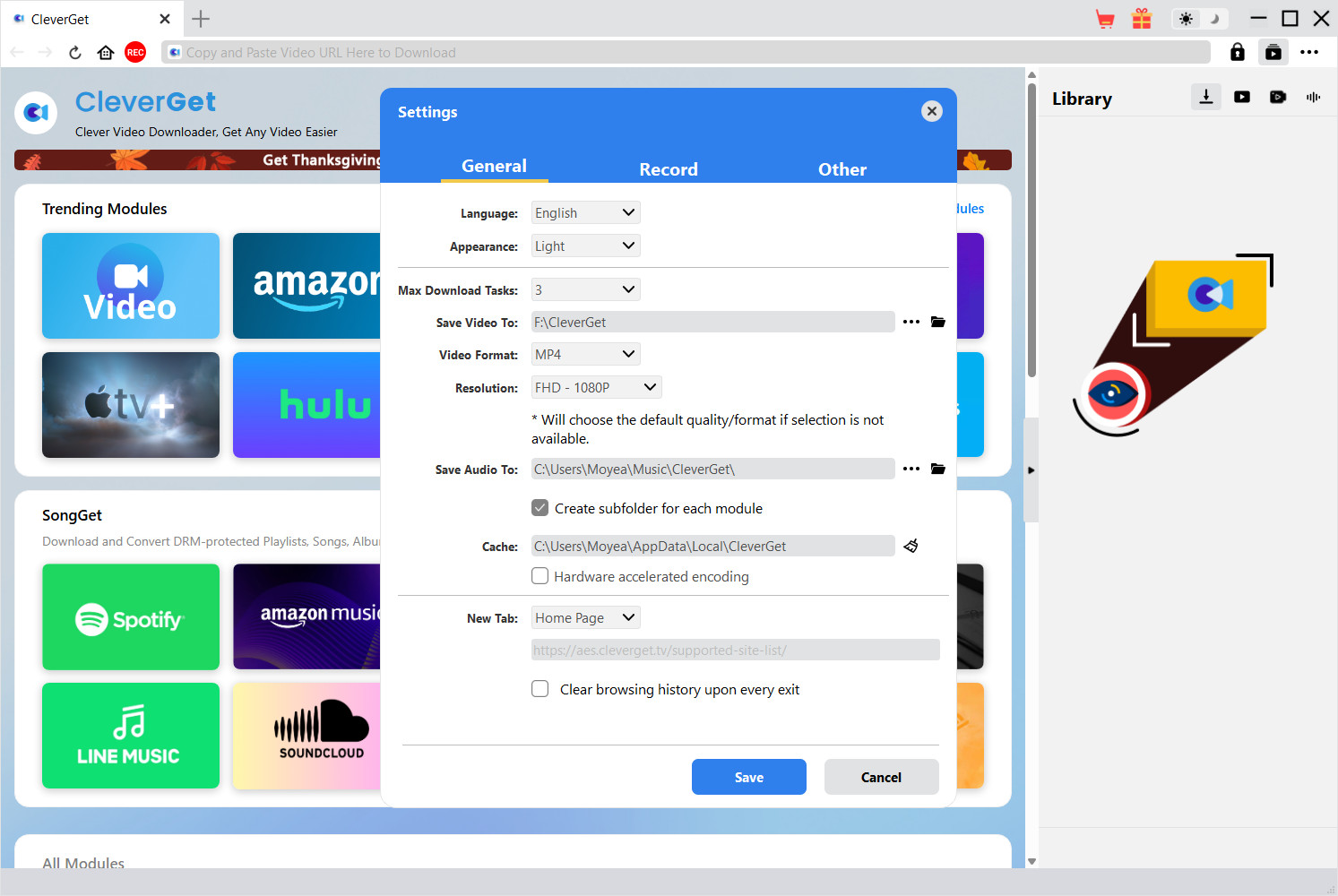
Set video download directory on Settings panel
STEP 2
Play back the target video on TikTok.com
STEP 3
Parse target TikTok video page
STEP 4
Choose download options and start downloading
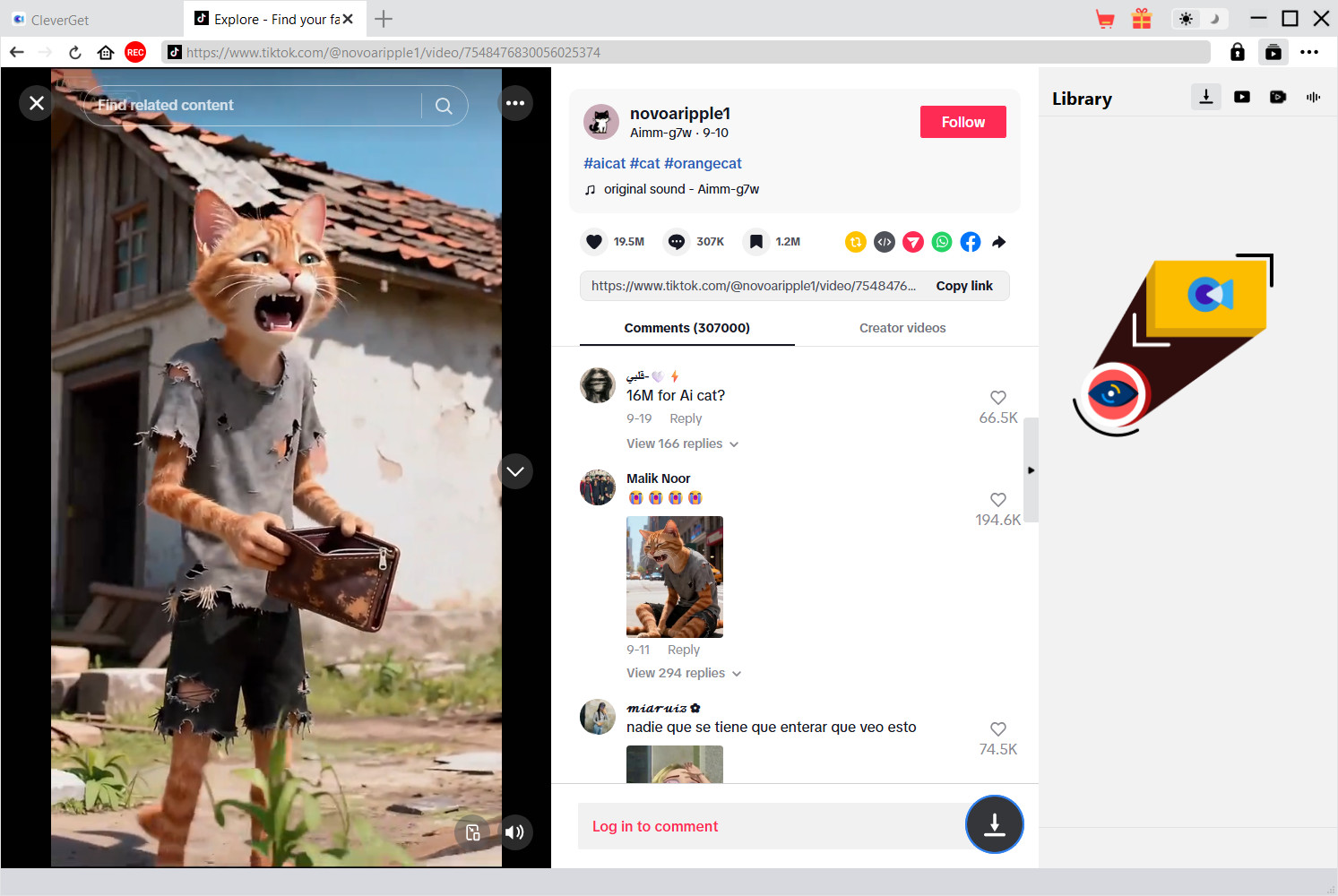
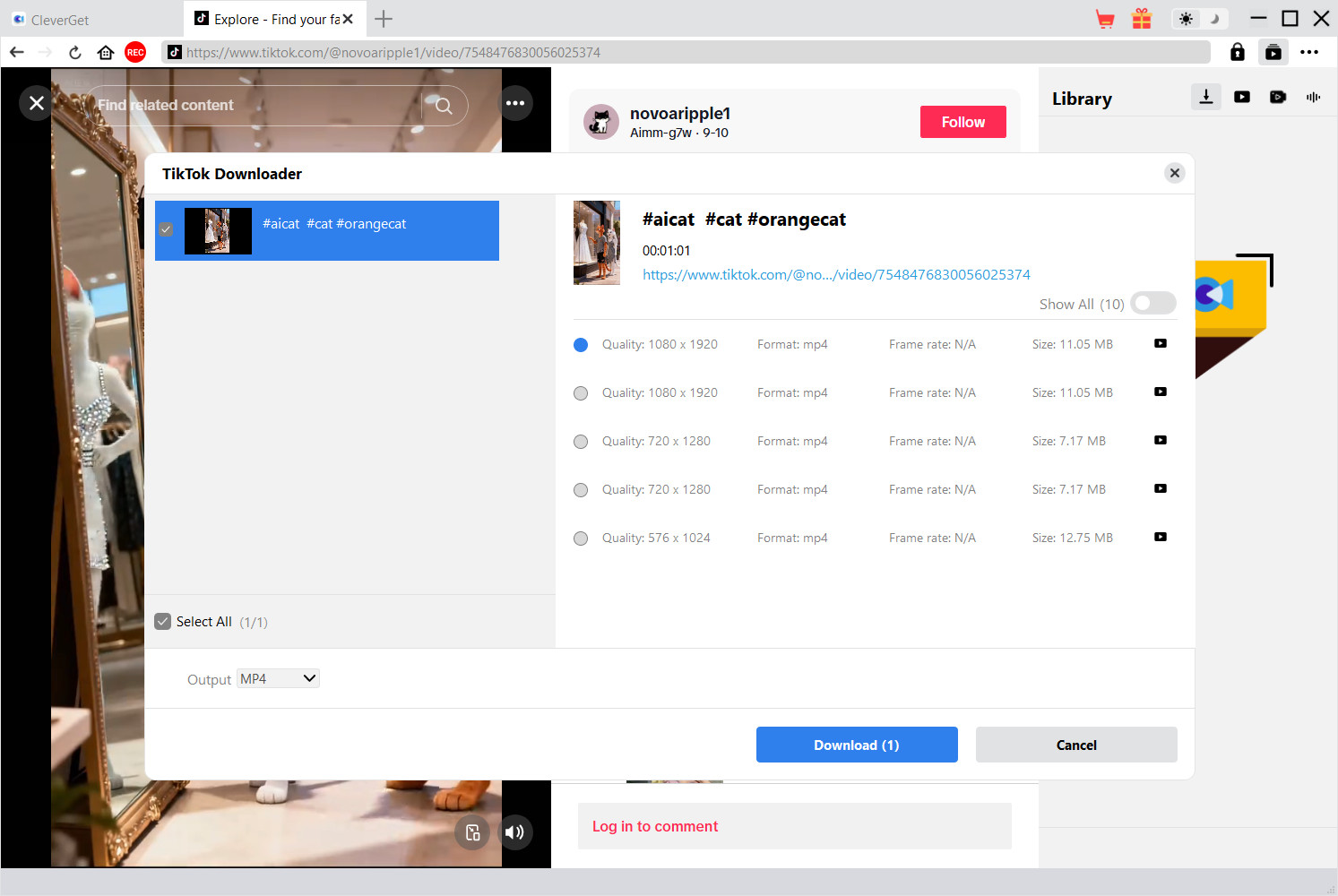
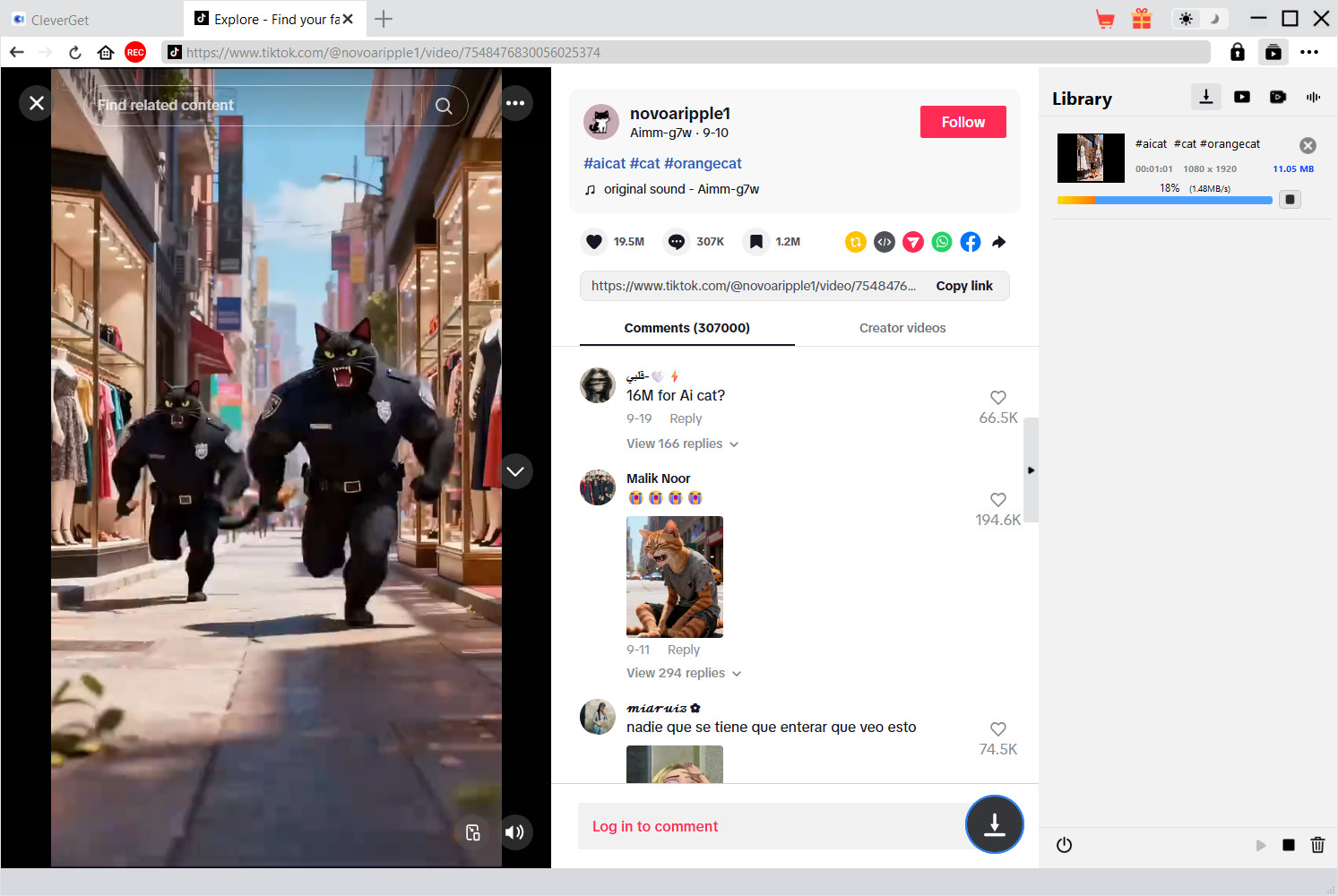
Note: Make sure you have accessed to the playback page of target video within CleverGet for downloading.
 WIN
WIN
 MAC
MAC
ONE YEAR
$49.95
$34.96
Billed Annually
1 License for 1 PC
All Features for 1 Year
Manual Renewal. Safe and Flexible
5 Days Money Back Guarantee
Unlimited Free Upgrades
LIFETIME
$79.95
$55.96
One-time Payment
1 License for 1 PC
All Features for Lifetime
One-time Payment
14 Days Money Back Guarantee
Unlimited Free Upgrades
RECOMMENDED
Purchase 2 or more modules, Get higher discount.
Save up to
75%
TECH SPECS
System requirements
Supported OS: Microsoft® Windows 7/8/8.1/10/11 (64bit)
Processor: 1 GHz or above Intel/AMD Processor
RAM: 512MB RAM (1024MB or above recommended)
Free Hard Disk Space Required: 5GB+
References
Supported Video Sharing Websites: https://www.tiktok.com/
Supported Output Video formats: MP4/MKV (video), SRT/SUP (subtitle)
Fair Use Policy: Use CleverGet to download videos you legally own and for personal needs only. Any illegal video download and sharing video downloaded with CleverGet with any third party or for business purpose are strictly forbidden.

CleverGet TikTok Downloader makes saving my favorite TikTok videos super simple. The downloads are fast, and the quality remains exactly the same as the original. What's more, it removes all the watermarks. Perfect.

CleverGet TikTok Downloader exceeded my expectations. It supports HD video output, works quickly, and handles multiple downloads at the same time without slowing down my computer.

I like the wide support of output formats. It enables me to freely choose to download TikTok video to MP4, MKV, MP3 or M4A files according to my own needs. Therefore I could save my favorite TikTok videos or songs for unlimited offline watching. That's amazing.

The audio and video quality stay perfect after downloading. CleverGet TikTok Downloader really does an excellent job preserving the original TikTok format and clarity.

I tried a few online TikTok downloaders, but they were slow and full of ads. CleverGet TikTok Downloader is smooth, fast, and doesn't require a browser extension. I could directly play back TikTok videos and then download them in simple clicks. Really impressed.

CleverGet TikTok Downloader works flawlessly. It's quick, intuitive, and preserves full HD quality. Definitely a go-to downloader for TikTok content.


100%
100% Safe & Clean
14
14-Day Money Back Guarantee
24h
1 Business Day Response
10+ million
10,000,000+ Users
Can't complete the purchase successfully?
If you can't complete the purchase successfully, please click the "Return to store" button below to refresh and get new purchase link.
If the problem still exists, please contact CleverGet Customer Service via [email protected] for further support.
Return to store >

Home | Privacy Policy | Refund Policy | License Policy | Cookies Policy | Terms of Use | About Us | Contact Us | Uninstall | Get Code Free
Copyright © 2022 Cleverget All Rights Reserved.


 English
 Deutsch
 日本語
日本語 French
 한국인
한국인 Italiano